3D & SimulationSurface Operators
Wireframe
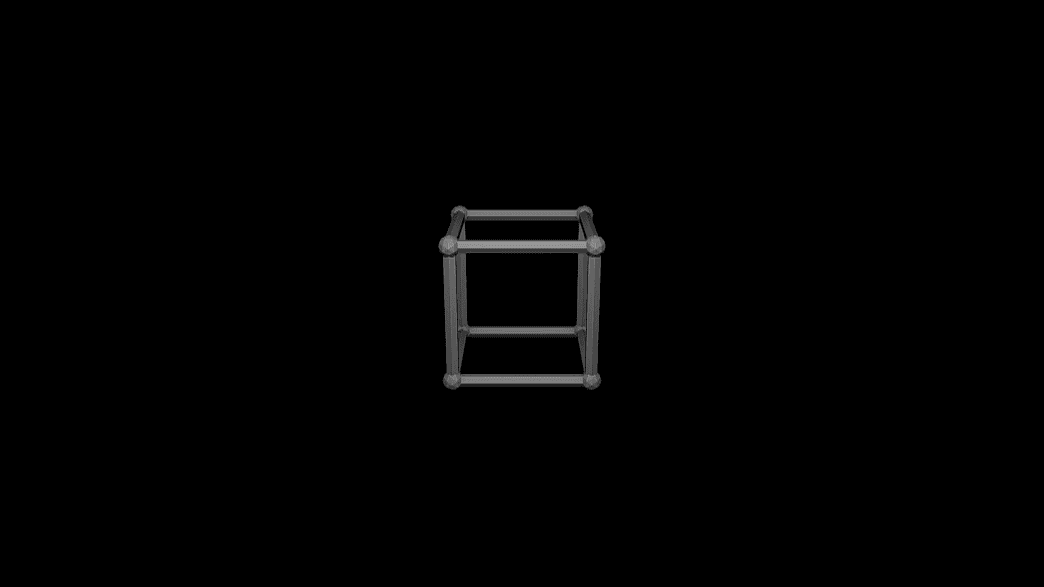
Turns every edge into a tube and every vertex into an optional joint.
The Wireframe node rebuilds the mesh as tubes along its edges.
- Edge Width, Show Joints, Hide Flat Edges
- Found in the node graph under Surfaces → Topology
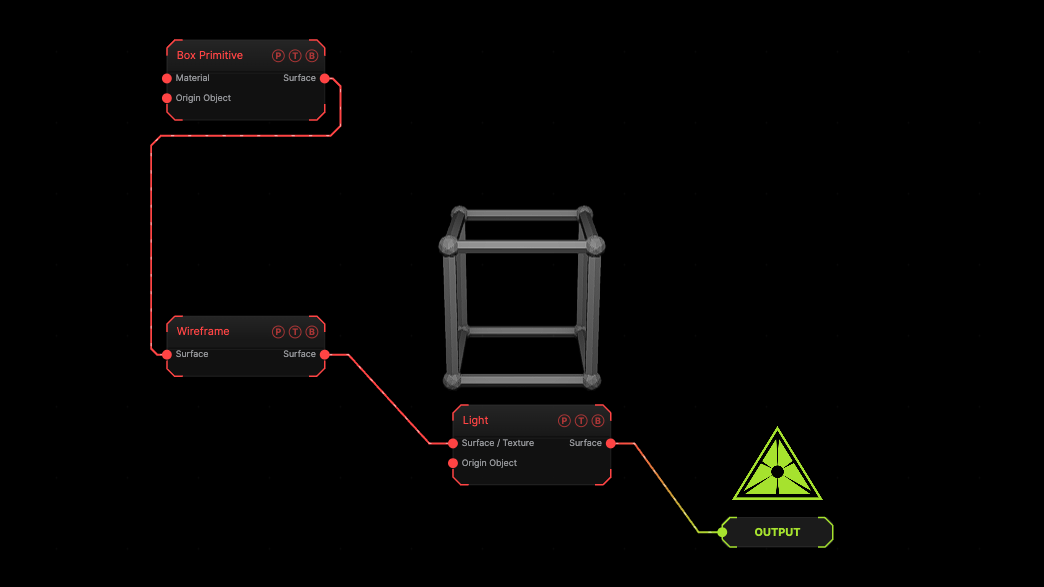
The image on the right is the example patch itself. Drag and drop it onto the app, or load it with File → Load, to open the full graph. A box as tubes.
Inputs and outputs
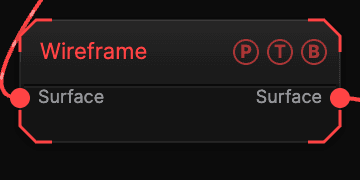
| Port | Type | Purpose |
|---|---|---|
| Surface | Surface | The mesh. |
| Surface | Surface | The result. |
Parameters
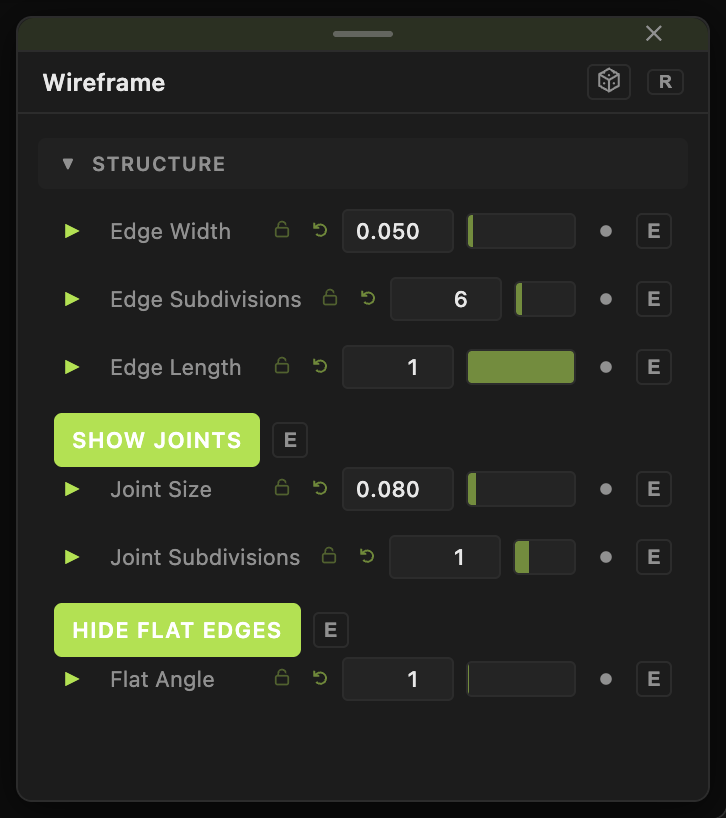
- Edge Width (0.001–1, default 0.05), Edge Subdivisions (3–32, default 6), Edge Length (0.05–1, default 1).
- Show Joints (default on), Joint Size (default 0.08), Joint Subdivisions.
- Hide Flat Edges (default on), Flat Angle (0–90, default 1).
Every slider has a per-parameter animation bar, so it can be animated, audio driven, or MIDI mapped.
Examples
Cage — a subdivided Sphere, Edge Width 0.02, Show Joints off.
Troubleshooting
Too many tubes — the mesh is dense. Decimate first, or raise Flat Angle.