3D & SimulationSurface Operators
Subdivide
Adds resolution by splitting every face.
The Subdivide node multiplies the face count so deformers have vertices to move.
- One control, Levels
- Found in the node graph under Surfaces → Topology
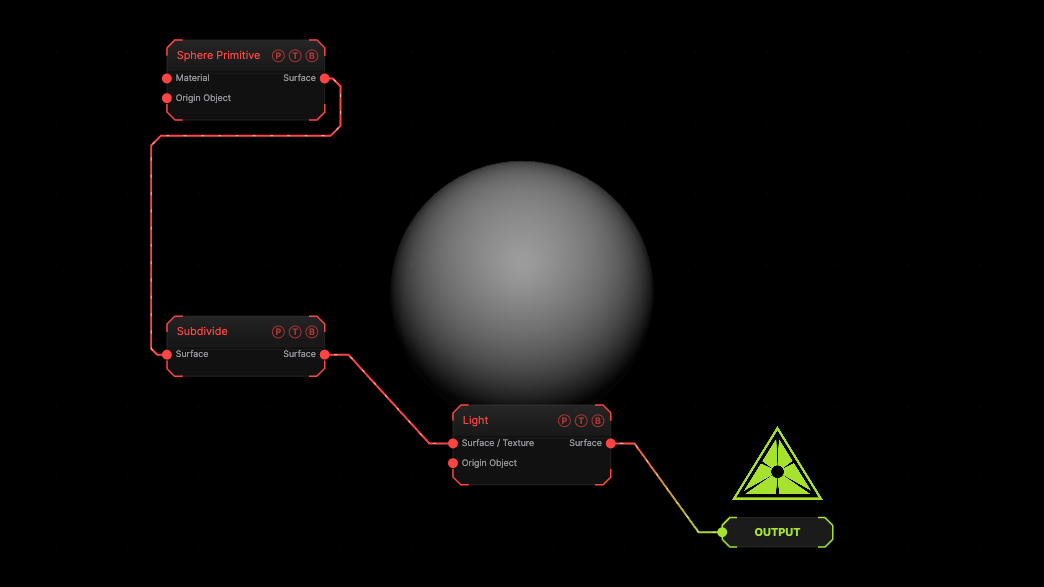
The image on the right is the example patch itself. Drag and drop it onto the app, or load it with File → Load, to open the full graph. A box subdivided once.
Inputs and outputs
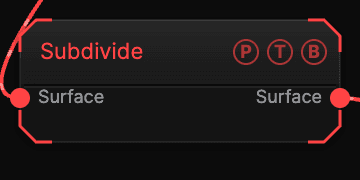
| Port | Type | Purpose |
|---|---|---|
| Surface | Surface | The mesh. |
| Surface | Surface | The result. |
Parameters
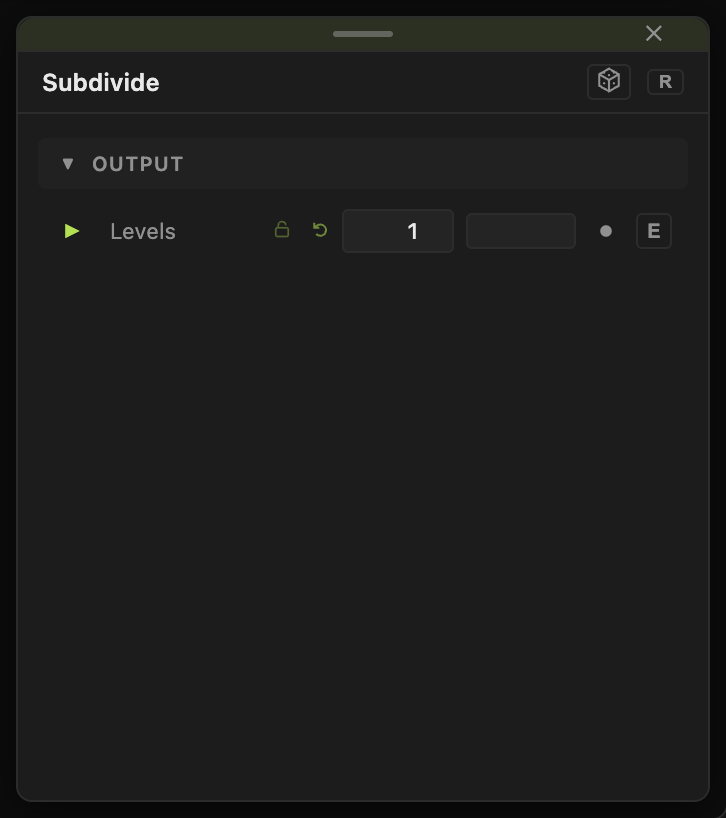
- Levels (1–4, default 1). Each level quadruples the faces.
Every slider has a per-parameter animation bar, so it can be animated, audio driven, or MIDI mapped.
Examples
Smooth box — Subdivide 3 then Smooth.
Troubleshooting
The frame rate drops — each level is four times the faces. Use Remesh for even density at a chosen size.