3D & SimulationSurface Operators
Spotlight
A cone light with a soft penumbra, distance attenuation, and an optional Target to aim at.
The Spotlight node adds a cone-shaped light to the chain. Aim it with its heading and pitch, or wire an object into Target and it follows.
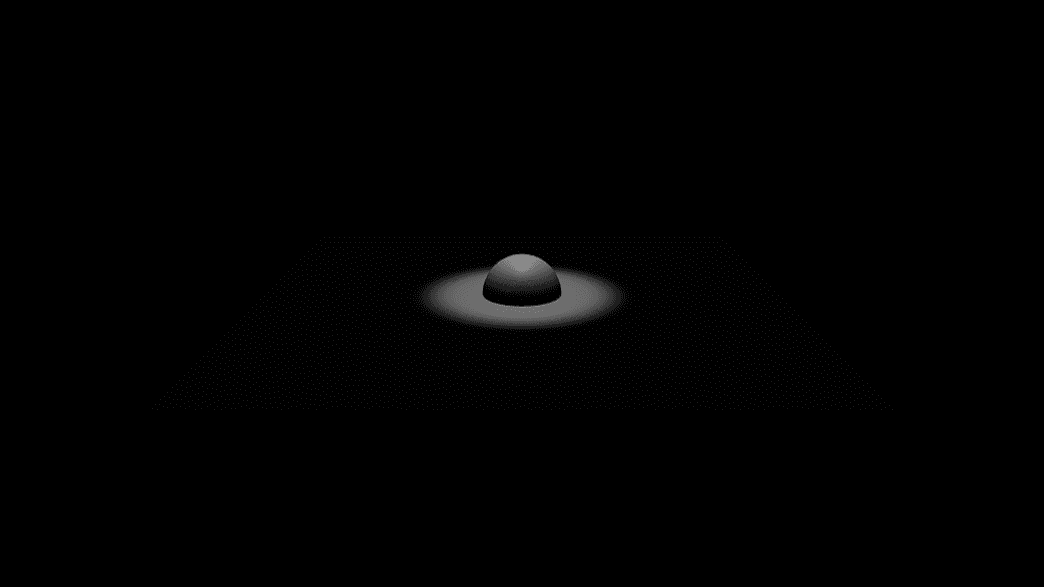
- Cone Angle and Penumbra shape the pool of light; Attenuation and Range set how far it reaches
- Optional shadows
- Found in the node graph under Surfaces → Lighting
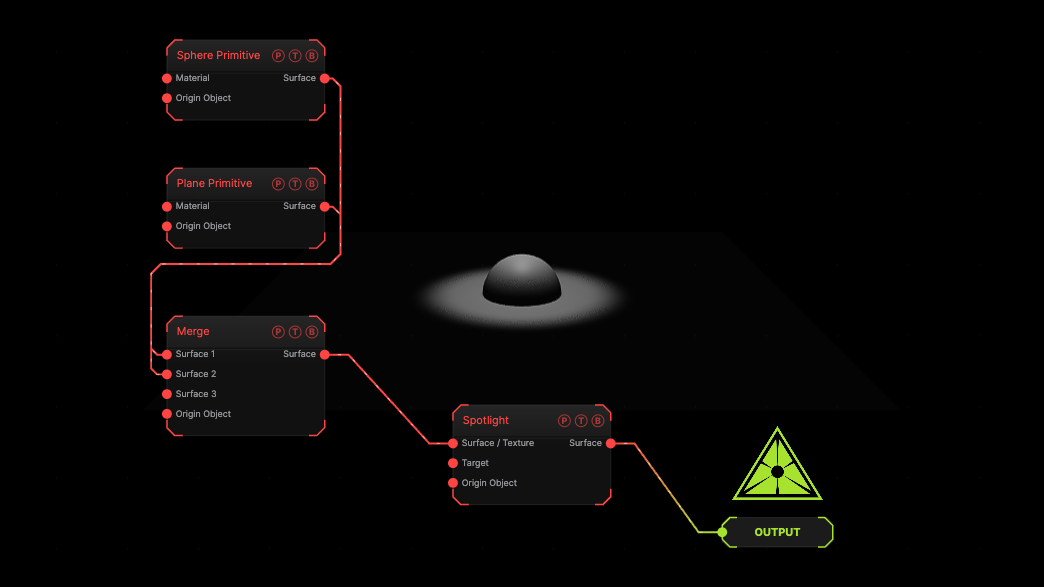
The image on the right is the example patch itself. Drag and drop it onto the app, or load it with File → Load, to open the full graph. A spotlight three units up points straight down at a sphere on a plane.
Inputs and outputs
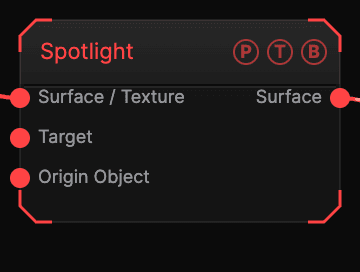
| Port | Type | Purpose |
|---|---|---|
| Surface / Texture | Surface | The chain the light is appended to. |
| Target | Surface | An object to aim at. Overrides the rotation controls. |
| Origin Object | Surface | A Null to parent the light to. |
| Surface | Surface | The chain with the light added. |
Parameters
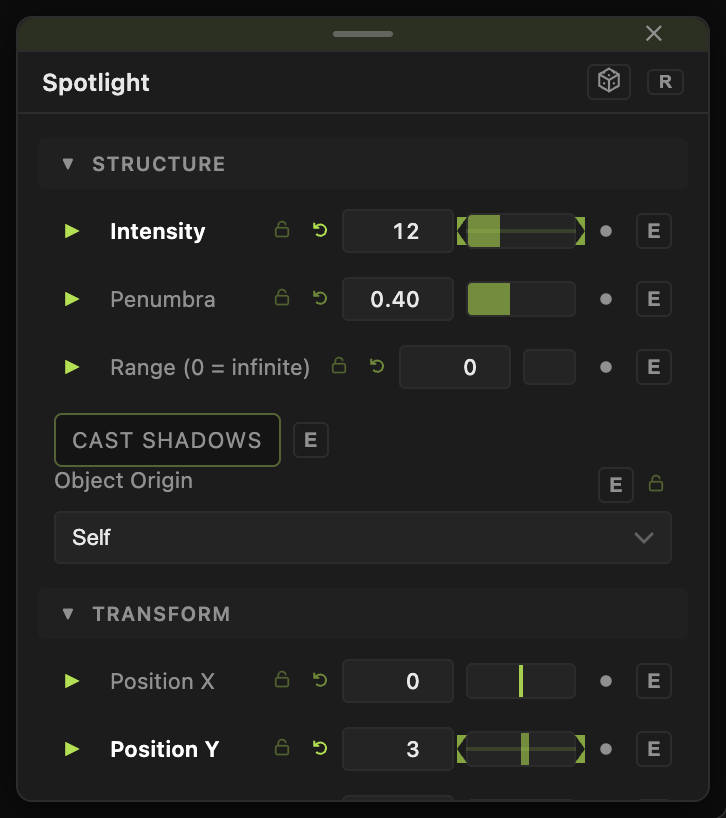
- Position X / Y / Z (default 0).
- Heading, Pitch (default −90, straight down), Roll — the aim, in degrees.
- Color (default white), Intensity (default 4).
- Cone Angle (default 30°) — the full width of the cone.
- Penumbra (default 0.4) — softness of the cone edge, 0 hard to 1 fully feathered.
- Attenuation (default 1.5) — how fast the light falls off with distance.
- Range (0 = infinite) (default 0) — a hard cut-off distance.
- Ambient (default 0.25) — a flat fill added with the light.
- Cast Shadows (default off).
The positions, aim, colour, intensity, and cone controls carry a per-parameter animation bar.
Examples
Follow spot — wire the subject into Target and animate Position X.
Tight beam — Cone Angle 12, Penumbra 0.1, Intensity 20.
Troubleshooting
The light seems to do nothing. It spawns at the world centre, inside a centred mesh. Raise Position Y first.
The pool is dim — lights attenuate with distance. Raise Intensity or lower Attenuation.