Camera
Renders the chain to a texture with Smooth Fly, Orbit, or Fixed navigation, depth of field, a target, a linked camera, and a depth output.
The Camera node ends a surface chain: geometry must reach the Output through it, and it outputs a texture. It also broadcasts its pose to every other 3D render in the patch.
- Mode Smooth Fly, Orbit, or Fixed with WASDQE flight
- Depth of Field block
- Output Beauty or Depth
- Found in the node graph under Surfaces → Camera
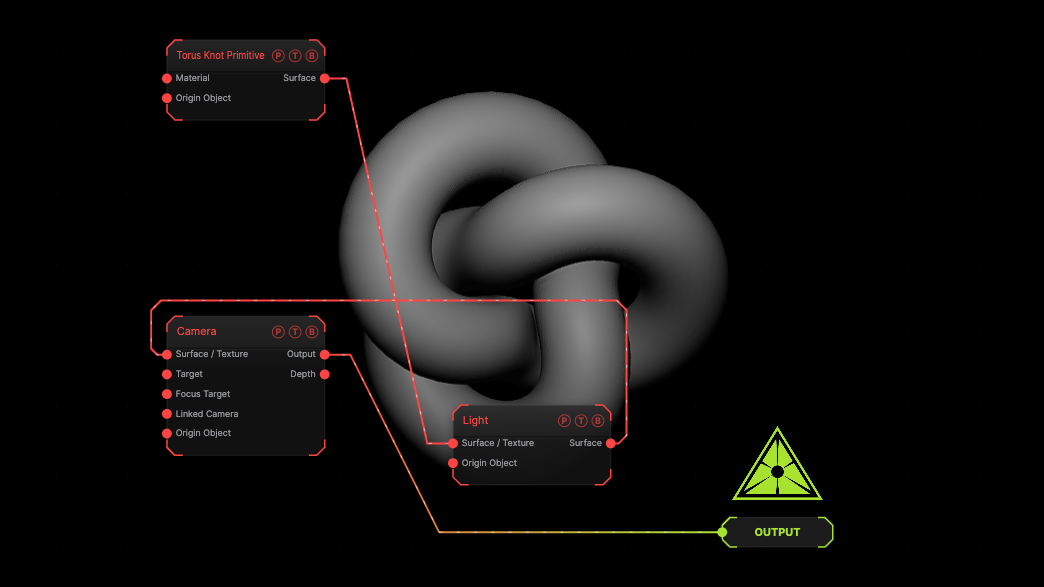
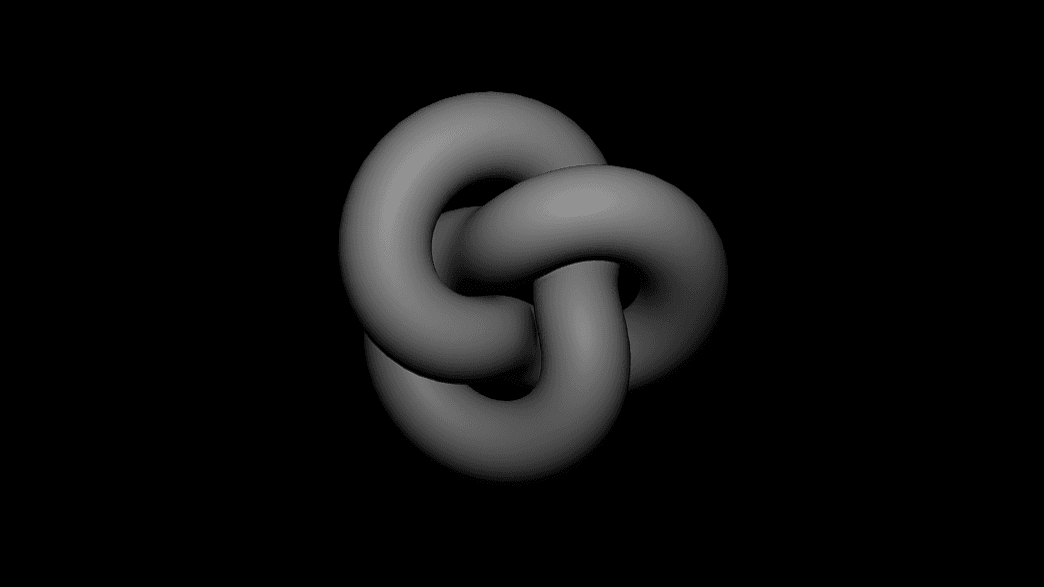
The image on the right is the example patch itself. Drag and drop it onto the app, or load it with File → Load, to open the full graph. A torus knot through a camera.
Inputs and outputs
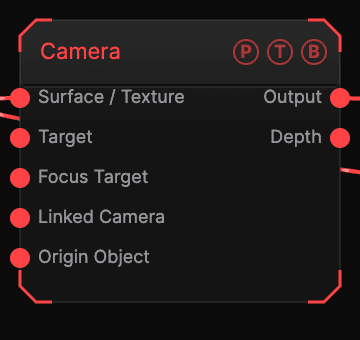
| Port | Type | Purpose |
|---|---|---|
| Surface | Surface | The chain to render. |
| Target | Surface | An object to look at. |
| Focus Target | Surface | The DoF focus object. |
| Linked Camera | Surface | An SDF Camera or Multicam whose pose this camera follows. |
| Origin Object | Surface | A Null to rig the camera. |
| Output | Texture | The rendered frame. |
| Depth | Texture | Linear depth. |
Parameters
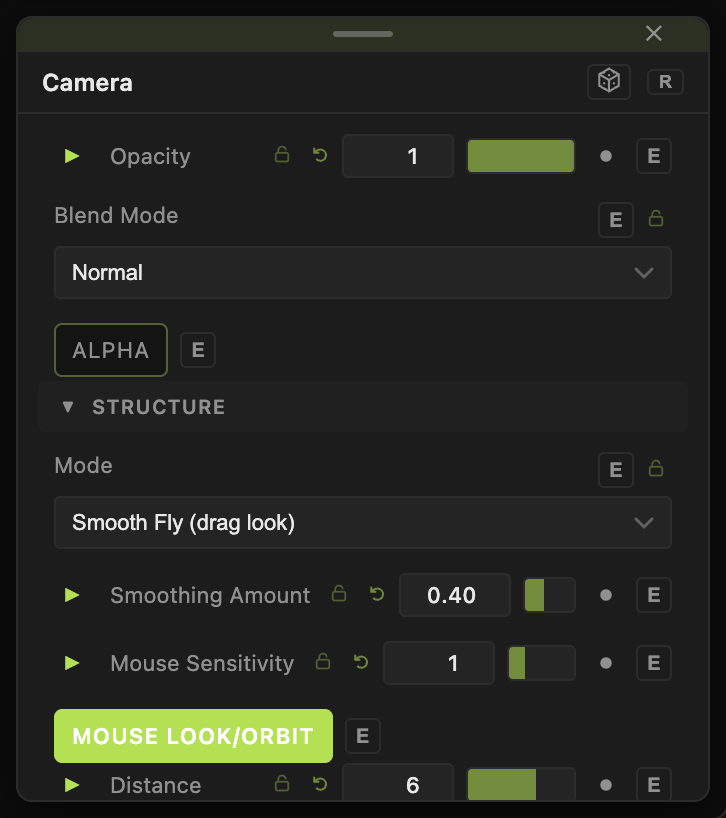
- Mode (default Smooth Fly), WASDQE Speed (default 6), Smoothing Amount, Mouse Sensitivity, Mouse Look/Orbit.
- Pivot (Manual or Auto-Frame Content), Distance (default 6), Yaw, Pitch (default 18), Roll, Orbit Angle, Auto-Rotate (Orbit).
- Eye X / Y / Z, FOV (default 40), Near Clip, Far Clip.
- Depth of Field with DoF Blend, Focus (Auto or Manual Distance), Focus Distance, Aperture (f-stop) (default 2), Max Blur (px), Bokeh Shape, Bokeh Rotation, Bokeh Sparkle.
- Follow Target Input, Target Smoothing, Target Offset X / Y / Z.
- Output — Beauty (default) or Depth (Linear) with Depth Range.
Every slider has a per-parameter animation bar, so it can be animated, audio driven, or MIDI mapped.
Examples
Orbit shot — Mode Orbit, Auto-Rotate (Orbit) 0.3.
Troubleshooting
The flight keys do nothing — the pointer must be over the viewport. Press F to latch the camera.
Other 3D renders moved — every camera publishes to one shared pose. Use a Linked Camera on purpose, or one camera per patch.