Auragen docs
Auragen docs

Getting Started

OverviewInterfaceNode GraphParameters and Controls

Operators

Surfaces

Geometry

PrimitiveMeshImage PlaneExtrude3D GraphReflectorKinect MeshMergeNullCopy GeometryRealizeSwitch (Surface)

Materials

MaterialGlass MaterialBlend MaterialsMapping

Deformers

Transform DeformerNoise DisplaceTexture DisplaceCurl NoiseTurbulence3D PlasmaTwistBendTaperShearWave / RippleRipple (Expanding)SineOcean WaveInflateSpherifyBulgeFlatten (Plain)PushQuantizeDistortion / GlitchBevelMirrorSliceCullColor RampParticle DeformerAudio (FFT)InfectionIsland ClonerCloth Deformer

Physics

Force Affector

Topology

SubdivideSmoothDecimateRemeshBooleanClose HolesExtrude FacesSeparate FacesWireframeFlip Polygons

Lighting

LightSpotlightDirectional LightArea LightEnvironment

Camera

CameraMulticamUV Camera
3D PreviewperformMODE
3D & SimulationSurface Operators

UV Camera

Draws the mesh's UV unwrap filled with the material's base colour map.

The UV Camera node renders the UV layout instead of the scene. It bypasses deformers and lights.
UV Camera

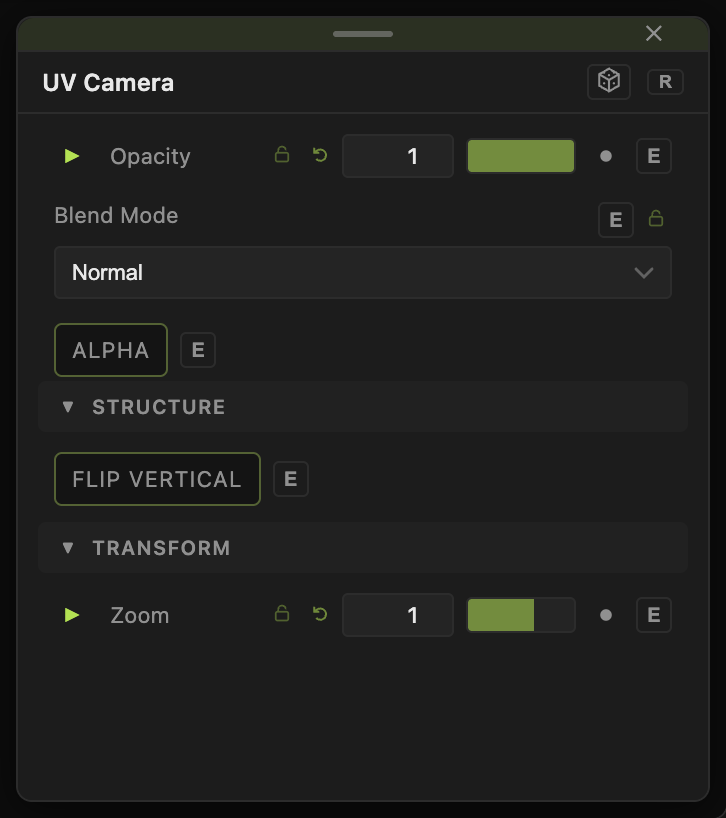
  • Zoom and Flip Vertical
  • Found in the node graph under Surfaces → Camera
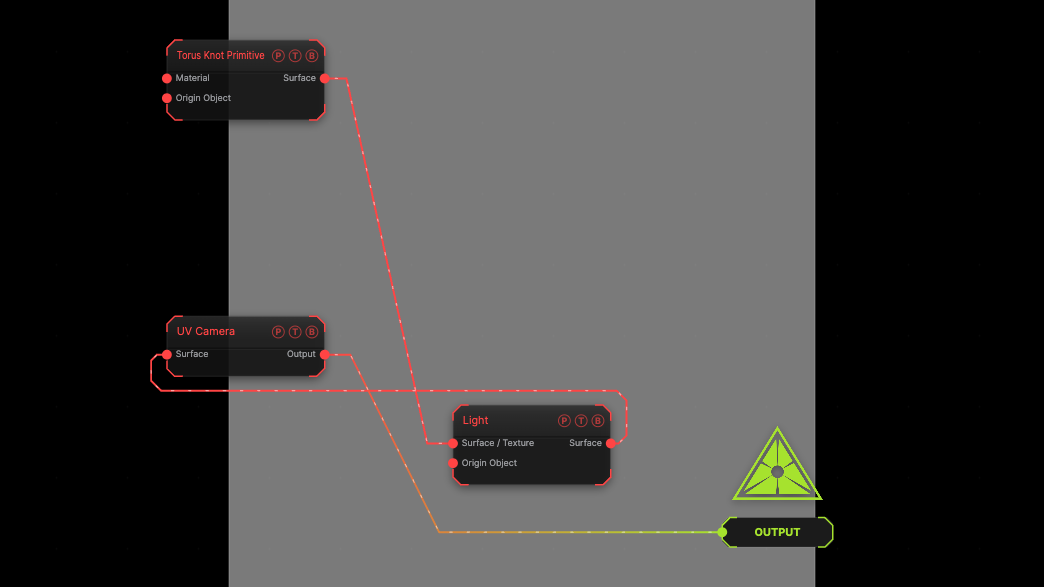
Example patch — drag onto the app to load

The image on the right is the example patch itself. Drag and drop it onto the app, or load it with File → Load, to open the full graph. The UV unwrap of a torus knot.

Inputs and outputs
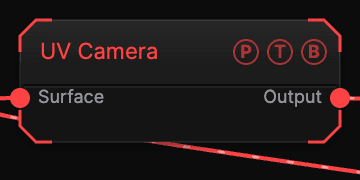
UV Camera node

PortTypePurpose
SurfaceSurfaceThe mesh.
OutputTextureThe unwrap.

Parameters

UV Camera parameters
  • Zoom (0.1–4, default 1), Flip Vertical (default off).

Every slider has a per-parameter animation bar, so it can be animated, audio driven, or MIDI mapped.

Examples

Paint in 2D — UV Camera out to a texture chain, back in through a Material's Diffuse Color.

Troubleshooting

It is black — the mesh has no UVs, or no colour map.

Related

Mapping

Projection without UVs.

Multicam

Five camera slots on hotkeys 2 to 6 with a smoothed flight between them.

SDF

Raymarched signed distance fields — primitives, booleans, effectors, shading, and the bridges to and from surface geometry.

On this page

Inputs and outputsParametersExamplesTroubleshootingRelated