3D & SimulationSurface Operators
Reflector
A planar mirror that re-renders the scene from a mirrored camera.
The Reflector node is a mirror plane. Merge it with the rest of the scene and it reflects everything the camera sees.
- Width, Height, Tint, Reflection Quality
- Found in the node graph under Surfaces → Geometry
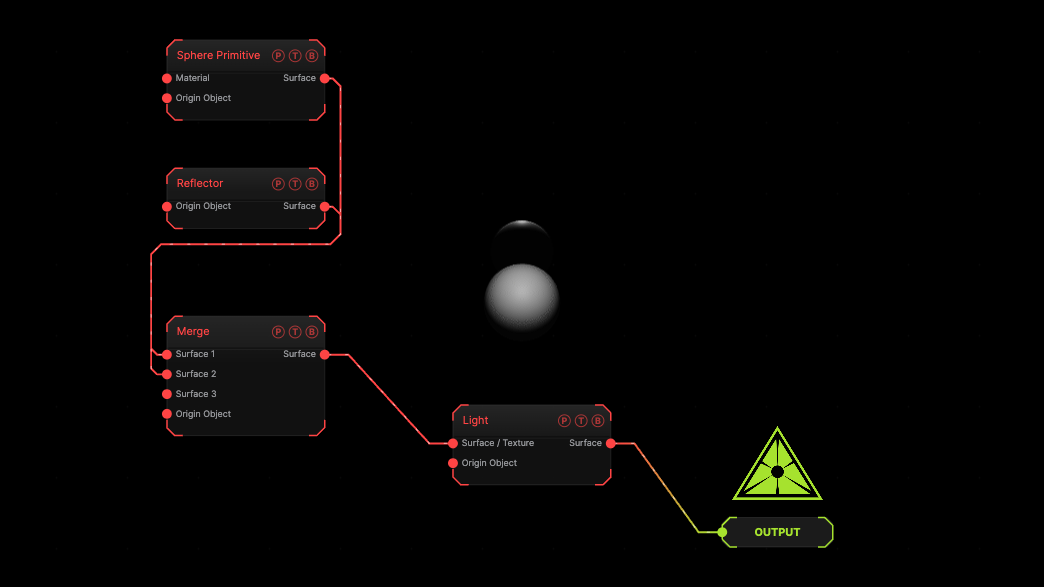
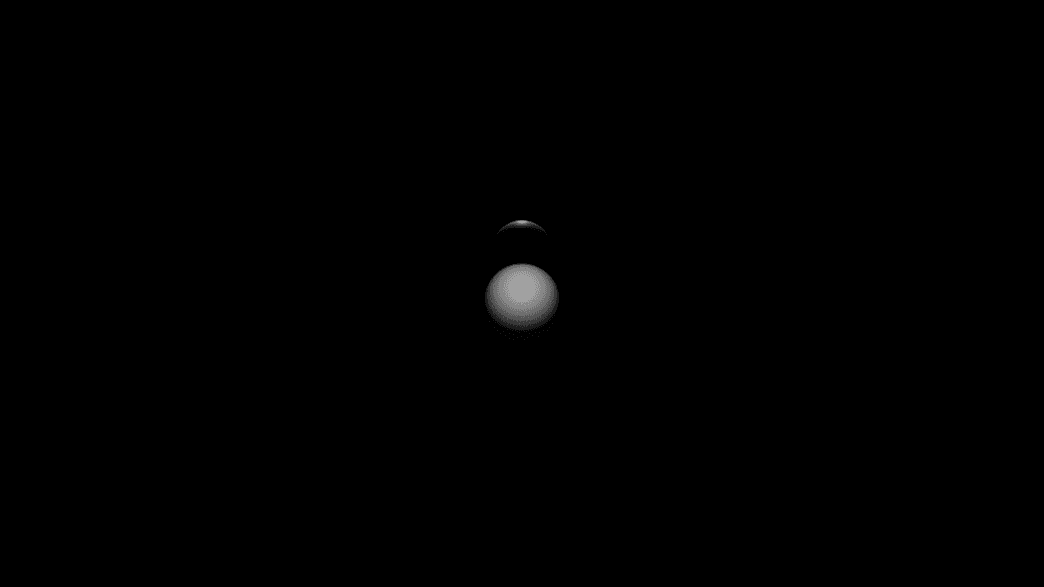
The image on the right is the example patch itself. Drag and drop it onto the app, or load it with File → Load, to open the full graph. A sphere in front of a reflector, merged.
Inputs and outputs
| Port | Type | Purpose |
|---|---|---|
| Origin Object | Surface | A Null to parent to. |
| Surface | Surface | The mirror plane. Merge it with the scene. |
Parameters
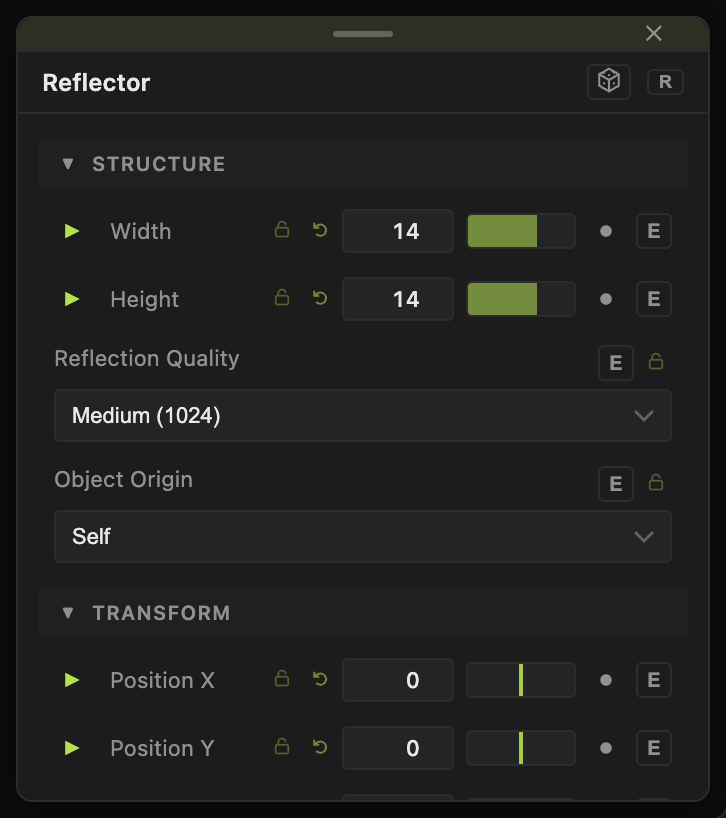
- Width, Height (0.1–200, default 14).
- Tint (default
#9a9a9a). - Reflection Quality — Low (512), Medium (1024) (default), High (2048).
Every slider has a per-parameter animation bar, so it can be animated, audio driven, or MIDI mapped.
Examples
Infinity floor — Reflector rotated flat under a Grid Cloner.
Troubleshooting
The mirror is black — nothing is in front of it, or it is not merged with the scene.