3D & SimulationSurface Operators
Merge
Combines any number of surface branches into one payload and applies a group transform.
The Merge node joins branches. Every input keeps its own position; the Merge adds a transform on top of all of them.
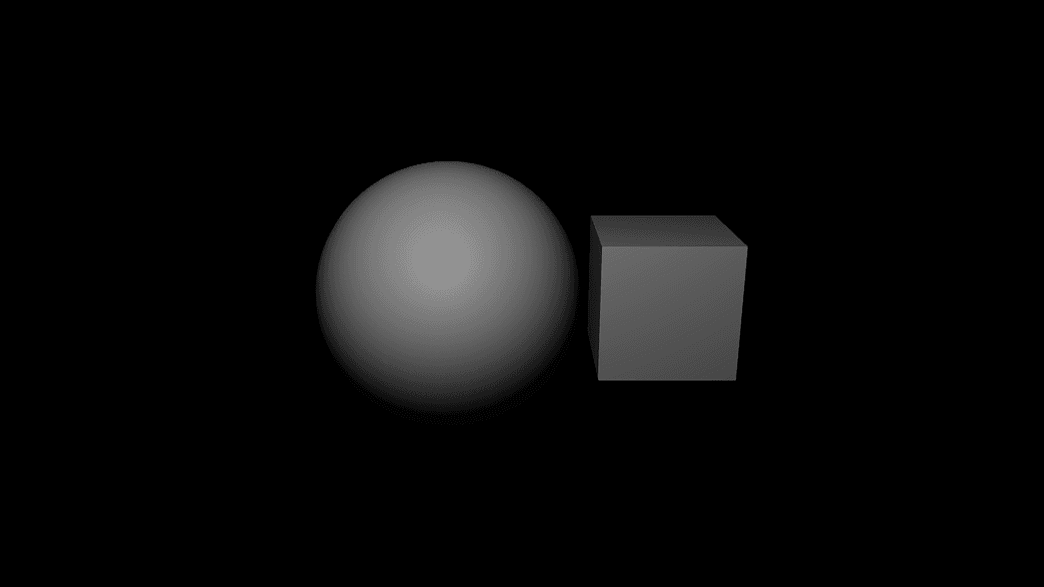
- Inputs grow as you wire them
- The standard transform block moves the group
- Found in the node graph under Surfaces → Geometry
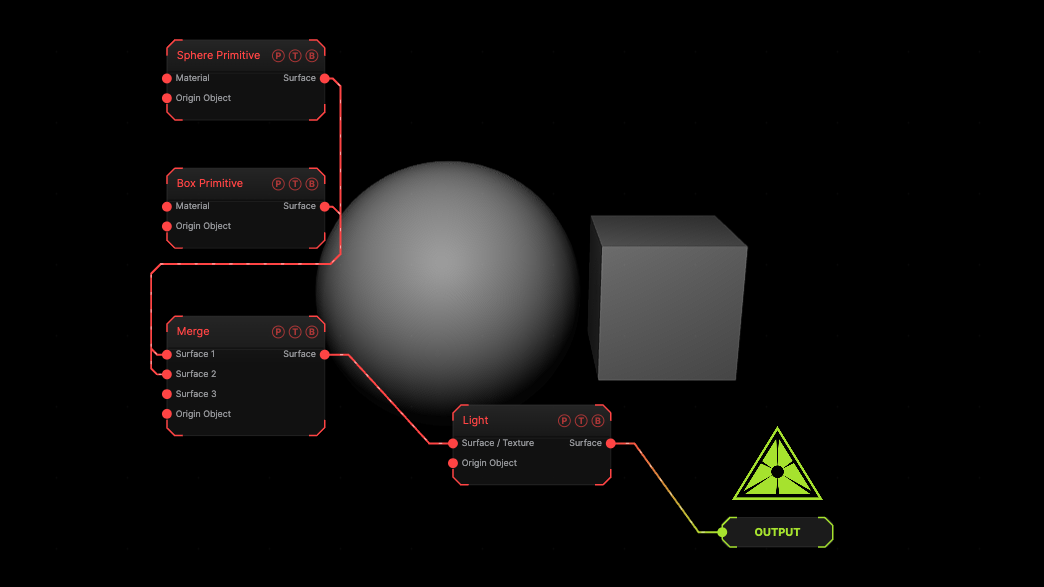
The image on the right is the example patch itself. Drag and drop it onto the app, or load it with File → Load, to open the full graph. A sphere and a box merged.
Inputs and outputs
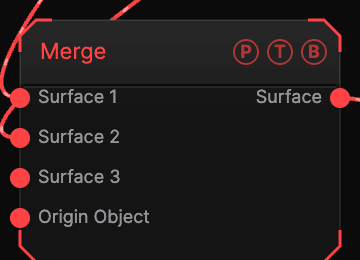
| Port | Type | Purpose |
|---|---|---|
| Surface 1, 2, … | Surface | The branches. A new slot appears when the last is wired. |
| Origin Object | Surface | A Null to parent to. |
| Surface | Surface | Everything together. |
Parameters
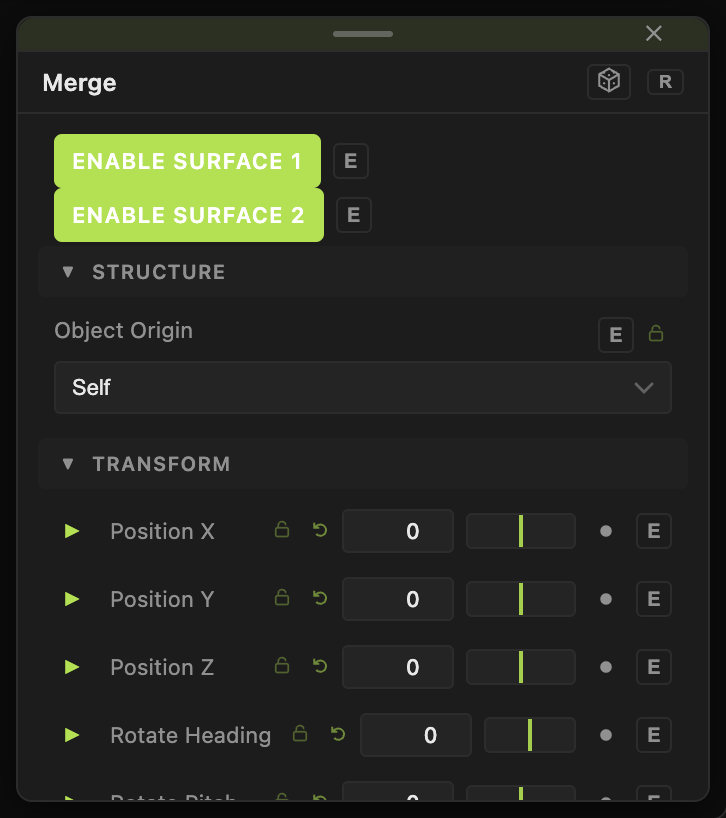
- Position X / Y / Z, Rotate Heading / Pitch / Roll, Scale X / Y / Z, Uniform Scale — the standard transform block.
Every slider has a per-parameter animation bar, so it can be animated, audio driven, or MIDI mapped.
Examples
Style everything at once — put a Material after the Merge.
Troubleshooting
Merged branches sit inside each other — give each branch its own Position before the Merge.