Auragen docs
Auragen docs

Getting Started

OverviewInterfaceNode GraphParameters and Controls

Operators

Surfaces

Geometry

PrimitiveMeshImage PlaneExtrude3D GraphReflectorKinect MeshMergeNullCopy GeometryRealizeSwitch (Surface)

Materials

MaterialGlass MaterialBlend MaterialsMapping

Deformers

Transform DeformerNoise DisplaceTexture DisplaceCurl NoiseTurbulence3D PlasmaTwistBendTaperShearWave / RippleRipple (Expanding)SineOcean WaveInflateSpherifyBulgeFlatten (Plain)PushQuantizeDistortion / GlitchBevelMirrorSliceCullColor RampParticle DeformerAudio (FFT)InfectionIsland ClonerCloth Deformer

Physics

Force Affector

Topology

SubdivideSmoothDecimateRemeshBooleanClose HolesExtrude FacesSeparate FacesWireframeFlip Polygons

Lighting

LightSpotlightDirectional LightArea LightEnvironment

Camera

CameraMulticamUV Camera
3D PreviewperformMODE
3D & SimulationSurface Operators

Close Holes

Fills a mesh's open boundaries with caps, up to a chosen hole size.

The Close Holes node finds open boundary loops in a mesh and caps them, so an open shape becomes a closed solid.
Close Holes

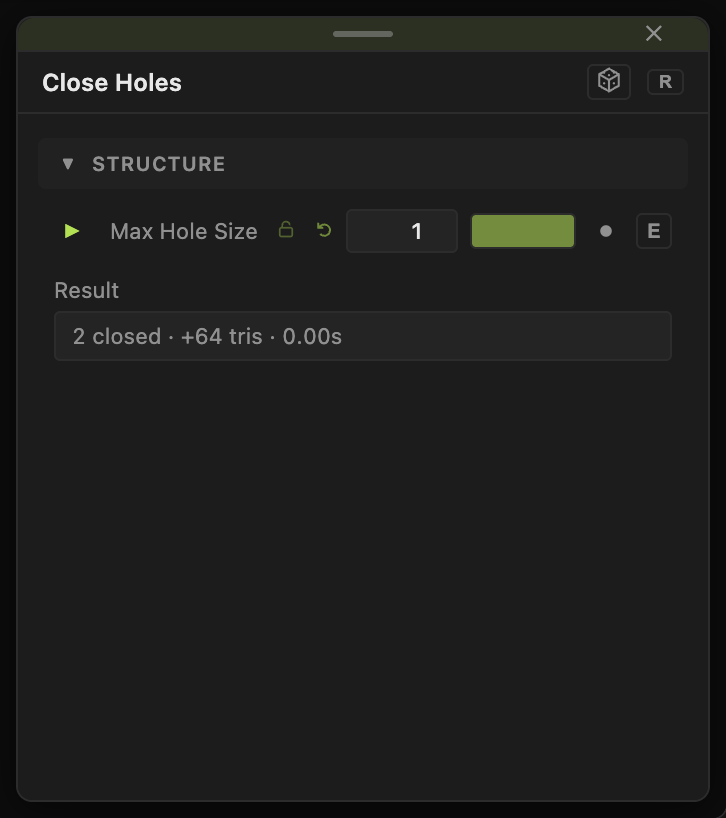
  • One control, Max Hole Size, plus a Result readout that says what it found
  • Found in the node graph under Surfaces → Topology
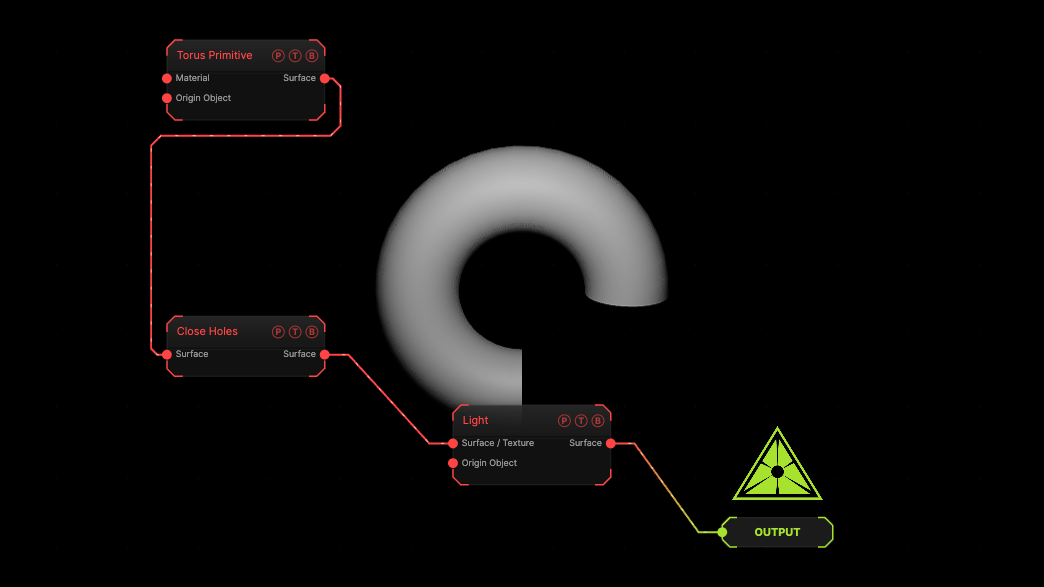
Example patch — drag onto the app to load

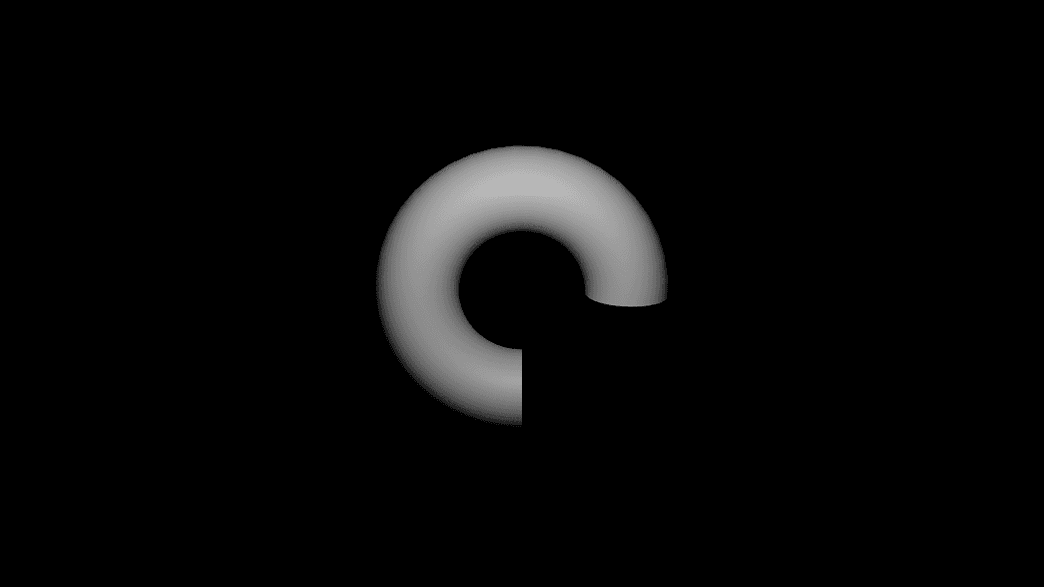
The image on the right is the example patch itself. Drag and drop it onto the app, or load it with File → Load, to open the full graph. A torus with a 270° Arc has its two open ends capped.

Inputs and outputs
Close Holes node

PortTypePurpose
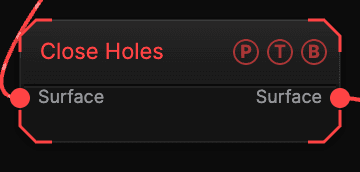
SurfaceSurfaceThe mesh with holes.
SurfaceSurfaceThe capped mesh.

Parameters

Close Holes parameters
  • Max Hole Size (0.01–1, default 1) — the largest boundary loop to fill, relative to the mesh size. 1 fills every hole.
  • Result — a read-only line reporting how many holes were closed, including the case where the mesh was already closed.

Examples

Solid for a Boolean — a model with missing faces into Close Holes, then into a Boolean as the operand so it counts as a solid.

Keep the big opening — set Max Hole Size to 0.3 to cap small gaps and leave a large mouth open.

Troubleshooting

Result says 0 holes closed — the boundaries are larger than Max Hole Size, or the mesh was already closed.

The Boolean node closes holes on its own — it has its own Close Holes toggle, on by default. This node is for meshes that go anywhere else.

Related

Boolean

Needs solids on both sides.

Remesh

Preserve or rebuild open edges.

Boolean

Cuts, fuses, intersects, or shatters a mesh with an operand mesh, with a repeatable cutter transform, a cut material, and a cost readout.

Extrude Faces

Insets and extrudes faces, optionally at random and in clusters, with side walls, thickening, noise extrusion, and hiding.

On this page

Inputs and outputsParametersExamplesTroubleshootingRelated