3D & SimulationSurface Operators
Mapping
Chooses how a material's maps project onto geometry, with tiling, anchor, and tiling-break controls.
The Mapping node has no inputs. Wire its output into a material's Mapping slot to decide how textures land on the mesh.
- Projection: UVs, planar, cubic, spherical, normal, perspective, equirectangular
- Anchor fixed in world or baked to the mesh
- Break Tiling hides repetition
- Found in the node graph under Surfaces → Materials
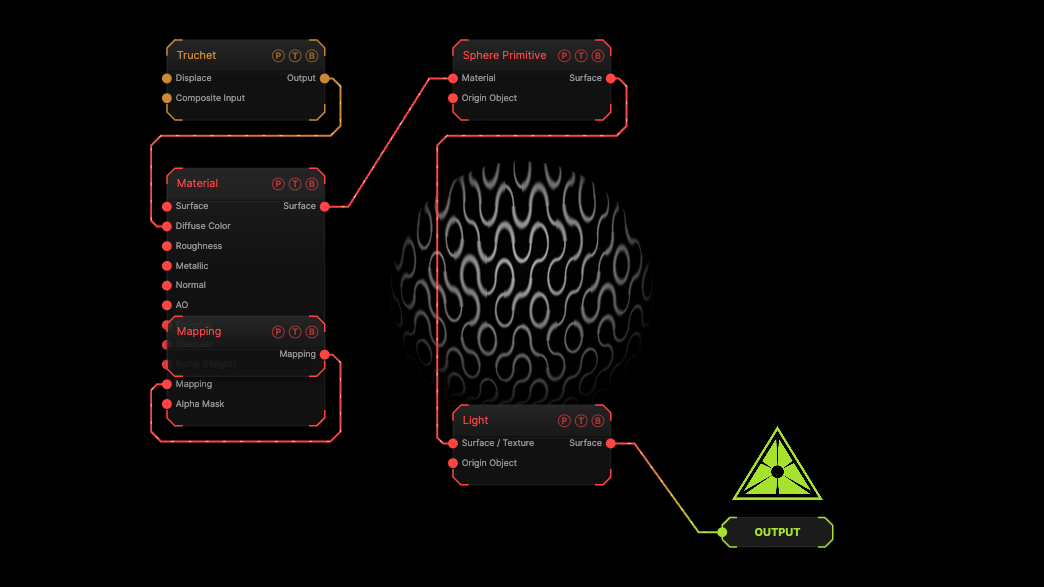
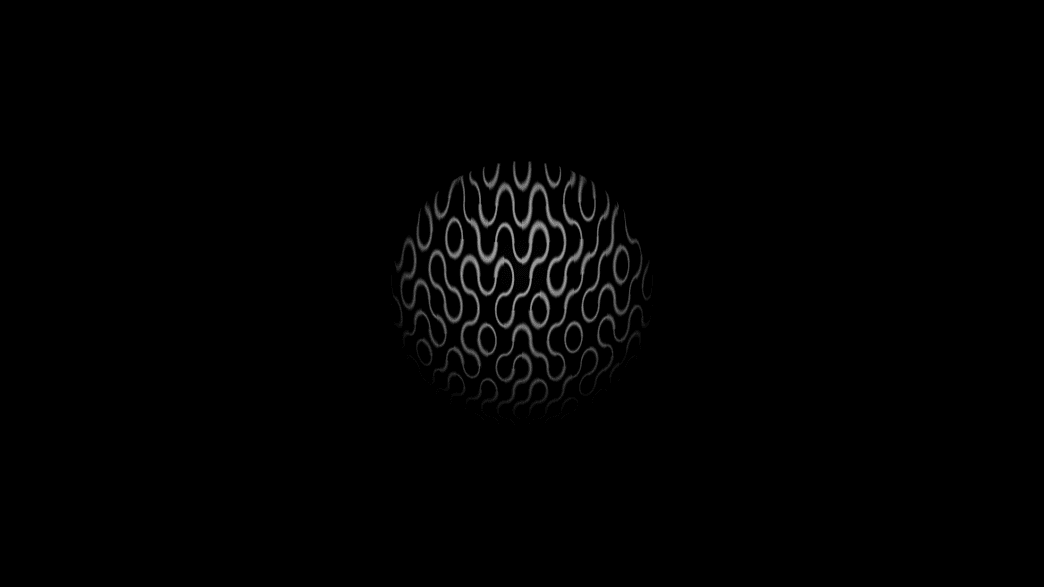
The image on the right is the example patch itself. Drag and drop it onto the app, or load it with File → Load, to open the full graph. A Truchet colour map projected onto a sphere through a Mapping node.
Inputs and outputs
| Port | Type | Purpose |
|---|---|---|
| Mapping | Surface | Wire into a Material's Mapping slot. |
Parameters
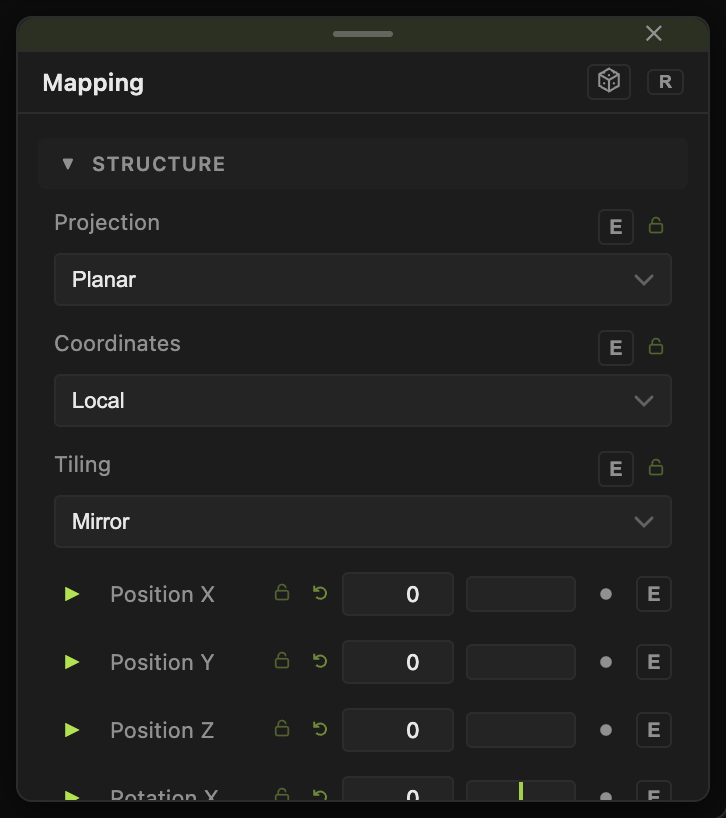
- Projection — Original UVs, Planar (default), Cubic, Spherical, Normal Face-Map, Perspective, Equirectangular.
- Coordinates — Local (default), World, Whole System (Cloners).
- Anchor — Absolute (Fixed in World) (default) or Relative (Bake to Mesh).
- Tiling — Mirror (default), Repeat, Clamp (Stretch); Cubic Blend.
- UV Offset X / Y, UV Rotation, UV Scale X / Y, and the projection Rotation X / Y / Z and Move X / Y / Z.
- Break Tiling with Cell Density, Random Rotation, Cell Blend.
Every slider has a per-parameter animation bar, so it can be animated, audio driven, or MIDI mapped.
Examples
Projector — Projection Perspective, the Mapping's Rotation aimed at the mesh.
Troubleshooting
The texture slides when the object moves — set Anchor to Relative.