Twirl
Rotates the picture around its centre by an amount that falls off with radius.
The Twirl node spins the centre of the frame more than its edges, which drags the picture into a spiral.
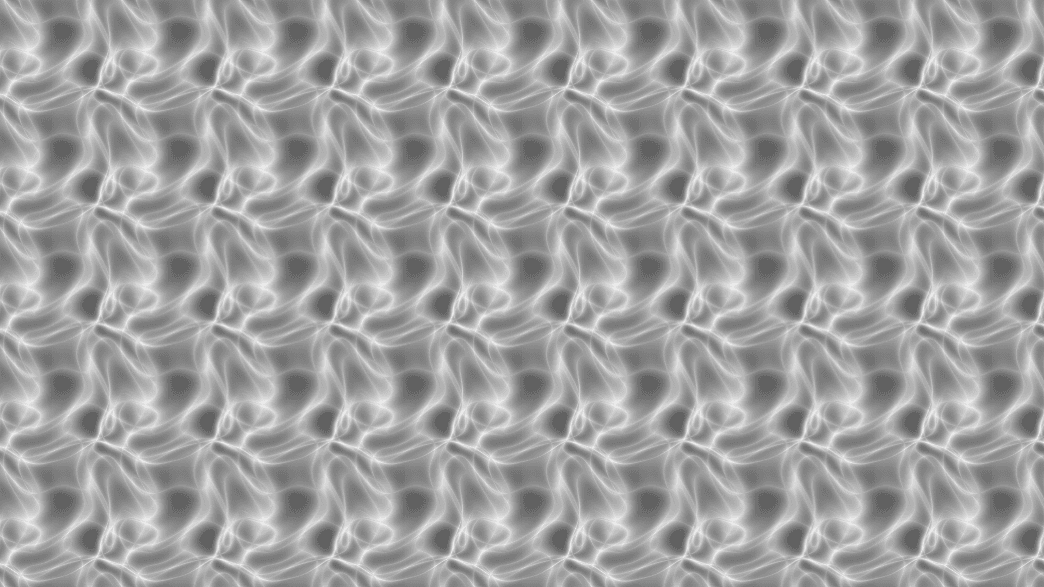
- Angle up to two full turns either way
- Radius sets how far the twist reaches
- Found in the node graph under Post FX → Warp
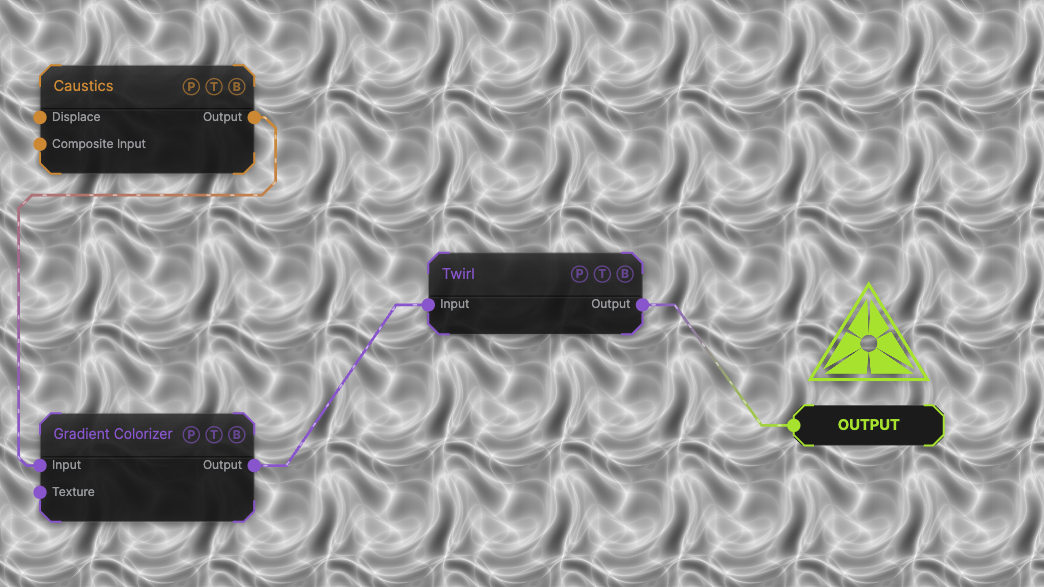
The image on the right is the example patch itself. Drag and drop it onto the app, or load it with File → Load, to open the full graph. A Caustics field, run through a Gradient Colorizer, at the default of 0°; raise Angle to spin it.
Inputs and outputs
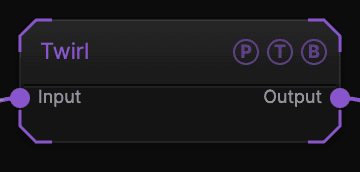
| Port | Type | Purpose |
|---|---|---|
| Input | Texture | The picture to process. |
| Output | Texture | The result. |
Parameters
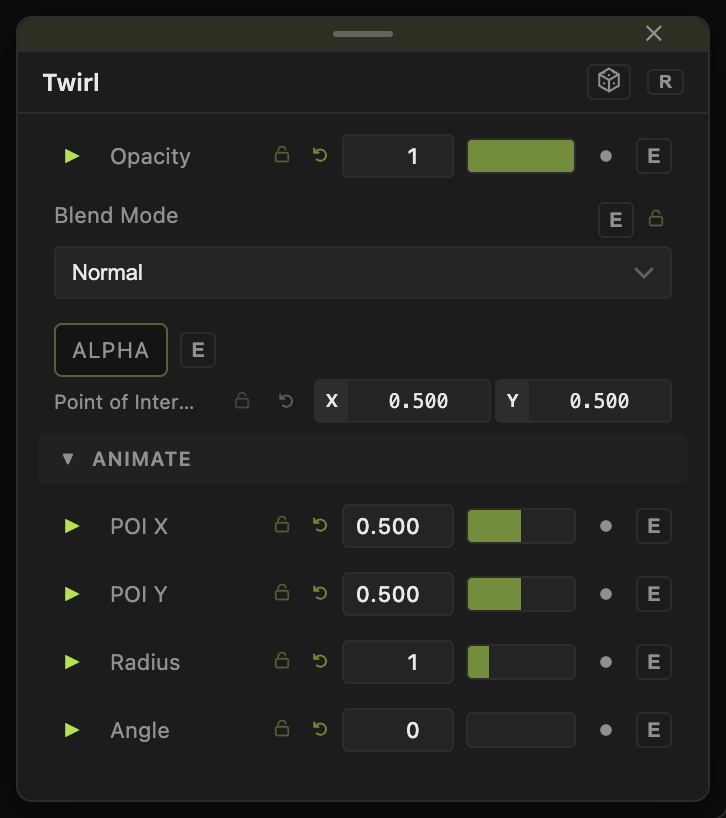
Opacity, Blend Mode, and Alpha are the standard operator header; see Parameters and Controls.
- Angle (−720 to 720, default 0) — rotation at the centre, in degrees.
- Radius (−5 to 5, default 1) — the extent of the twist. Larger reaches further toward the edges.
Every slider has a per-parameter animation bar, so it can be animated, audio driven, or MIDI mapped.
Examples
Vortex — Angle 540, Radius 1.5 on a Spiral generator.
Wobble — an LFO on Angle between −90 and 90.
Troubleshooting
The twist has a hard edge — lower Radius so the falloff finishes inside the frame.