equiDome
Maps an equirectangular picture onto a dome master, with orientation, scale, and edge controls.
The equiDome node converts a 360° equirectangular frame into the circular fisheye layout a dome projector expects.
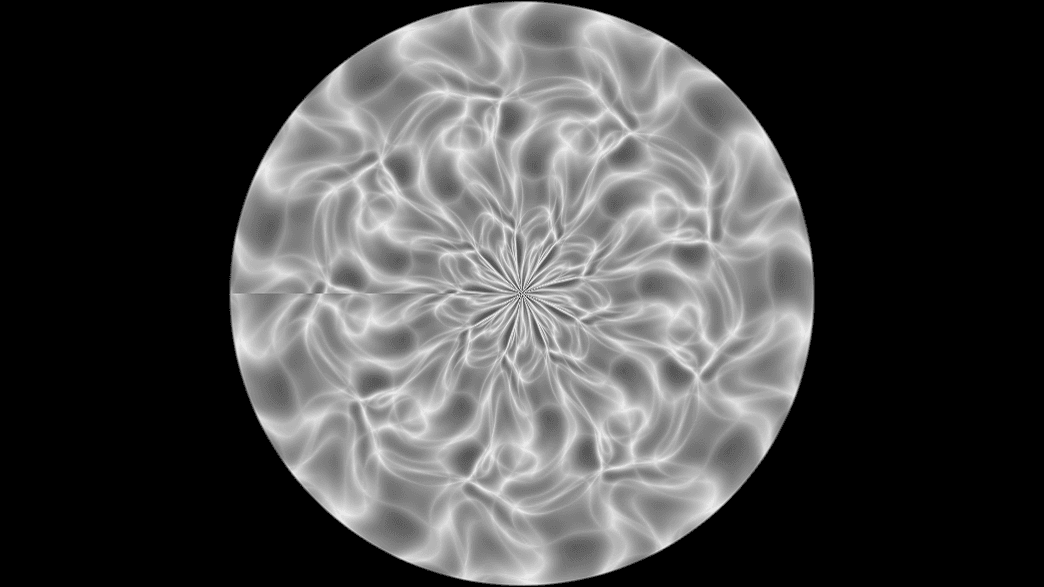
- Horizon Latitude, Pitch, Yaw, Roll orient the view
- Source Aspect describes the input; Hemisphere Flip and mirrors handle projector setups
- Found in the node graph under Post FX → the ungrouped tail of the list
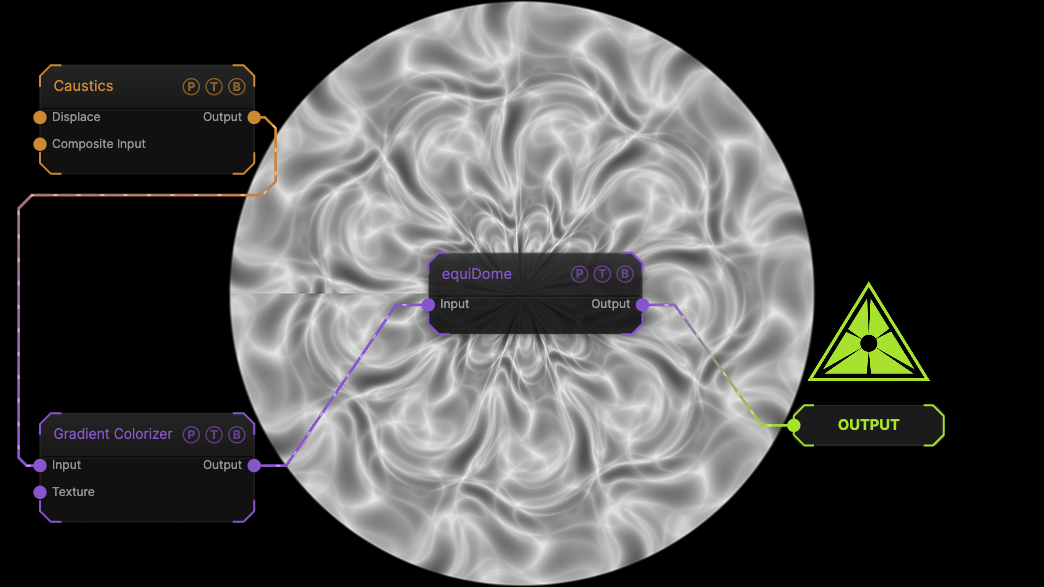
The image on the right is the example patch itself. Drag and drop it onto the app, or load it with File → Load, to open the full graph. A Caustics field, run through a Gradient Colorizer, treated as a 2:1 equirectangular source.
Inputs and outputs
| Port | Type | Purpose |
|---|---|---|
| Input | Texture | The picture to process. |
| Output | Texture | The result. |
Parameters
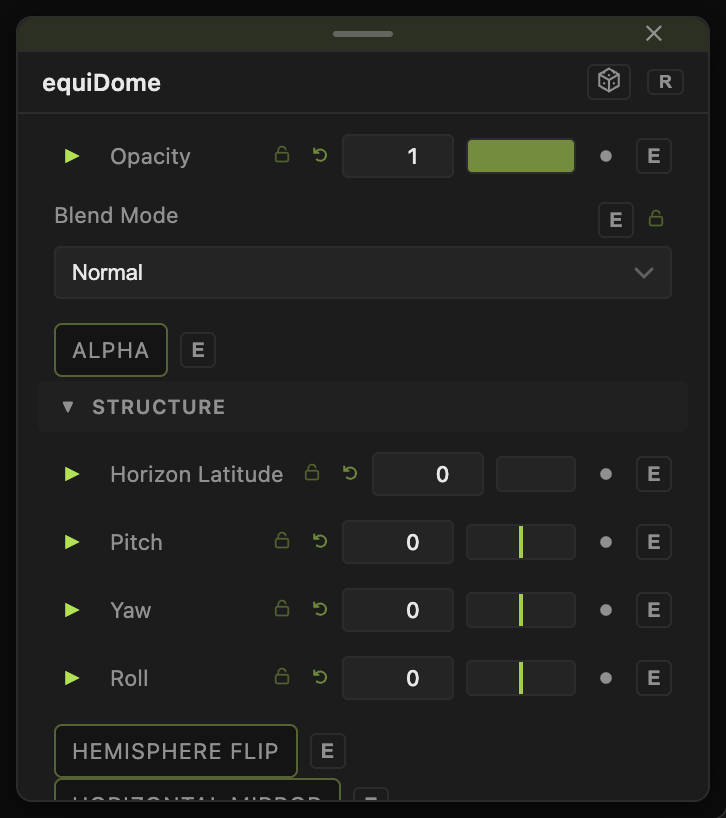
Opacity, Blend Mode, and Alpha are the standard operator header; see Parameters and Controls.
- Horizon Latitude (−90 to 90, default 0) — where the horizon sits on the dome.
- Pitch, Yaw, Roll (default 0) — orientation in degrees.
- Scale (0.1–5, default 1).
- Hemisphere Flip (default off), Horizontal Mirror (default off), Hemispherical Mirror (default off) — flips for projector geometry.
- Edge Softness (0–0.5, default 0.01) — feather at the dome rim.
- Background Color (default black) — outside the circle.
- Source Aspect (0.5–4, default 2) — width over height of the input.
Every slider has a per-parameter animation bar, so it can be animated, audio driven, or MIDI mapped.
Examples
Planetarium feed — an equirectangular Load Video into equiDome with Horizon Latitude −10.
Troubleshooting
The picture is squashed — set Source Aspect to the input's real ratio.