Effects
Sharpen
Boosts local contrast to make edges crisper.
The Sharpen node raises the contrast across edges so detail stands out. Push it far and it becomes a hard, ringing outline.
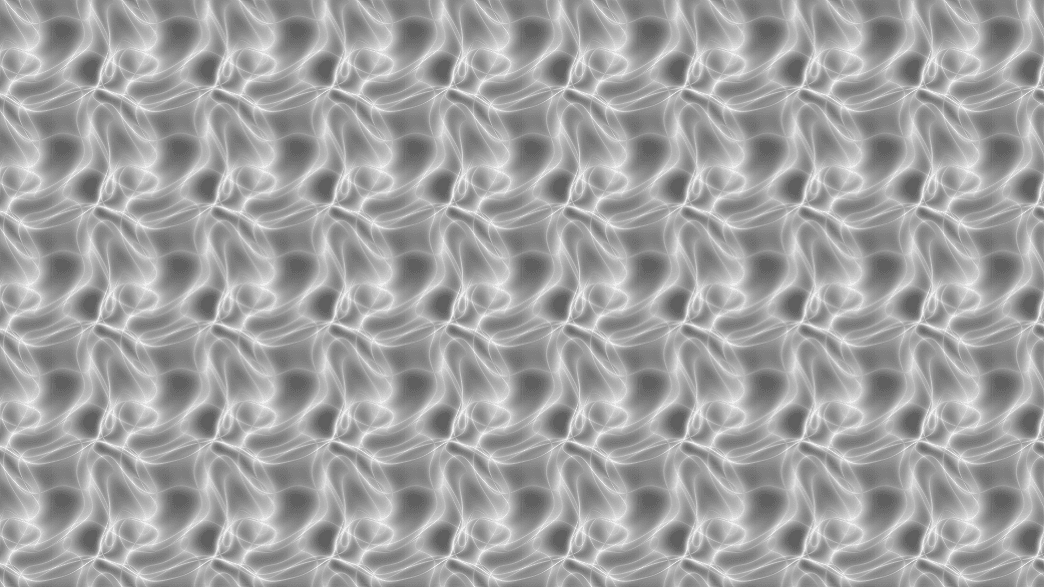
- One control, Amount
- Found in the node graph under Post FX → Stylize
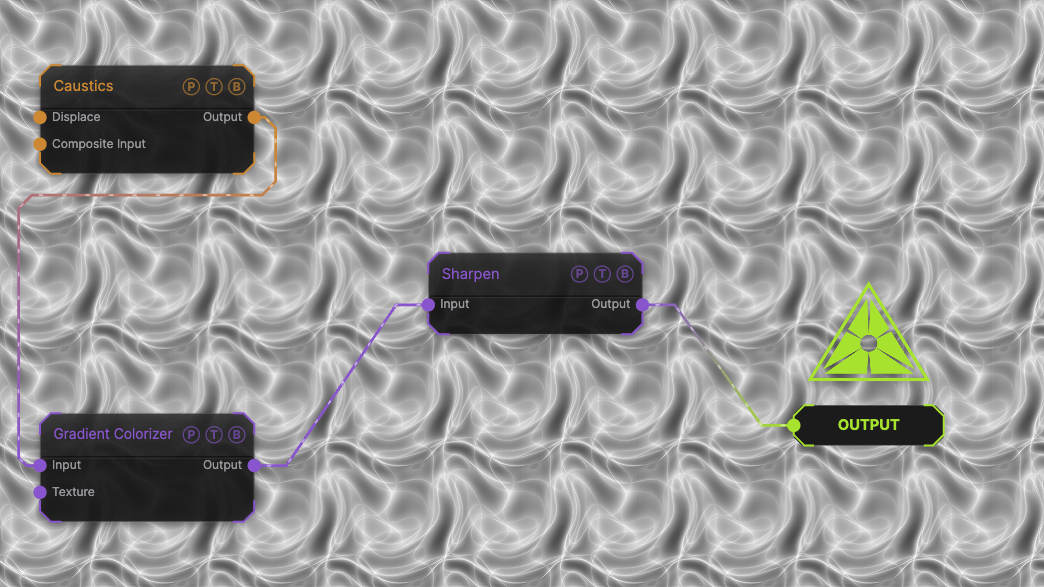
The image on the right is the example patch itself. Drag and drop it onto the app, or load it with File → Load, to open the full graph. A Caustics field, run through a Gradient Colorizer, at the default amount of 1.
Inputs and outputs
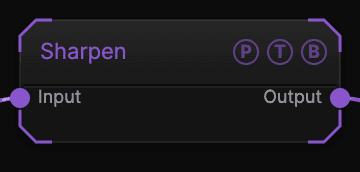
| Port | Type | Purpose |
|---|---|---|
| Input | Texture | The picture to process. |
| Output | Texture | The result. |
Parameters
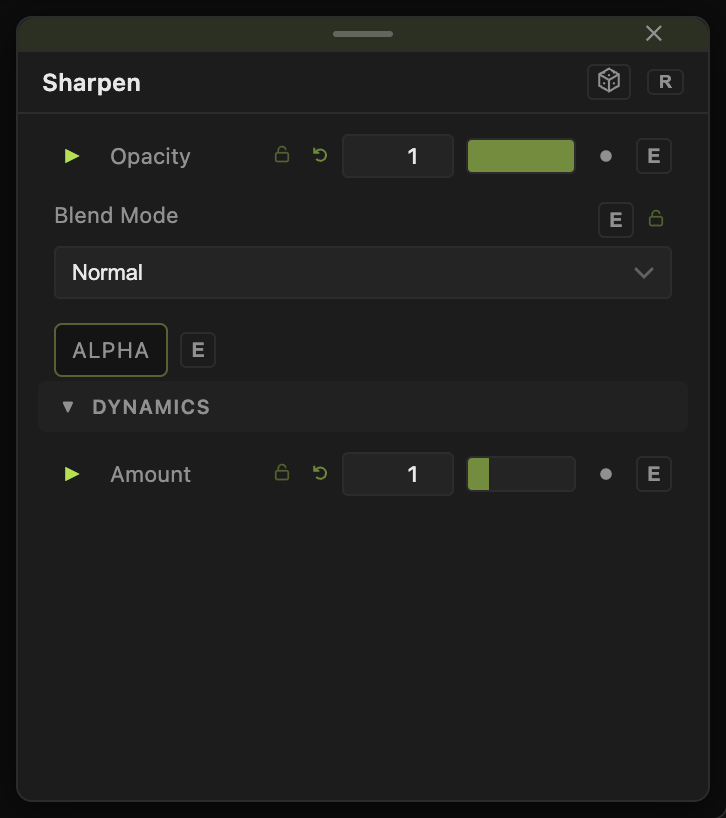
Opacity, Blend Mode, and Alpha are the standard operator header; see Parameters and Controls.
- Amount (0–5, default 1) — strength. 0 passes the input through.
Every slider has a per-parameter animation bar, so it can be animated, audio driven, or MIDI mapped.
Examples
Crisp video — Amount 0.5 after a Load Video that was scaled up.
Troubleshooting
Halos around edges — lower Amount. Sharpening cannot add detail that is not there.