Edge Detect
Sobel edge detection: edges on black, keeping the source colours.
The Edge Detect node finds where brightness changes and draws only those edges on black. On a colorized source the edges keep their colour.
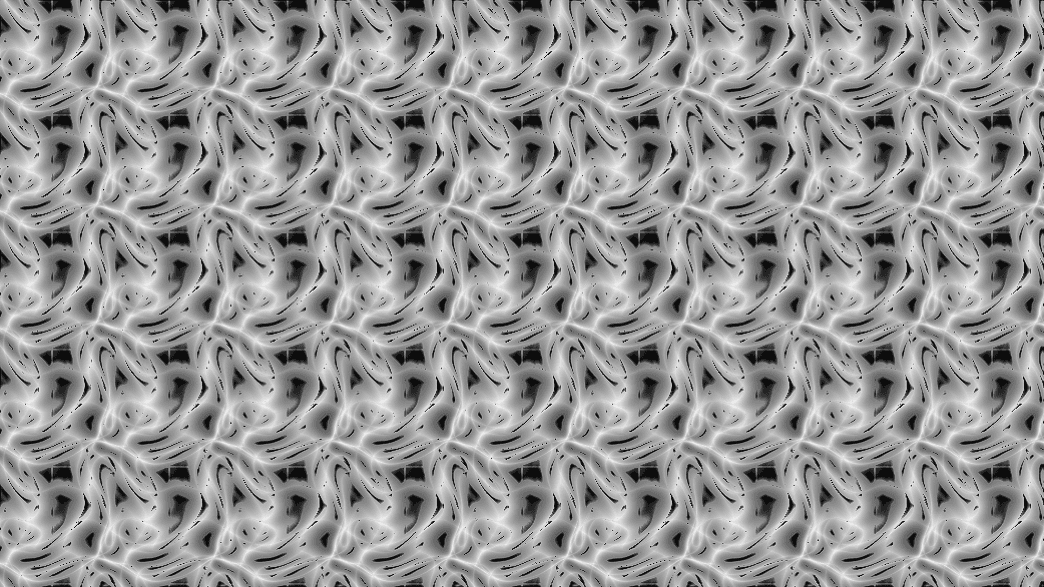
- Intensity, Width, Threshold, Knee
- Colored keeps the source colours; Opaque BG fills the background
- Found in the node graph under Post FX → Stylize
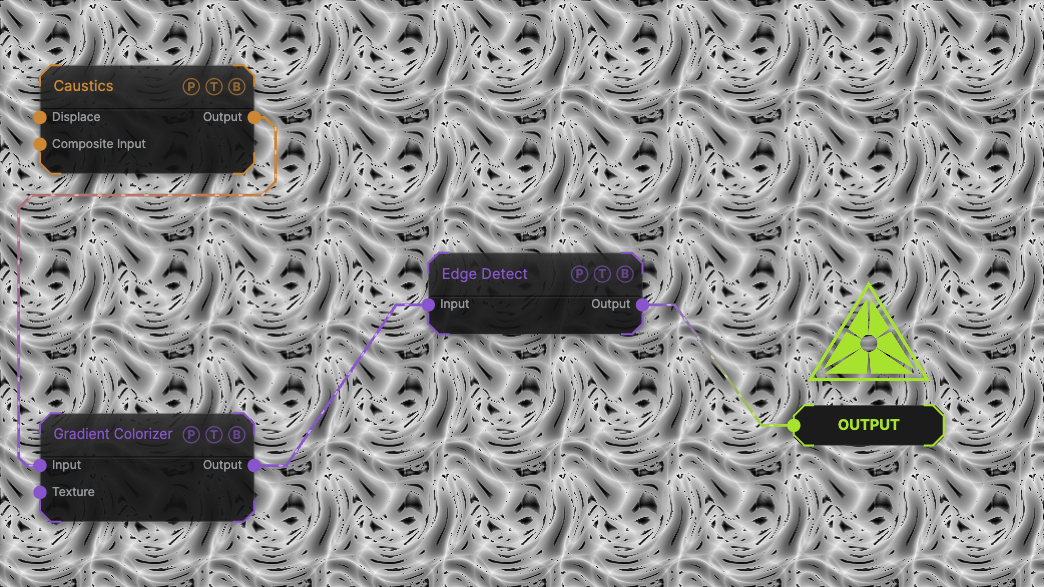
The image on the right is the example patch itself. Drag and drop it onto the app, or load it with File → Load, to open the full graph. A Caustics field, run through a Gradient Colorizer, reduced to its edges.
Inputs and outputs
| Port | Type | Purpose |
|---|---|---|
| Input | Texture | The picture to process. |
| Output | Texture | The result. |
Parameters
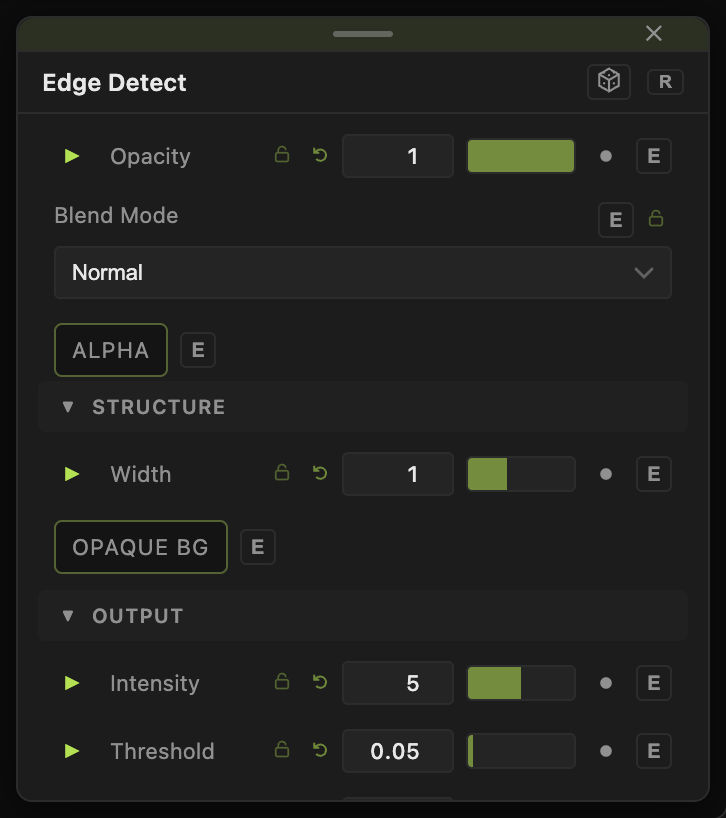
Opacity, Blend Mode, and Alpha are the standard operator header; see Parameters and Controls.
- Intensity (0–10, default 5) — edge brightness.
- Width (0.1–50, default 1) — sample distance, which thickens the lines.
- Threshold (0–1, default 0.05) — the change needed to count as an edge; Knee (0–1, default 0.2) softens that cut.
- Colored (default on) — edges take the source colour; off gives white edges.
- Opaque BG (default off) — black background instead of transparent.
Every slider has a per-parameter animation bar, so it can be animated, audio driven, or MIDI mapped.
Examples
Neon outline — Width 2, Intensity 8, then Bloom / Glow.
Troubleshooting
The picture behind the edges is still visible — it is not; the background is transparent. Turn on Opaque BG or composite over black.