Color Key
Keys out pixels that match a colour or a luminance range, writing the result to alpha, a mask, or a keyed image.
The Color Key node removes a colour. Pick the key colour or a luminance range, set how close a pixel has to be, and choose whether the output is the keyed picture, its alpha, or a plain mask.
- Key Mode picks colour or luminance keying
- Output chooses alpha-keyed, mask only, or keyed plus alpha
- Found in the node graph under Post FX → Color FX
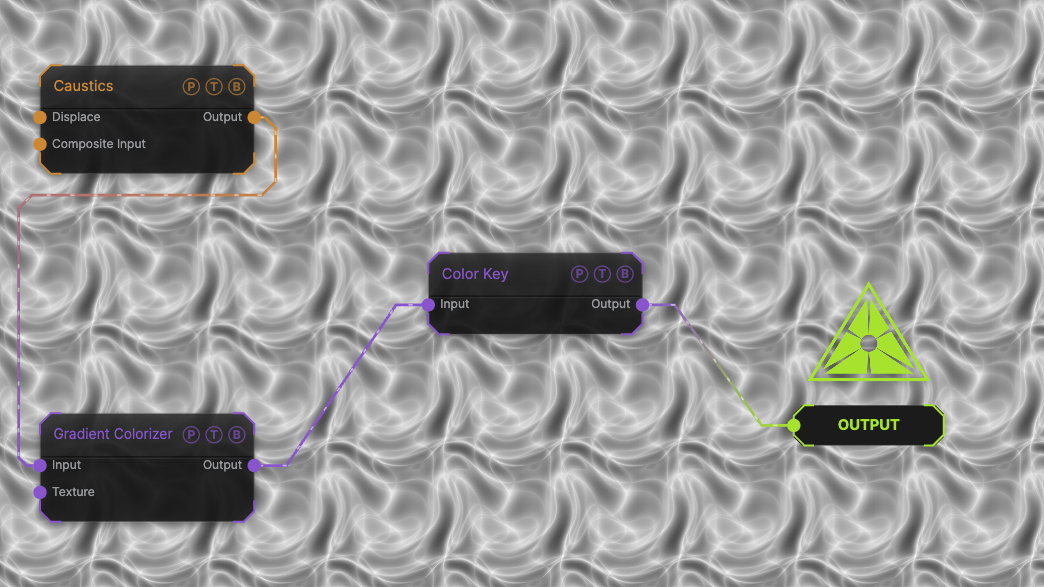
The image on the right is the example patch itself. Drag and drop it onto the app, or load it with File → Load, to open the full graph. A Caustics field, run through a Gradient Colorizer, keyed against the default green, so nothing is removed until you pick a colour from the palette.
Inputs and outputs
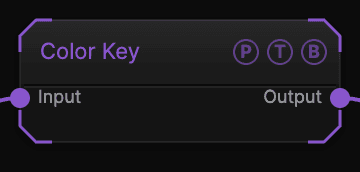
| Port | Type | Purpose |
|---|---|---|
| Input | Texture | The picture to process. |
| Output | Texture | The result. |
Parameters
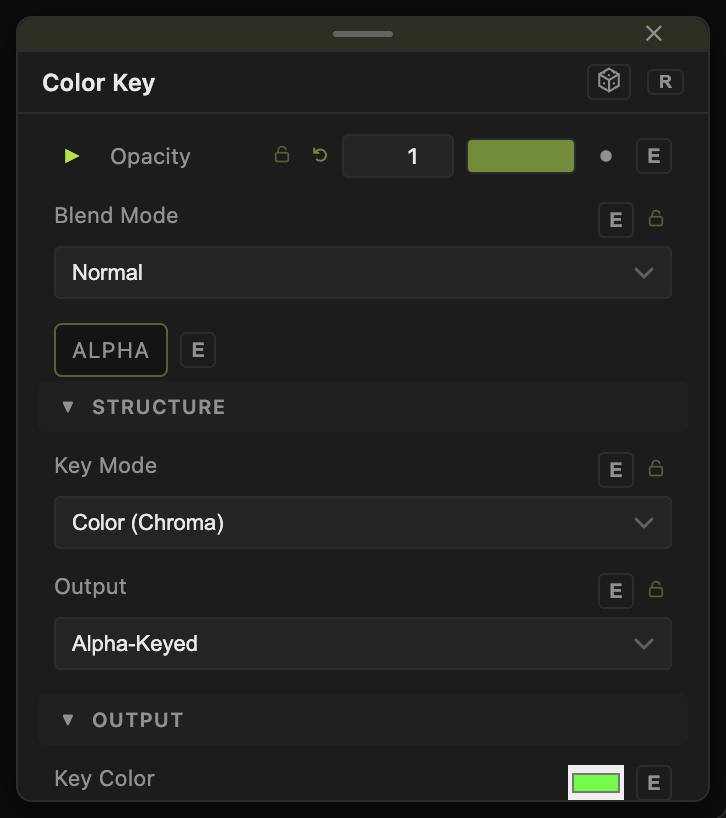
Opacity, Blend Mode, and Alpha are the standard operator header; see Parameters and Controls.
- Key Mode — Color (Chroma) (default) matches against Key Color; Luminance (Luma) matches a brightness instead.
- Key Color (default
#00ff00). - Threshold (0–1.74, default 0.3) — how far from the key a pixel can be and still key out.
- Softness (0–1, default 0.1) — width of the feathered edge past the threshold.
- Invert Mask (default off) — keep the keyed pixels and drop the rest.
- Output — Alpha-Keyed (default) makes keyed pixels transparent; Mask Only outputs the white-on-black mask; Keyed + Alpha outputs the picture with the key colour removed and the mask in alpha.
Every slider has a per-parameter animation bar, so it can be animated, audio driven, or MIDI mapped.
Examples
Green screen — a Webcam into Color Key with the defaults, then a Composite over a generator.
Cut out the dark — Key Mode Luminance, Threshold 0.2, so black areas become transparent.
Troubleshooting
Everything keyed out — Threshold is too high for the source's colour spread. Lower it, then raise Softness for a clean edge.
The transparency is not visible downstream — the next node must respect alpha. Use a Composite or Blend to see it over another layer.