Spiral
Parametric spiral generator with configurable arm count, twist, and thickness.
The Spiral node draws one or more spiral arms winding out from the center. Set the number of arms, how tightly they twist, and how thick the lines are for anything from a single loose coil to a dense hypnotic vortex.
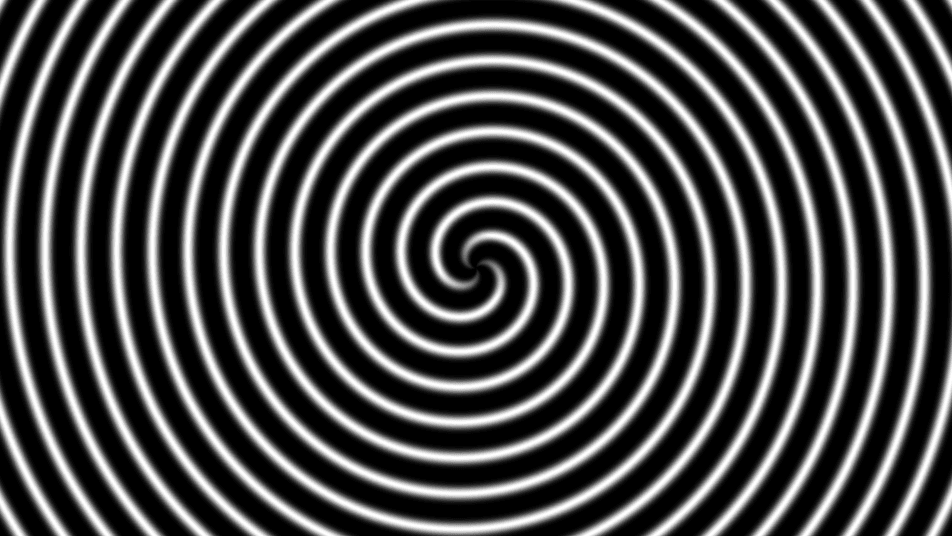
- One texture output; two optional texture inputs (domain warp and composite)
- Arms, Twist, and Thickness shape the spiral
- Found in the node graph under Generators as Spiral
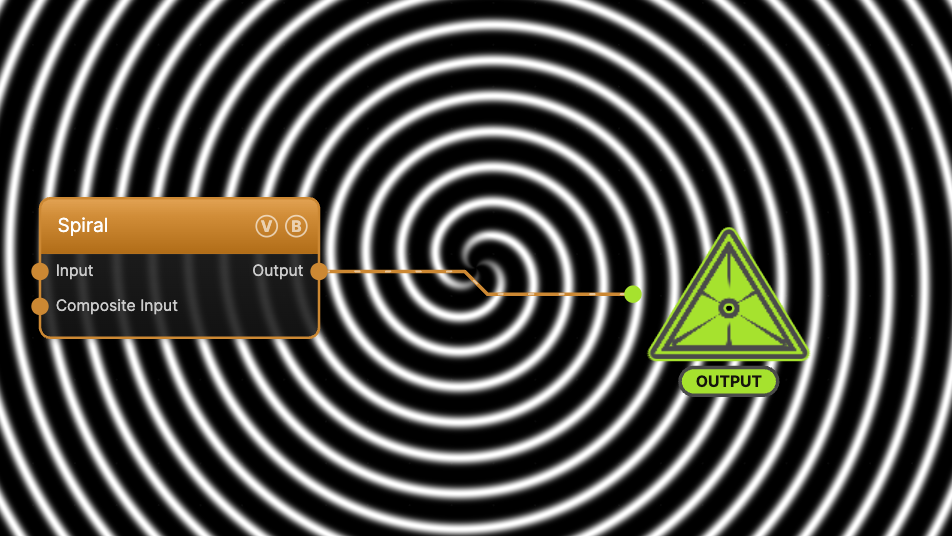
The image on the right is the example patch itself — drag and drop it onto the app (or load it with File → Load) to open the full graph.
Inputs and outputs
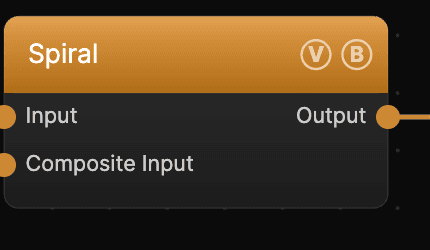
| Port | Type | Purpose |
|---|---|---|
| Displace | Texture | Domain warp: the red and green channels push the sample coordinates by Displace Amount |
| Composite Input | Texture | Composited under the output with Composite Mode and Composite Mix, which appear once the port is wired |
| Output | Texture | The grayscale spiral on black |
A black (or disconnected) Input produces no warp; the warp strength scales with Scale.
Parameters
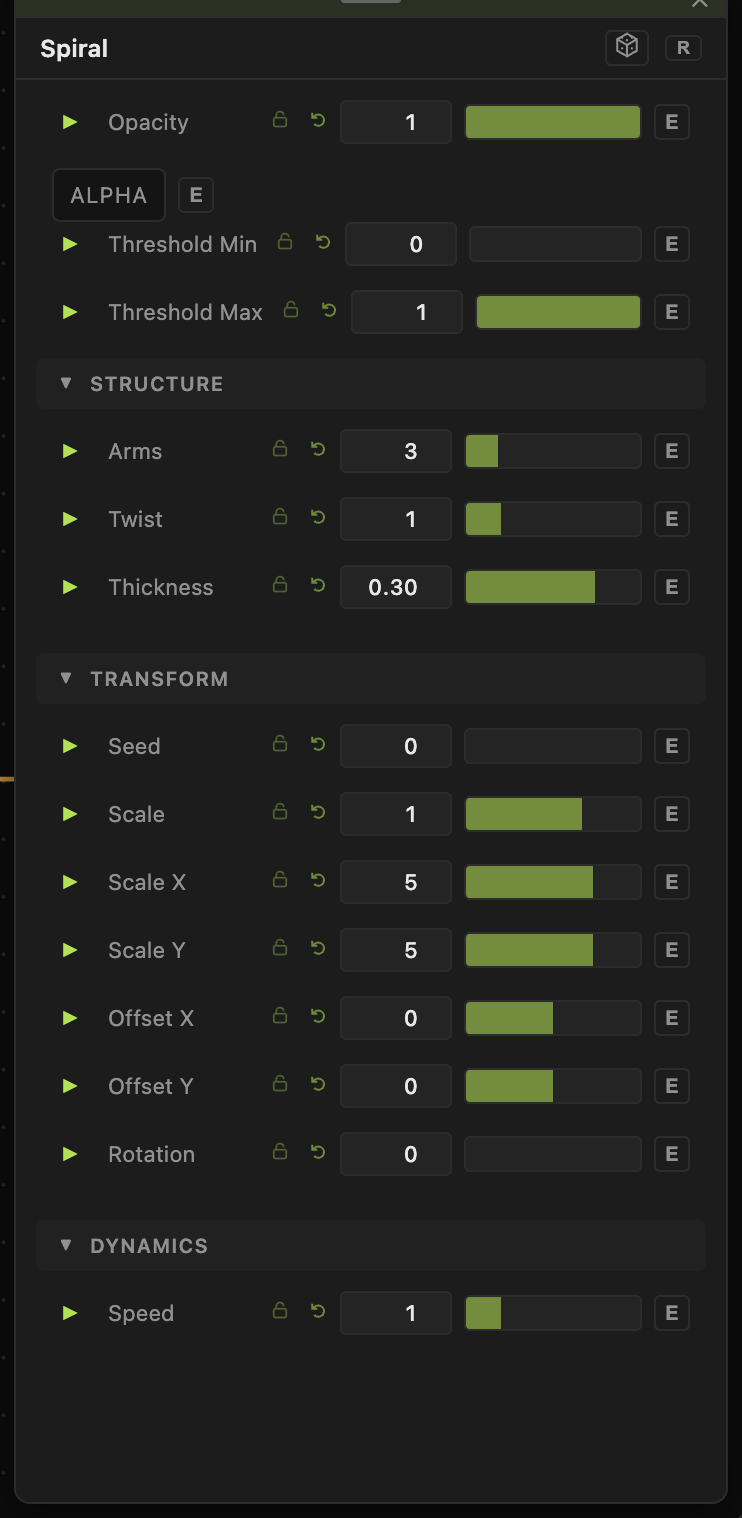
Opacity, Blend Mode, ALPHA, Invert Alpha, Threshold Min / Threshold Max — the standard operator header; see Perlin Noise for details.
Structure
- Arms (1–12, default 3) — how many spiral arms wind out from the center.
- Twist (0–5, default 1) — how tightly the arms coil. Higher values pack more revolutions into the frame.
- Thickness (0.01–1, default 0.3) — line weight of each arm. Values toward 1 fatten the arms into wedges.
Transform
- The shared Scale / Offset / Rotation block. Rotation spins the whole spiral around the center. Spiral has no Seed slider: the shape is fully set by Arms, Twist, and Thickness.
Dynamics
- Speed (0–5, default 1) — rotation rate of the spiral, compounding with the global animation speed. 0 freezes it.
Every slider has a per-parameter animation bar, so any of these can be animated, audio-driven, or MIDI-mapped — see Parameters and Controls.
Troubleshooting
Spiral fills to solid — lower Twist or Thickness; a high twist packs the arms until the gaps close.
Arms look off-center — use Offset X / Offset Y to recenter, and check no domain-warp Input is displacing the field.