Time Warp
Samples each pixel from a point in frame history chosen by a mask's luminance.
The Time Warp node keeps a history of frames and, per pixel, reads from a moment in that history. A mask decides how far back: black pixels read the Black Offset, white pixels the White Offset, greys in between.
- A Mask input picks the delay per pixel
- Offsets in frames, seconds, or a fraction of the history
- Found in the node graph under Post FX → Warp
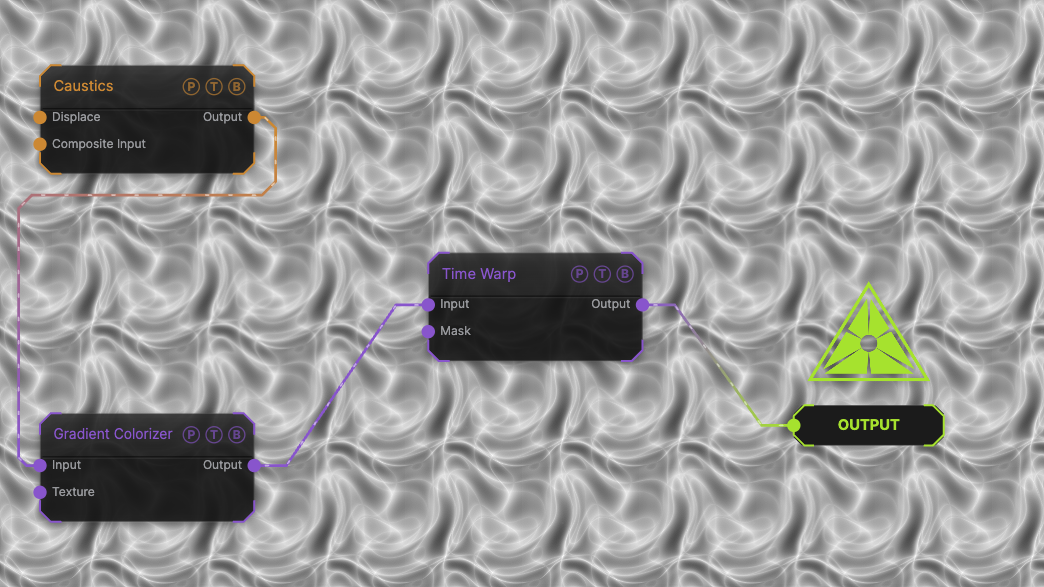
The image on the right is the example patch itself. Drag and drop it onto the app, or load it with File → Load, to open the full graph. A slowly moving Caustics field, run through a Gradient Colorizer, with no mask, so every pixel reads the Black Offset of 0.
Inputs and outputs
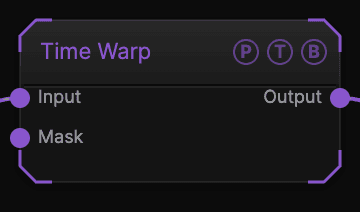
| Port | Type | Purpose |
|---|---|---|
| Input | Texture | The picture to delay. |
| Mask | Texture | Luminance chooses each pixel's delay. Unwired, the whole frame uses the Black Offset. |
| Output | Texture | The result. |
Parameters
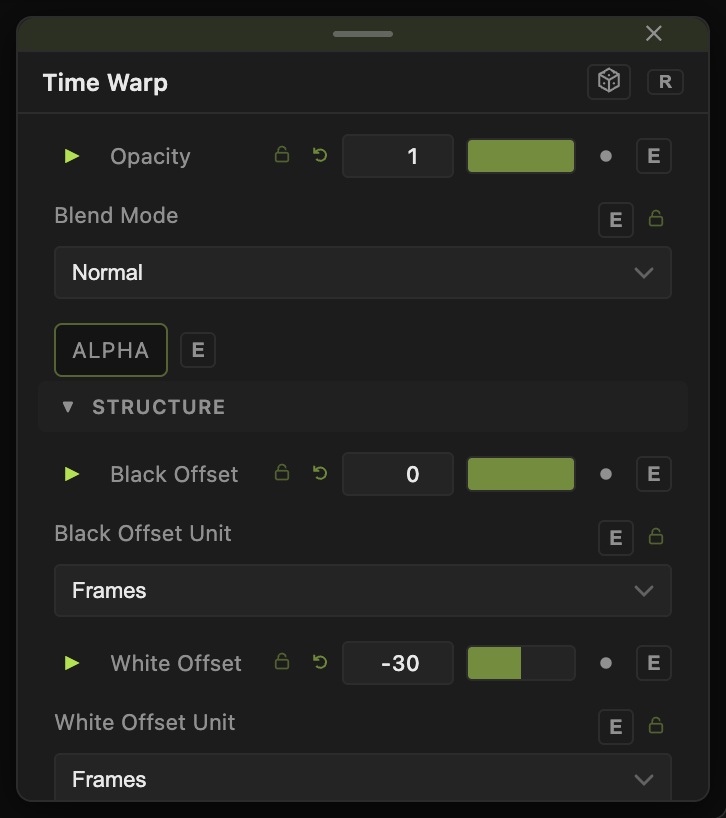
Opacity, Blend Mode, and Alpha are the standard operator header; see Parameters and Controls.
- Black Offset (default 0) and Black Offset Unit (Frames default, Seconds, or Fraction) — the delay where the mask is black.
- White Offset (default −30 frames) and White Offset Unit — the delay where the mask is white. Offsets are negative because they reach into the past; the history holds up to 60 frames.
Every slider has a per-parameter animation bar, so it can be animated, audio driven, or MIDI mapped.
Examples
Slit scan — a vertical Gradient as the mask, White Offset −60 frames.
Echo where it moves — Edge Detect of the source as the mask.
Troubleshooting
Nothing changes — with no mask everything uses Black Offset, which defaults to 0. Wire a mask or set Black Offset negative.
The result is black for the first second — the history is still filling.