Ryoji
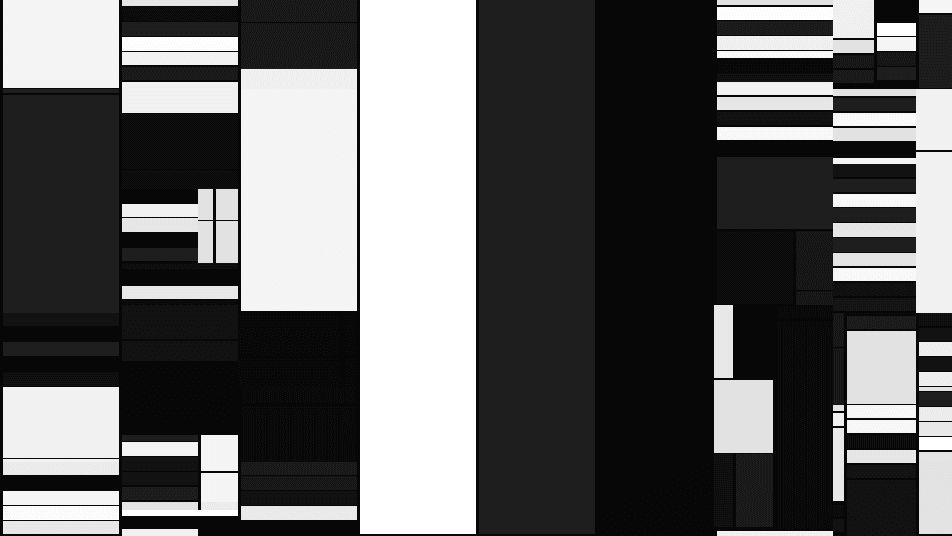
Recursive cell subdivision inspired by Ryoji Ikeda — grids of black and white cells with scrolling animation.
The Ryoji node recursively subdivides the frame into a grid of black and white cells, in the stark data-visualization style of Ryoji Ikeda. Rows scroll independently, giving a restless, flickering data-panel look.
- One texture output; two optional texture inputs (domain warp and composite)
- Subdivision, contrast, fill, and scroll controls
- Found in the node graph under Generators as Ryoji
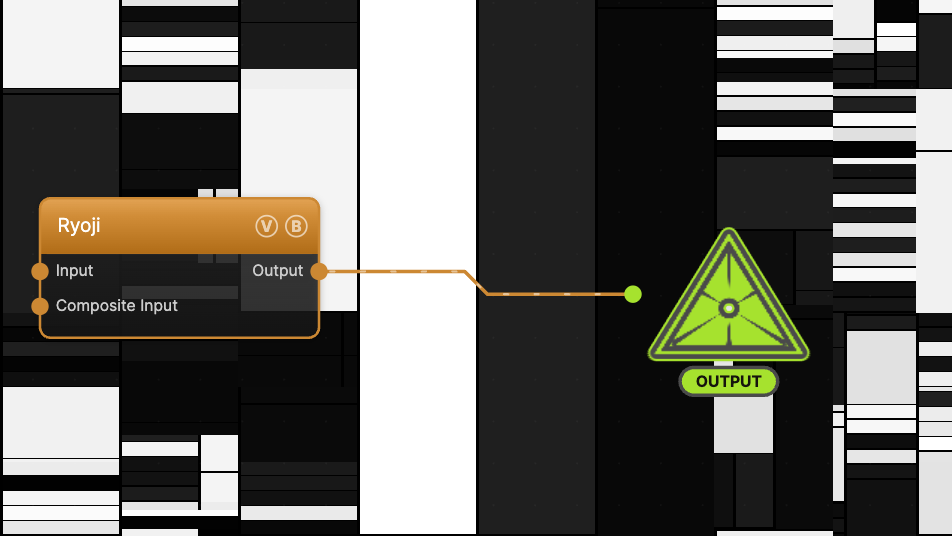
The image on the right is the example patch itself — drag and drop it onto the app (or load it with File → Load) to open the full graph.
Inputs and outputs
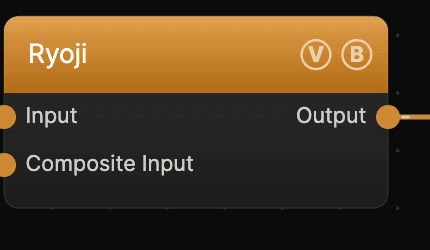
| Port | Type | Purpose |
|---|---|---|
| Input | Texture | Domain warp, and a source for the Mix Input / Light Input amounts |
| Composite Input | Texture | Composited under the output with Composite Mode and Composite Mix, which appear once the port is wired |
| Output | Texture | The grayscale cell grid |
Parameters
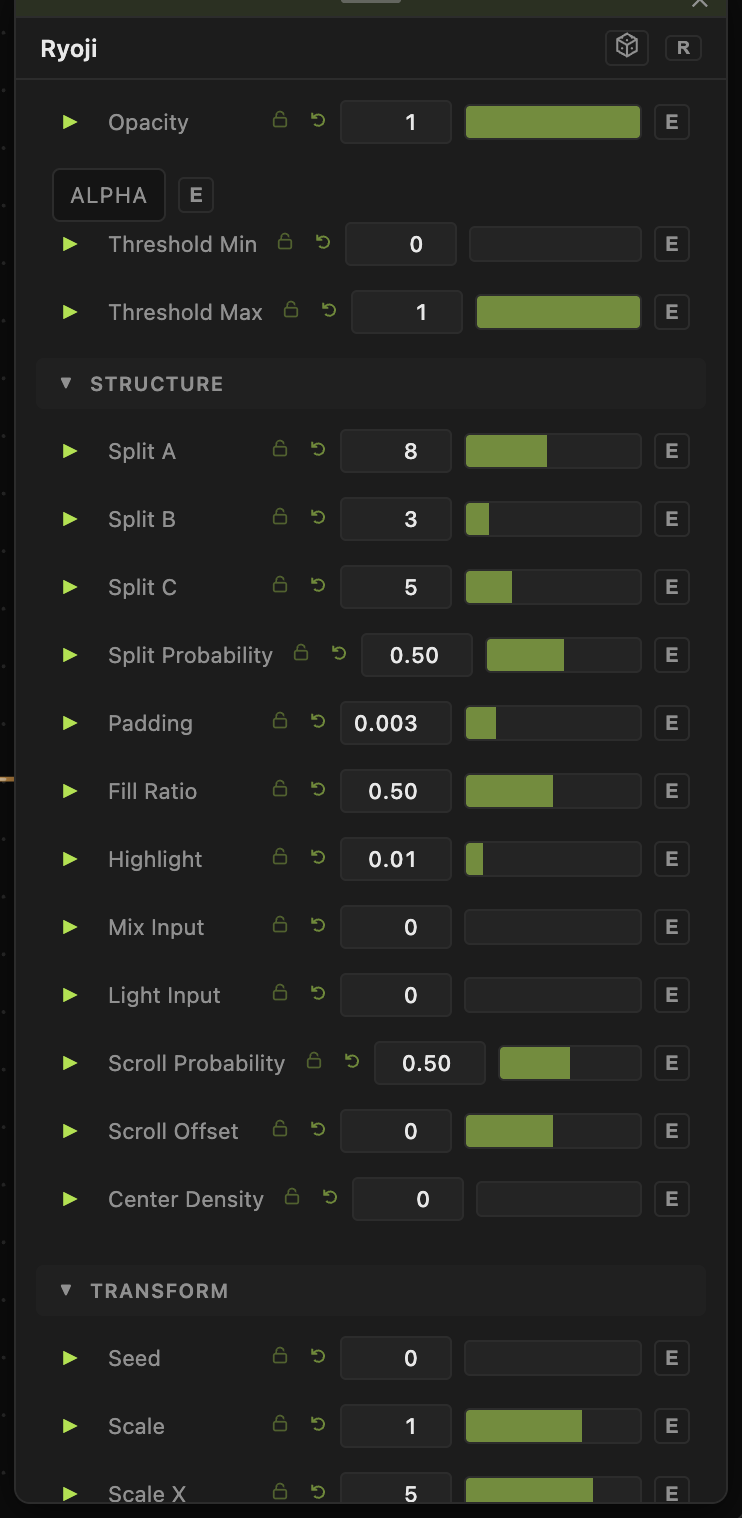
Opacity, Blend Mode, ALPHA, Invert Alpha, Threshold Min / Threshold Max — the standard operator header; see Perlin Noise for details.
Structure
- Split A / Split B / Split C (1–16, defaults 8 / 3 / 5) — the subdivision counts at each recursion level. Together they set how fine the grid gets.
- Split Probability (0–1, default 0.5) — the chance a cell subdivides further.
- Center Density (0–1, default 0) — biases subdivision so cells get smaller toward the center.
- Padding (default 0.003) — the gap around each cell.
Appearance
- Contrast (0–1, default 0.75) and Fill Ratio (0–1, default 0.5) — the balance and hardness of black vs. white cells.
- Highlight and Highlight Color — a bright accent on a fraction of cells.
- Mix Input / Light Input (0–1) — blend the connected Input texture into the cells' fill and lighting.
Scroll
- Scroll Speed (0–5, default 0.5), Scroll Probability (0–1, default 0.5), Scroll Offset — how many rows scroll, how fast, and their starting phase.
- Speed (0–5, default 1) — overall animation rate, compounding with the global animation speed.
Every slider has a per-parameter animation bar, so any of these can be animated, audio-driven, or MIDI-mapped — see Parameters and Controls.
Troubleshooting
Grid doesn't scroll — raise Scroll Probability (so some rows are eligible) and Scroll Speed, and make sure global animation is playing.
Too uniform — raise Split Probability and vary Split A/B/C for a less regular grid.