Wang Tiles
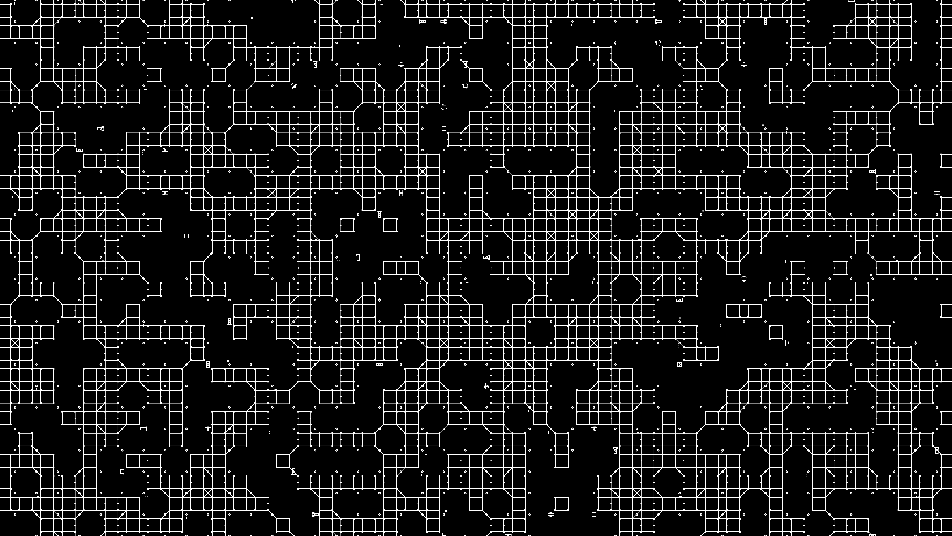
Circuit-board tile system using Wang tile edge-matching for seamless connectivity, with animated data dots flowing along the traces.
The Wang Tiles node builds a seamless circuit-board field from a set of edge-matched tiles, so traces always connect across tile boundaries. Data dots flow along the routes, and connection pads and IC-like components sit at the junctions.
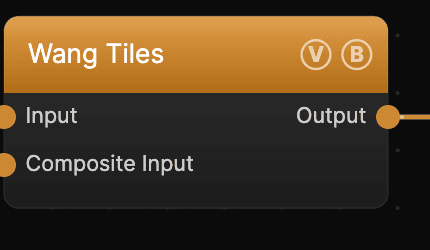
- One texture output; two optional texture inputs (domain warp and composite)
- Controls for tile scale, trace and pad size, density, and the animated dots
- Found in the node graph under Generators as Wang Tiles
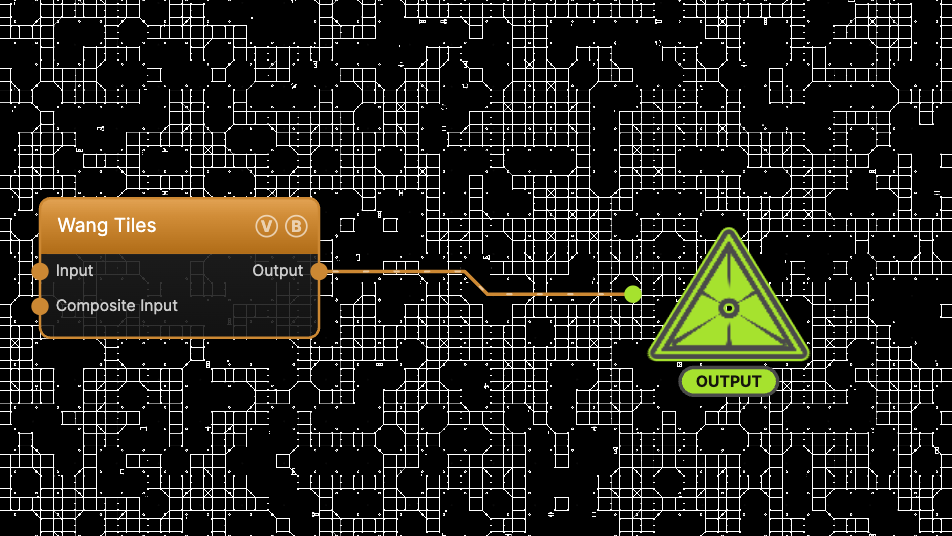
The image on the right is the example patch itself — drag and drop it onto the app (or load it with File → Load) to open the full graph.
Inputs and outputs
| Port | Type | Purpose |
|---|---|---|
| Displace | Texture | Domain warp: the red and green channels push the sample coordinates by Displace Amount |
| Composite Input | Texture | Composited under the output with Composite Mode and Composite Mix, which appear once the port is wired |
| Output | Texture | The grayscale circuit field on black |
A black (or disconnected) Input produces no warp; the warp strength scales with Scale.
Parameters
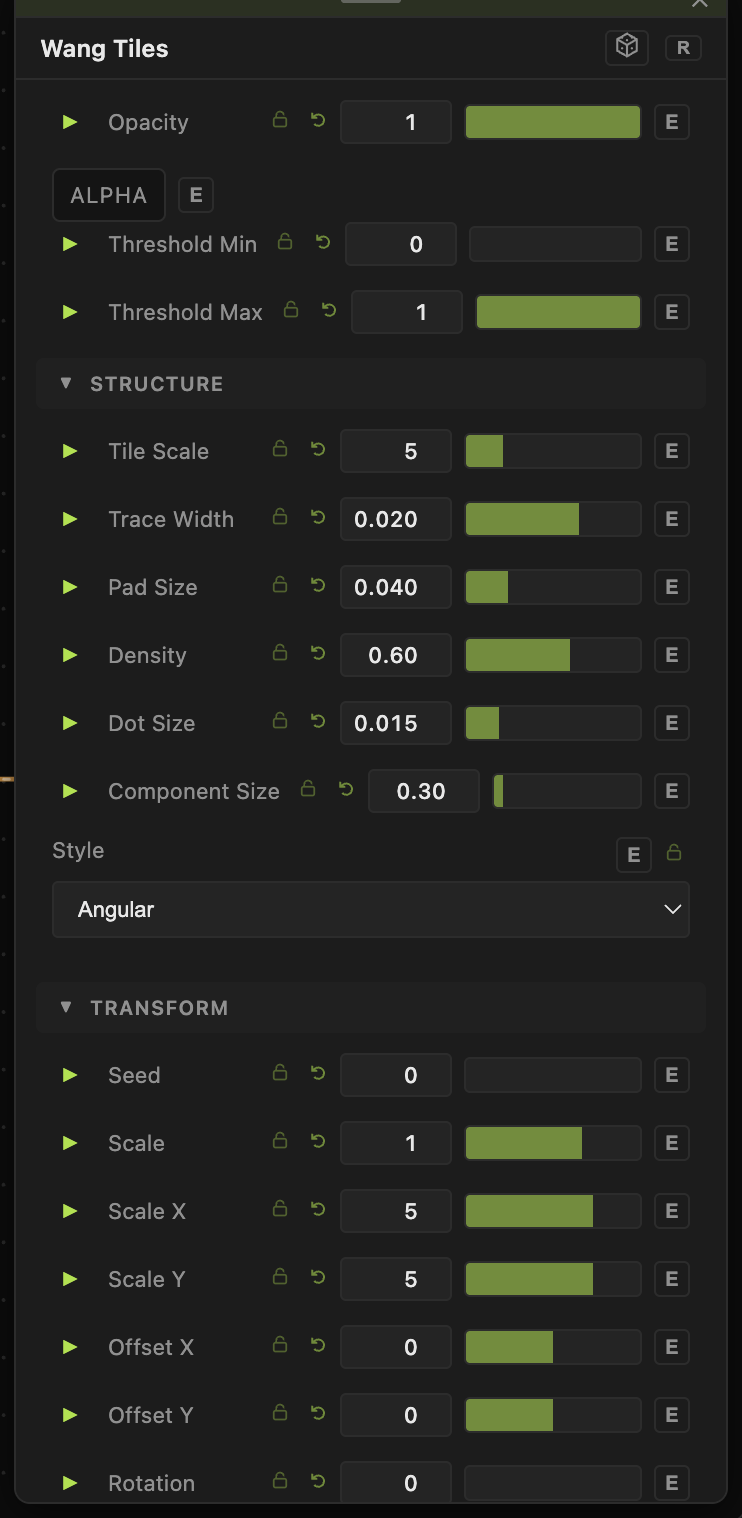
Opacity, Blend Mode, ALPHA, Invert Alpha, Threshold Min / Threshold Max — the standard operator header; see Perlin Noise for details.
Structure
- Tile Scale (1–20, default 5) — how many tiles fill the frame.
- Trace Width (default 0.02) — thickness of the routed traces.
- Pad Size (default 0.04) — size of the connection pads at junctions.
- Density (0–1, default 0.6) — the fraction of tiles that carry traces.
- Component Size (0–5, default 0.3) — scale of the IC-like components.
- Style — Angular (right-angle traces) or Rounded (curved corners).
Data dots
- Dot Speed (0–5, default 0.5) — how fast the data dots travel along the traces.
- Dot Size (default 0.015) — the dot radius.
- Speed (0–5, default 0) — overall animation rate. At the default of 0 the field is static; raise it to animate.
Transform
- Seed and the shared Scale / Offset / Rotation block.
Every slider has a per-parameter animation bar, so any of these can be animated, audio-driven, or MIDI-mapped — see Parameters and Controls.
Troubleshooting
Nothing moves — Speed defaults to 0. Raise it (and Dot Speed) and make sure global animation is playing.
Traces too sparse — raise Density, or lower Tile Scale for larger, busier tiles.