Crosshatch
Overlapping line sets at evenly spaced angles, with noise-modulated brightness for a hand-shaded look.
The Crosshatch node draws parallel line sets at evenly distributed angles — one set per angle, overlapped. A drifting noise field modulates each line's brightness, so the lattice shimmers rather than reading as a flat grid.
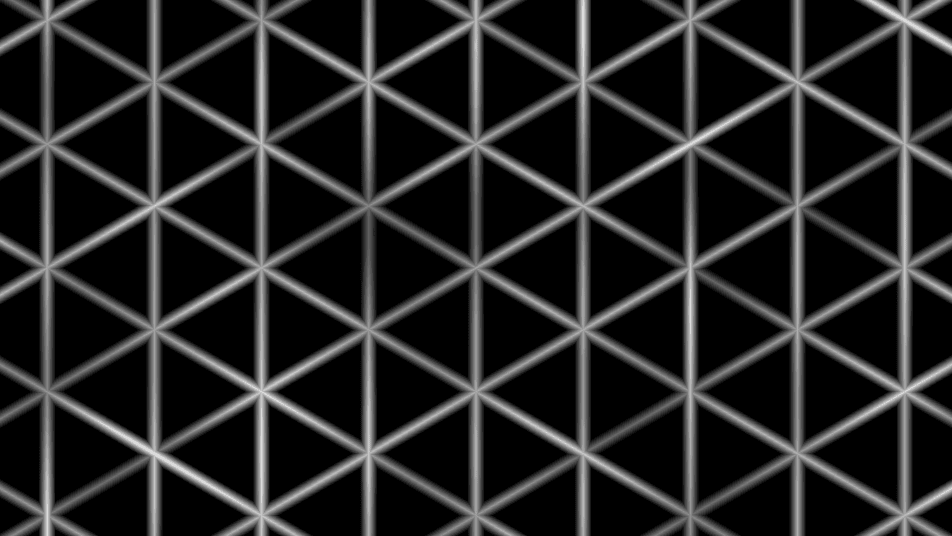
- One texture output; two optional texture inputs (domain warp and composite)
- Three pattern controls (Line Angles, Line Width, Spacing) plus the standard transform block
- Found in the node graph under Generators in the add-node menu
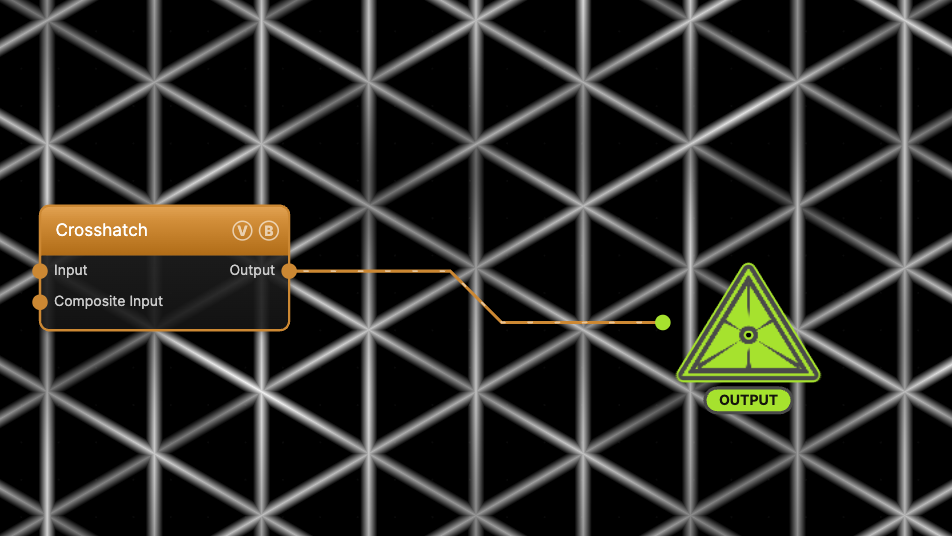
The image on the right is the example patch itself — drag and drop it onto the app (or load it with File → Load) to open the full graph.
Inputs and outputs
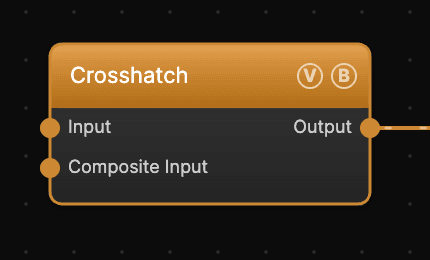
| Port | Type | Purpose |
|---|---|---|
| Displace | Texture | Domain warp: the red and green channels push the sample coordinates by Displace Amount |
| Composite Input | Texture | Composited under the output with Composite Mode and Composite Mix, which appear once the port is wired |
| Output | Texture | The grayscale line lattice on black |
The warp strength scales with Scale.
Parameters
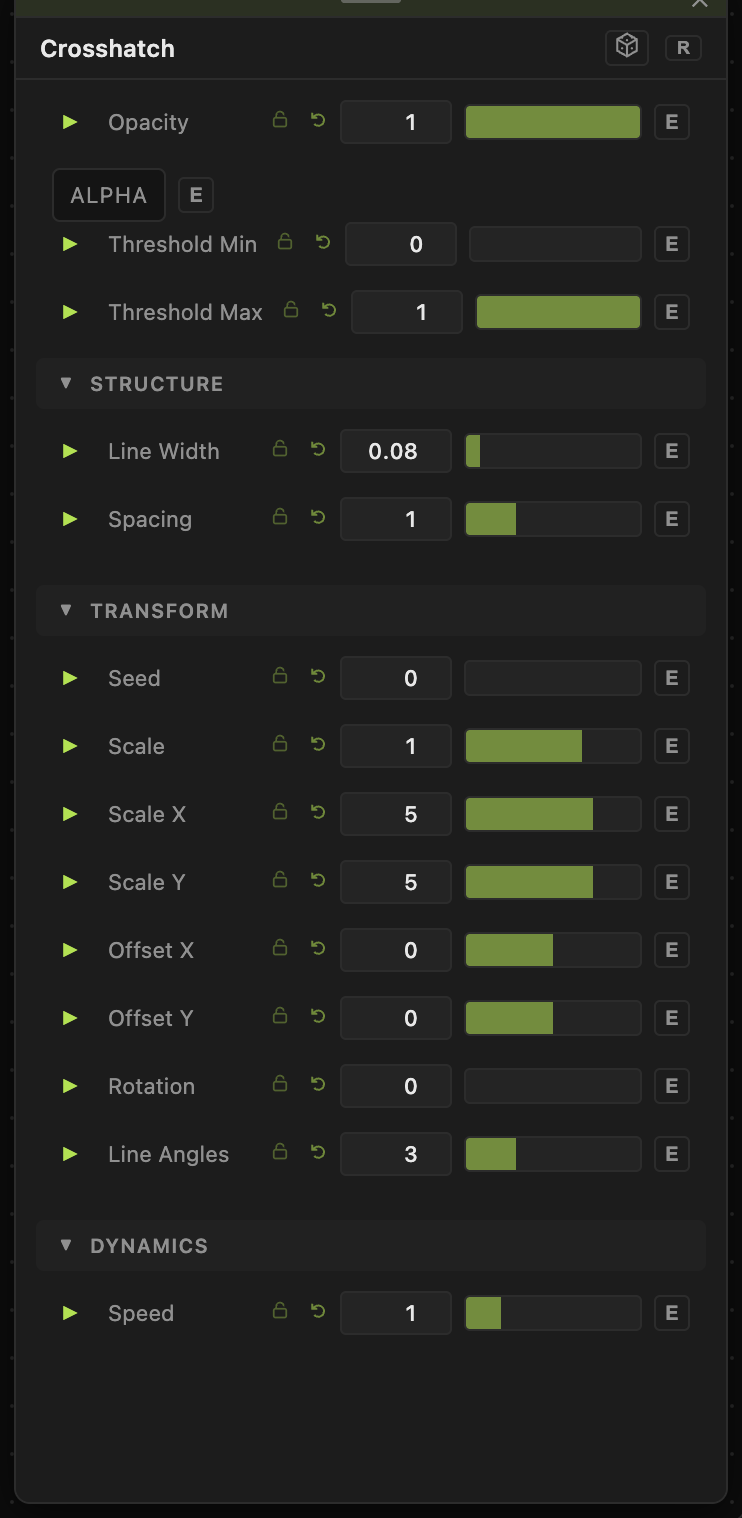
Opacity, Blend Mode, ALPHA, Threshold Min / Threshold Max — the standard operator header; see Perlin Noise for details.
Structure
- Line Width (0–1, default 0.08) — line thickness relative to the spacing. Values toward 1 merge lines into solid bands.
- Spacing (0.2–3, default 1) — the gap between parallel lines within each set.
Transform
- Line Angles (1–8, default 3) — how many line sets to overlay. The angles distribute evenly across 180°: 1 gives parallel stripes, 2 a square weave, 3 the default triangular lattice.
- Seed (0–99999), Scale (0.01–10, default 1), Scale X / Scale Y (0.01–50, default 5), Offset X / Offset Y (−20 to 20), Rotation (0–360) — the shared generator transform block. Rotation spins the whole lattice, offsetting every angle set together.
Dynamics
- Speed (0–5, default 1) — drift rate of the brightness modulation along the lines. 0 freezes the shading.
Every slider has a per-parameter animation bar, so any of these can be animated, audio-driven, or MIDI-mapped — see Parameters and Controls.
Examples
Pencil shading — Line Angles 2, Line Width 0.15, Spacing 0.5, then multiply-blend over another generator so the hatch reads as texture on it.
Wireframe mesh — Line Angles 3, Line Width 0.05, Spacing 1.5: a clean triangular grid.
Troubleshooting
Lines pulse in brightness — the noise modulation is animated at Speed above 0. Set Speed to 0 for static shading; the variation along each line remains but stops moving.
Lines look uneven in brightness — that is the built-in noise modulation, not a bug. To flatten it, raise Threshold Min until the dim segments clip to full black, or push Threshold Max down to saturate the bright ones.