Quatrefoil
Four-lobed decorative pattern with adjustable thickness and border width.
The Quatrefoil node tiles the four-lobed quatrefoil motif — four overlapping circles forming a clover shape — into a decorative grid. It suits ornamental backdrops, gothic and heraldic looks, and lace-like overlays.
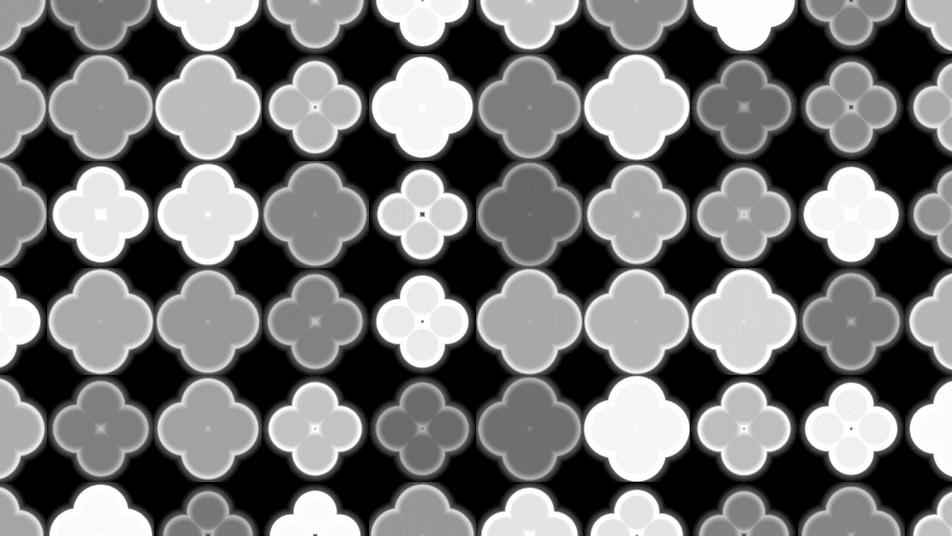
- One texture output; two optional texture inputs (domain warp and composite)
- Thickness and Border Width shape the motif
- Found in the node graph under Generators as Quatrefoil
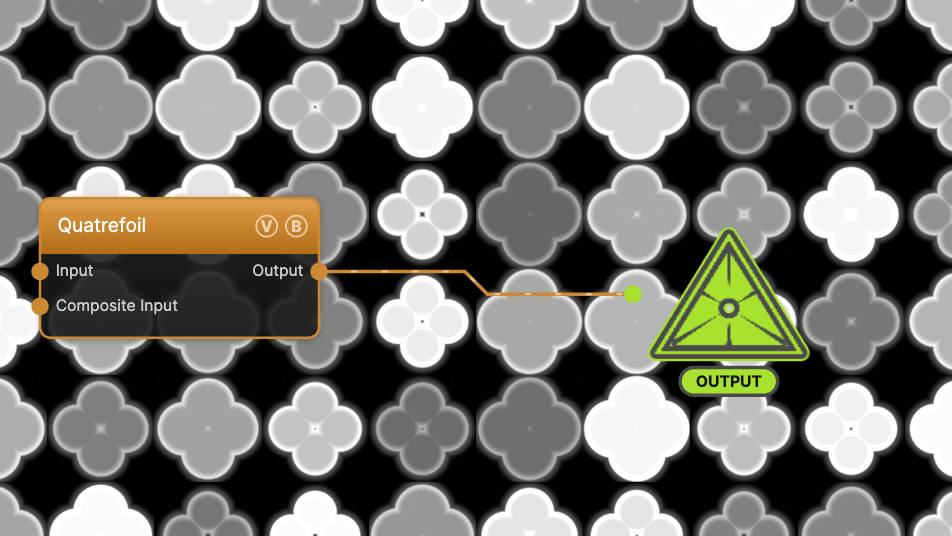
The image on the right is the example patch itself — drag and drop it onto the app (or load it with File → Load) to open the full graph.
Inputs and outputs
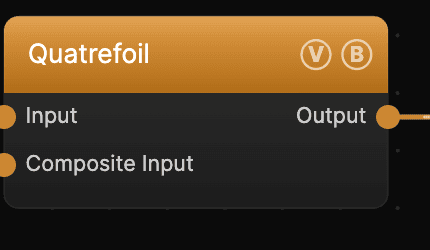
| Port | Type | Purpose |
|---|---|---|
| Displace | Texture | Domain warp: the red and green channels push the sample coordinates by Displace Amount |
| Composite Input | Texture | Composited under the output with Composite Mode and Composite Mix, which appear once the port is wired |
| Output | Texture | The grayscale motif on black |
A black (or disconnected) Input produces no warp; the warp strength scales with Scale.
Parameters
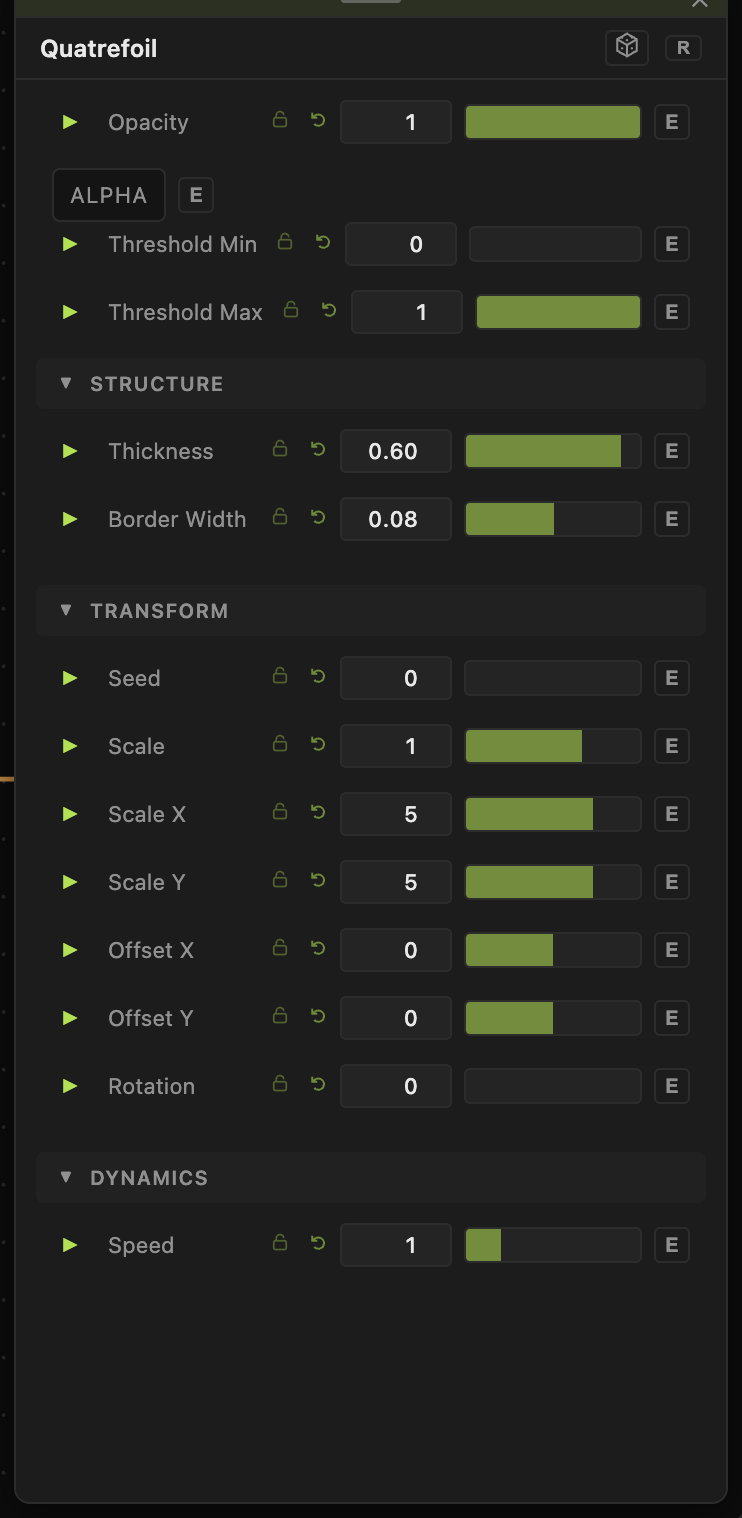
Opacity, Blend Mode, ALPHA, Invert Alpha, Threshold Min / Threshold Max — the standard operator header; see Perlin Noise for details.
Structure
- Thickness (0.01–1, default 0.6) — how much of each cell the lobed shape fills. Lower values shrink the motif to a small emblem; higher values swell it until neighbors touch.
- Border Width (default 0.08) — the outline weight around each shape. Negative values invert the fill and outline.
Transform
- Seed (0–99999) and the shared Scale / Offset / Rotation block. Scale sets how many motifs tile the frame.
Dynamics
- Speed (0–5, default 1) — drift rate of the pattern's brightness animation, compounding with the global animation speed. 0 freezes it.
Every slider has a per-parameter animation bar, so any of these can be animated, audio-driven, or MIDI-mapped — see Parameters and Controls.
Troubleshooting
Shapes overlap into a blob — lower Thickness so neighboring motifs keep their gaps.
Outline missing — raise Border Width above 0.