3D & SimulationParticles
Trail Renderer
Draws each particle's position history as a ribbon, flat or as a lit tube mesh.
The Trail Renderer keeps a history of positions per particle and draws it as a ribbon with thickness, taper, fade, and dashes. Mesh Output turns the ribbons into lit tubes.
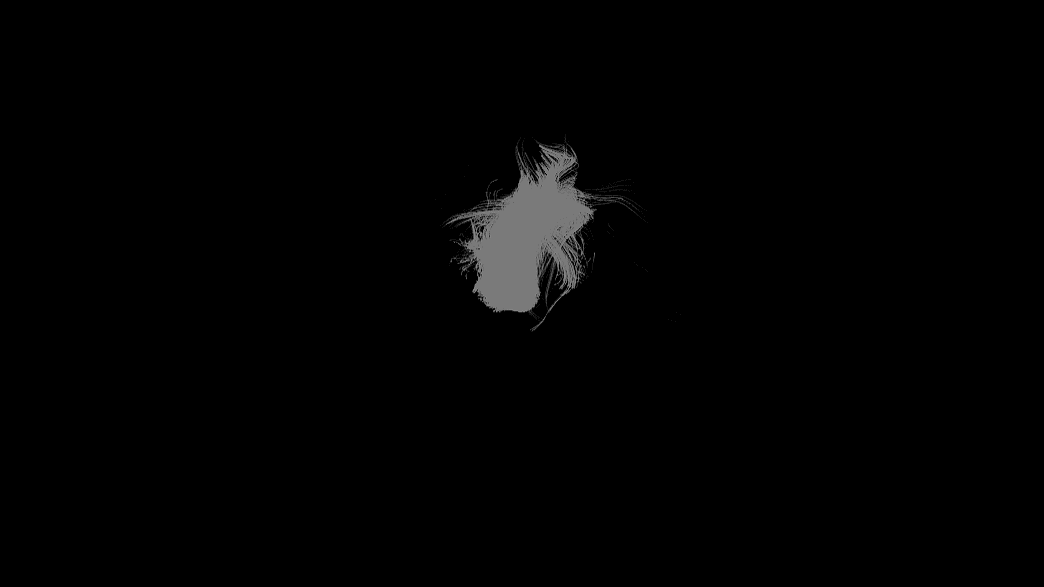
- Trail Length, Thickness, Taper, Fade, Dash
- Mesh Output with a Material port
- Found in the node graph under Particles → Renderers
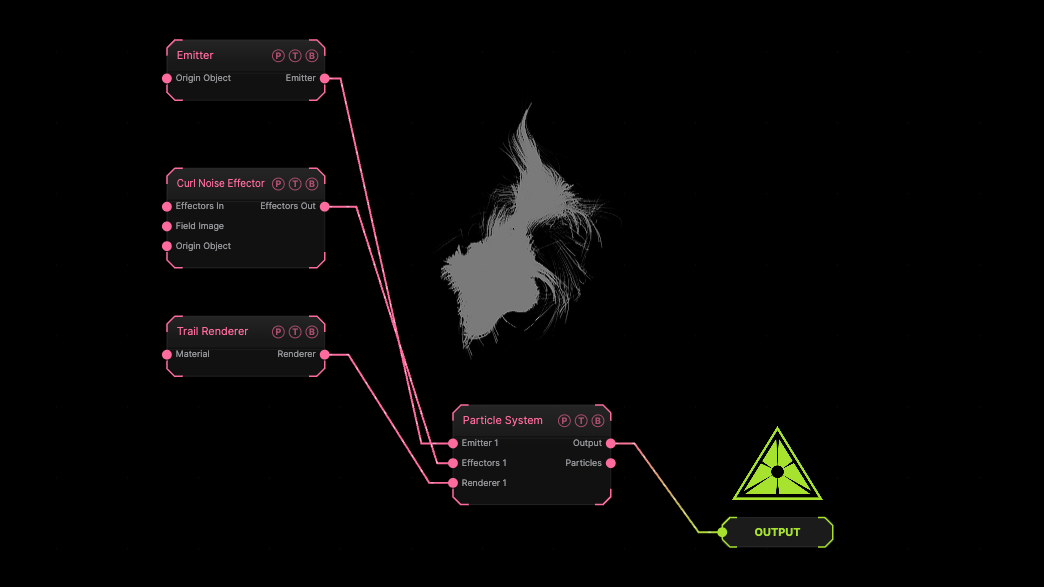
The image on the right is the example patch itself. Drag and drop it onto the app, or load it with File → Load, to open the full graph. A sphere emitter with a curl effector drawn as default trails.
Inputs and outputs
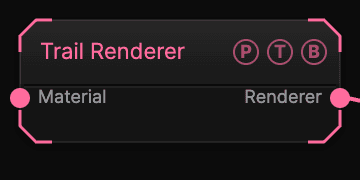
| Port | Type | Purpose |
|---|---|---|
| Material | Surface | A Material for the tube mesh when Mesh Output is on. |
| Renderer | Renderer | Wire it into the Particle System's Renderer port. |
Parameters
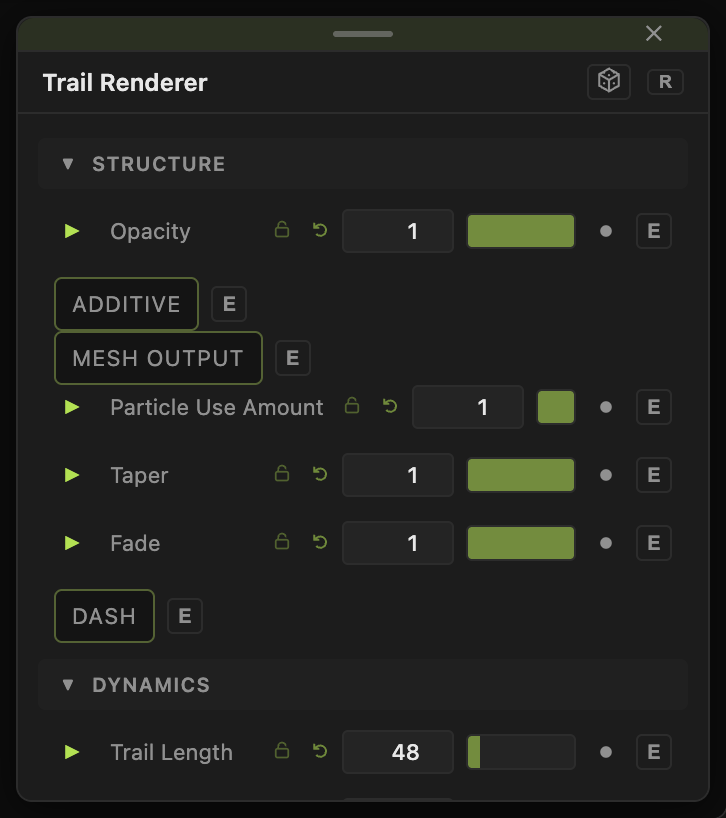
- Opacity (0–1, default 1), Additive (default off).
- Mesh Output (default off) with Radial Segments (3–16, default 6) and Mesh Thickness (0.001–4, default 0.05). Off, Thickness (0.5–16, default 3) sets the flat ribbon width.
- Trail Length (2–400, default 48) — frames of history.
- Width Random (0–1, default 0), Taper (0–1, default 1), Fade (0–1, default 1).
- Dash (default off) with Dash Length (0.5–40, default 4).
- Particle Use Amount (0–1, default 1).
- Color Mode, Color, Gradient By, Gradient Cycles, Echo, Shadows, Shadow Mode.
Every slider has a per-parameter animation bar, so it can be animated, audio driven, or MIDI mapped.
Examples
Light streaks — Trail Length 120, Taper 1, Additive on.
Cables — Mesh Output on, a metal Material, a Quantized Motion Effector.
Troubleshooting
Trails are short — Trail Length counts frames; fast particles need more.