3D & SimulationParticles
Point Geometry Renderer
The light sibling of the Mesh Renderer: sphere or box instances with a much higher budget.
The Point Geometry Renderer instances a simple sphere or box at every particle. It is lit like real geometry but stays cheap.

- Shape Icosphere, UV Sphere, or Box, with Subdivision
- Per-axis Scale X / Y / Z
- Found in the node graph under Particles → Renderers
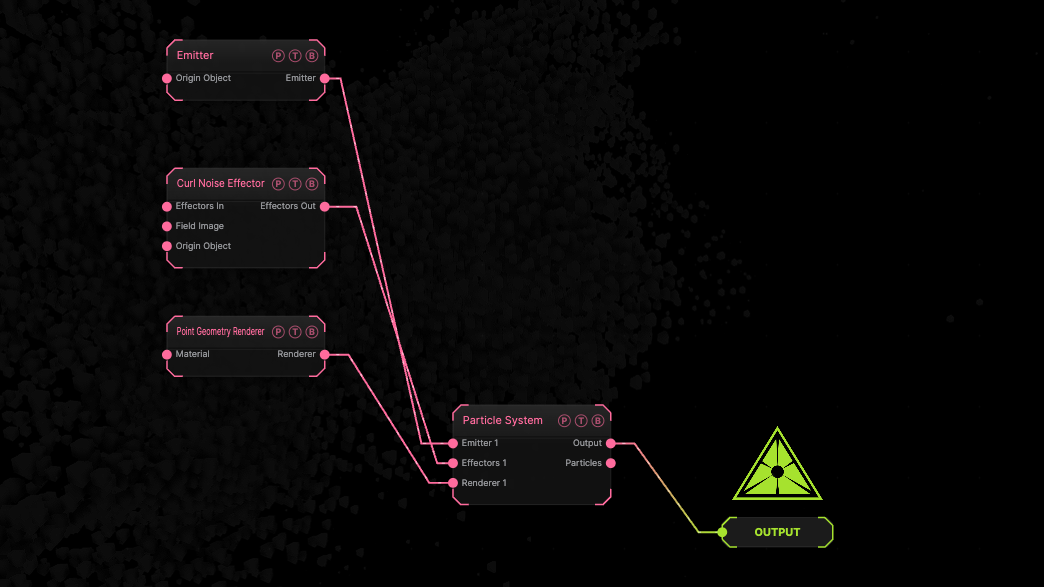
The image on the right is the example patch itself. Drag and drop it onto the app, or load it with File → Load, to open the full graph. A sphere emitter with a curl effector drawn as default UV spheres.
Inputs and outputs
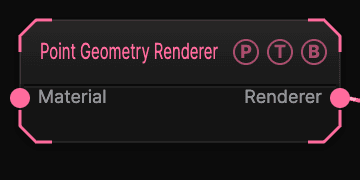
| Port | Type | Purpose |
|---|---|---|
| Material | Surface | A Material for the instances. |
| Renderer | Renderer | Wire it into the Particle System's Renderer port. |
Parameters
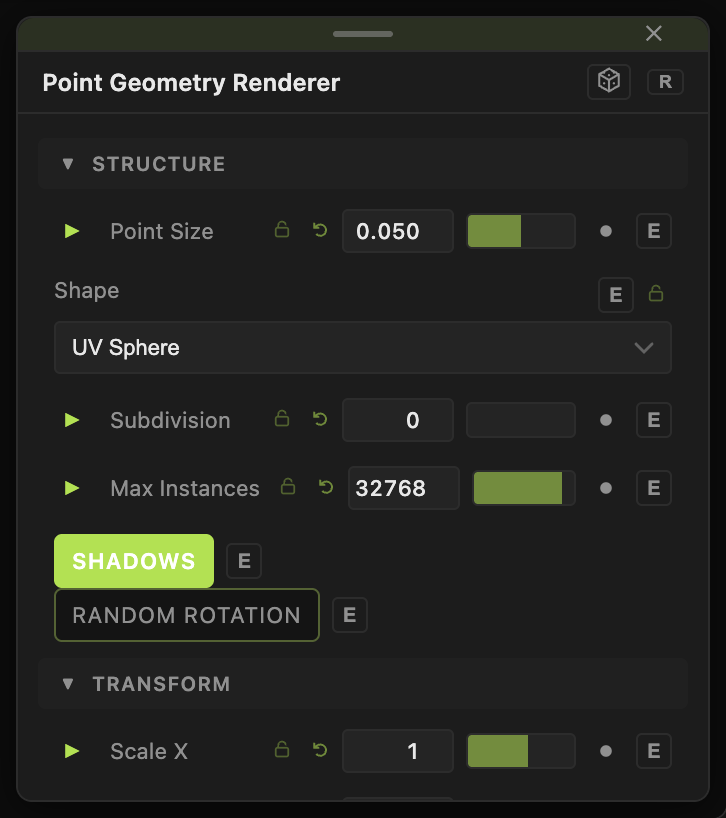
- Point Size (0.01–0.25, default 0.05), Size Random (0–1, default 0.6).
- Shape — Icosphere, UV Sphere (default), Box; Subdivision (0–10, default 0).
- Scale X / Y / Z (0.05–10, default 1).
- Color Mode — Single (default), Gradient, Emitter Image; Color; Gradient By, Gradient Cycles.
- Max Instances, Shadows, Random Rotation, Align To Velocity, Front Axis, Min Speed.
Every slider has a per-parameter animation bar, so it can be animated, audio driven, or MIDI mapped.
Examples
Metal beads — a Material with Metalness 1 wired in, Subdivision 2.
Troubleshooting
Instances look faceted — raise Subdivision.