3D & SimulationParticles
Mesh Renderer
Instances real geometry per particle, so materials, lights, and the environment all apply.
The Mesh Renderer draws a mesh at every particle. Because the instances are geometry, they take a Material and react to the scene lights.
- Instance Shape or a custom GLB
- Align To Velocity, Random Rotation, Max Instances
- Found in the node graph under Particles → Renderers
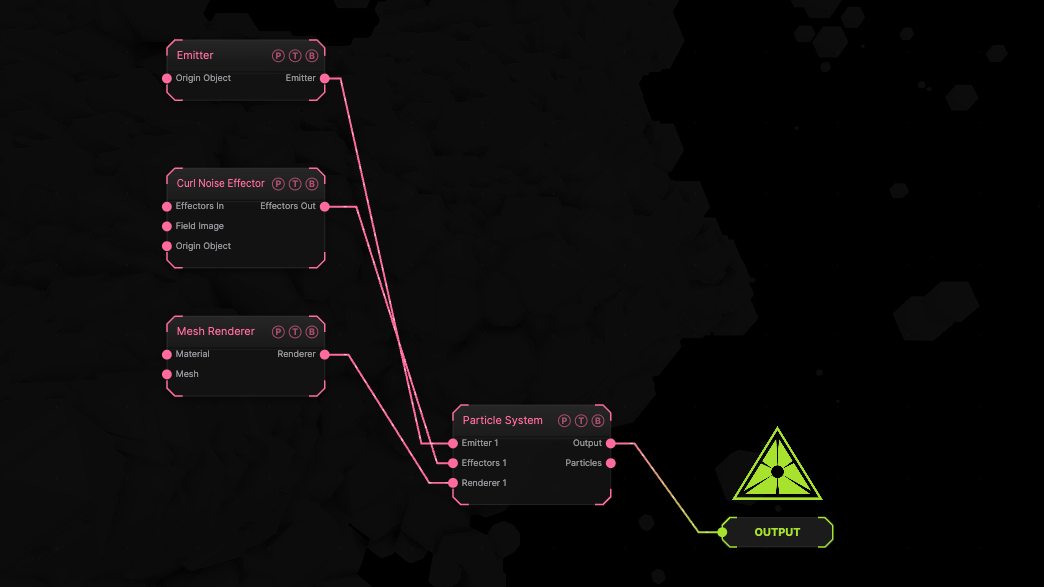
The image on the right is the example patch itself. Drag and drop it onto the app, or load it with File → Load, to open the full graph. A sphere emitter with a curl effector drawn as default spheres.
Inputs and outputs
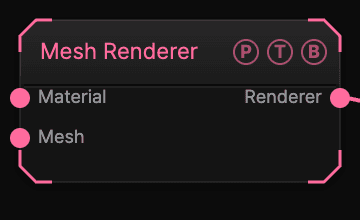
| Port | Type | Purpose |
|---|---|---|
| Material | Surface | A Material for the instances. |
| Mesh | Surface | A surface to instance instead of the built-in shapes. |
| Renderer | Renderer | Wire it into the Particle System's Renderer port. |
Parameters
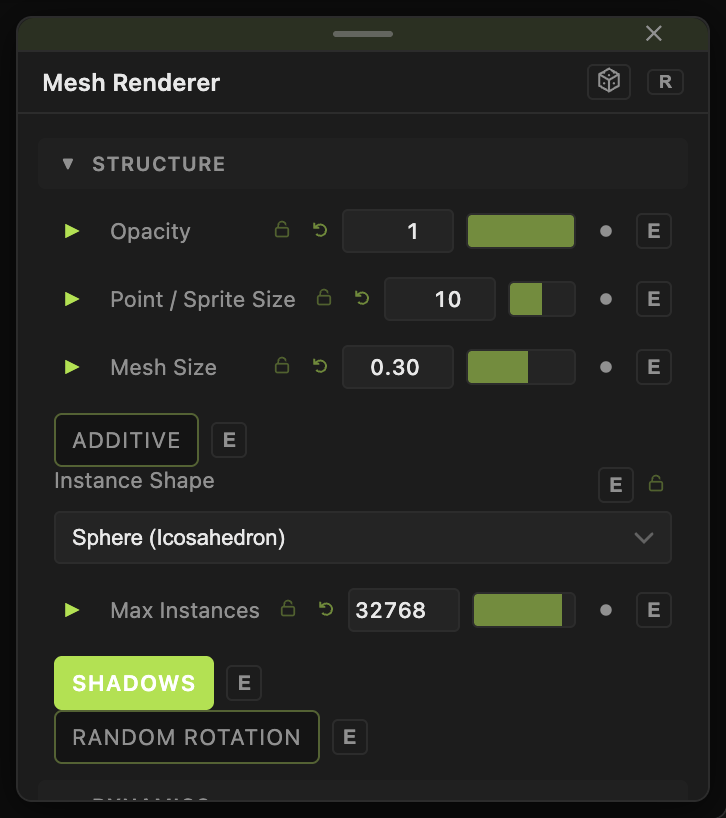
- Opacity, Mesh Size (0.01–4, default 0.3), Size Random (0–1, default 0.6).
- Instance Shape — Sphere (Icosahedron) (default), Cube, Tetrahedron, Torus, Cylinder, or Custom Model (GLB/GLTF) with 3D Model.
- Color Mode and Color, Gradient By (default Life), Gradient Cycles.
- Max Instances (256–65536, default 32768), Shadows (default on), Random Rotation (default off).
- Align To Velocity (default off) with Front Axis (default +Z) and Min Speed (default 0.01).
- Additive, Echo, Echo Decay, Shadow Strength, Shadow Bias.
Every slider has a per-parameter animation bar, so it can be animated, audio driven, or MIDI mapped.
Examples
Swarm of arrows — a custom arrow GLB, Align To Velocity on, Random Rotation off.
Troubleshooting
Align To Velocity looks broken. Random Rotation is applied afterwards and wins. Turn it off.
Particles are missing — the count exceeds Max Instances.