3D & SimulationParticles
Colorize Effector
Tints each particle from a gradient driven by an attribute such as life, position, or density.
The Colorize Effector assigns colour by an attribute. A wired Gradient texture replaces the built-in stop editor.
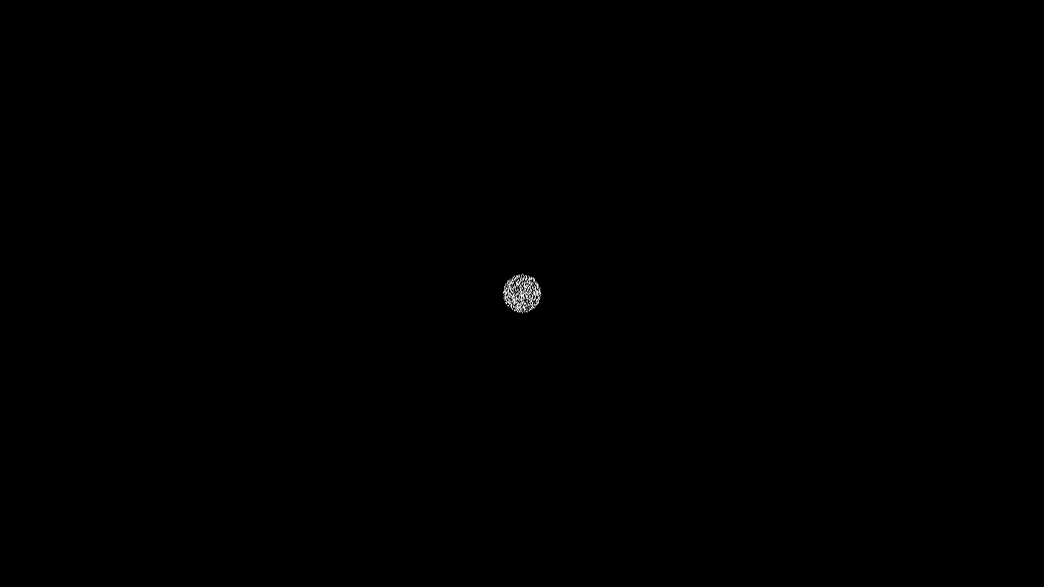
- Attribute picks what drives the ramp
- Cycles, Ramp Offset, Wrap, Blend Mode, Color Blend
- Found in the node graph under Particles → Effectors
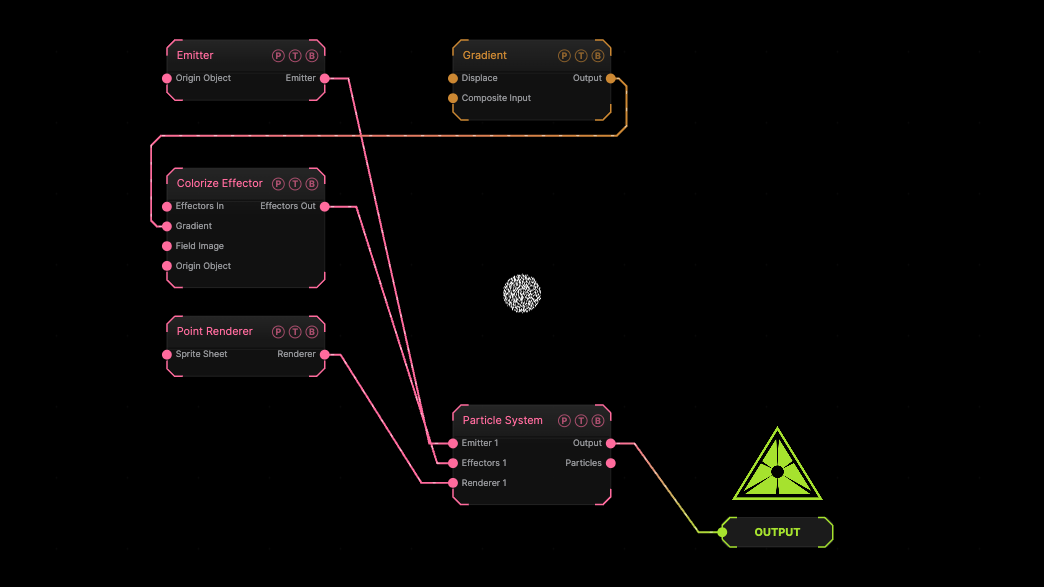
The image on the right is the example patch itself. Drag and drop it onto the app, or load it with File → Load, to open the full graph. A Gradient generator wired into the Gradient port.
Inputs and outputs
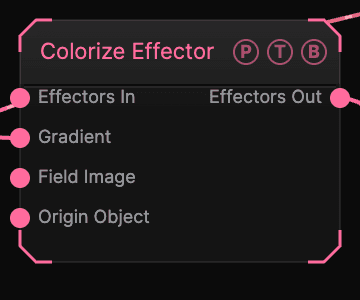
| Port | Type | Purpose |
|---|---|---|
| Effectors In | Effector | The previous effector in the chain, if any. |
| Gradient | Texture | Overrides the built-in gradient. |
| Field Image | Texture | A texture read by the Image field shape. |
| Origin Object | Surface | A Null to parent the effector to. |
| Effectors Out | Effector | Wire it into the next effector, or into the Particle System's Effectors port. |
Parameters
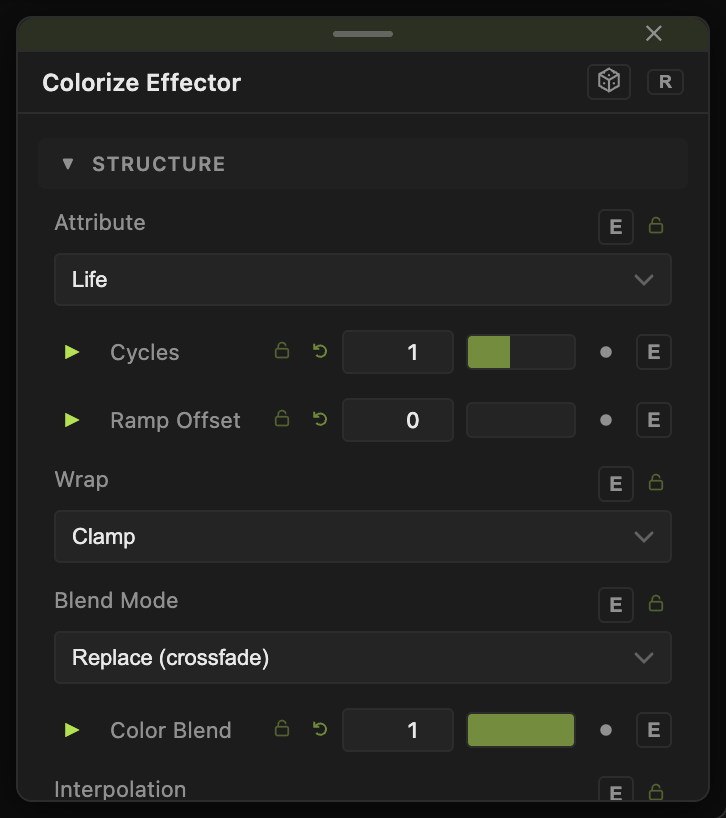
- Attribute — Position X / Y / Z, Normal, Life (default), Distance from Emitted Position, Distance from Origin, Density. Density Multiplier and Density Contrast shape the Density option.
- Cycles (0.1–32, default 1), Ramp Offset (0–1, default 0), Wrap (Repeat, Clamp default, Mirror).
- Blend Mode — Replace (crossfade) (default), Multiply, Add. Color Blend (0–1, default 1).
- Interpolation — Linear (default), Smooth, Step.
Field
- Field (default off) — limits the effector to a region. Field Shape (Sphere, Box, Plane, Image), Field Size (default 3), Falloff (default 0.5), Inner Radius, Invert Field, Field Follows Mouse, and Image Channel for the Image shape. The Field Position / Heading / Pitch / Roll / Scale block places it.
Cycles, Ramp Offset, and Color Blend carry a per-parameter animation bar.
Examples
Heat map — Attribute Density, a red-to-white gradient.
Troubleshooting
Nothing changes colour. The renderer's Color Mode must be set to Colorize Effector. The Mesh Renderer takes colour from its material instead.