Image Emitter
Spawns particles from a picture: brightness or alpha sets the density and the pixel sets the colour, with optional optical flow.
The Image Emitter node turns a texture into a spawn plane. Bright or opaque pixels emit, each particle takes the pixel colour, and optical flow can make the cloud follow motion in a video.
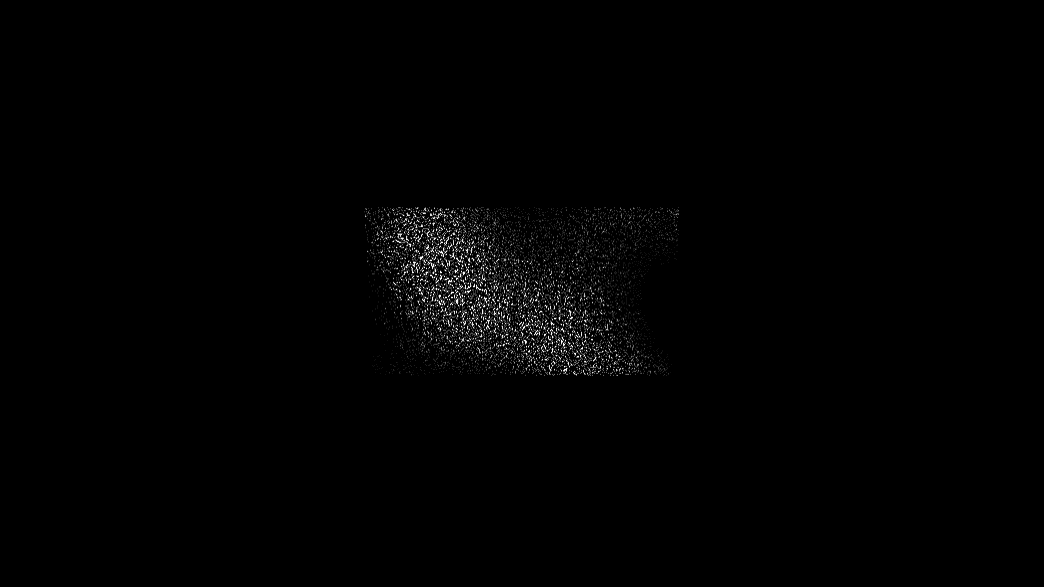
- Emit From luminance, alpha, or both
- Use Image Color and Use Image Alpha carry the source into the particles
- Optical Flow (Motion) pushes particles along the video's motion
- Found in the node graph under Particles → Emitters
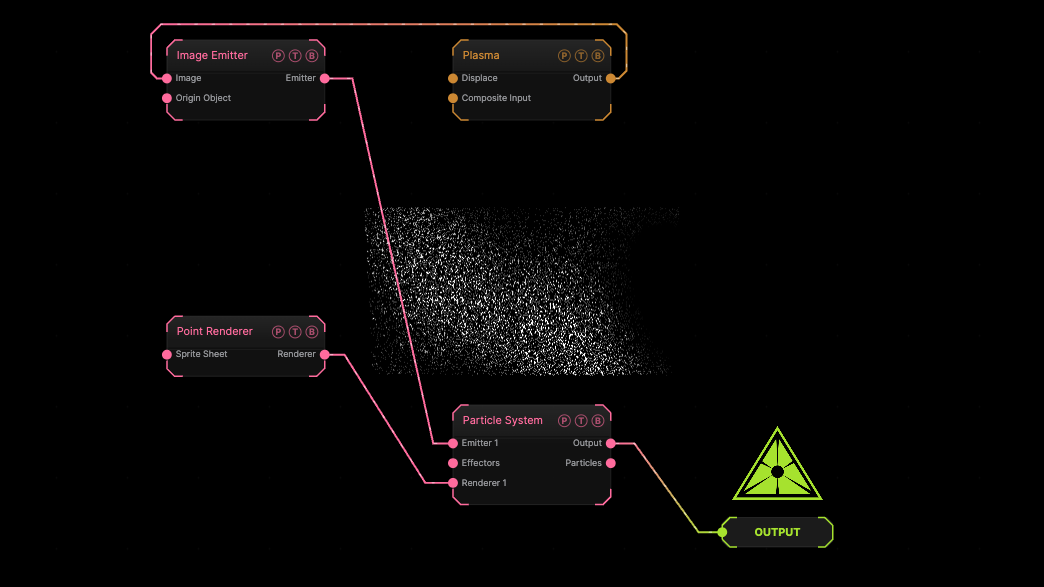
The image on the right is the example patch itself. Drag and drop it onto the app, or load it with File → Load, to open the full graph. A Plasma generator feeds the emitter.
Inputs and outputs
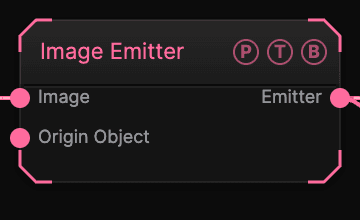
| Port | Type | Purpose |
|---|---|---|
| Image | Texture | The picture or video. |
| Origin Object | Surface | A Null to parent to. |
| Emitter | Emitter | Wire it into the Particle System's Emitter port. |
Parameters
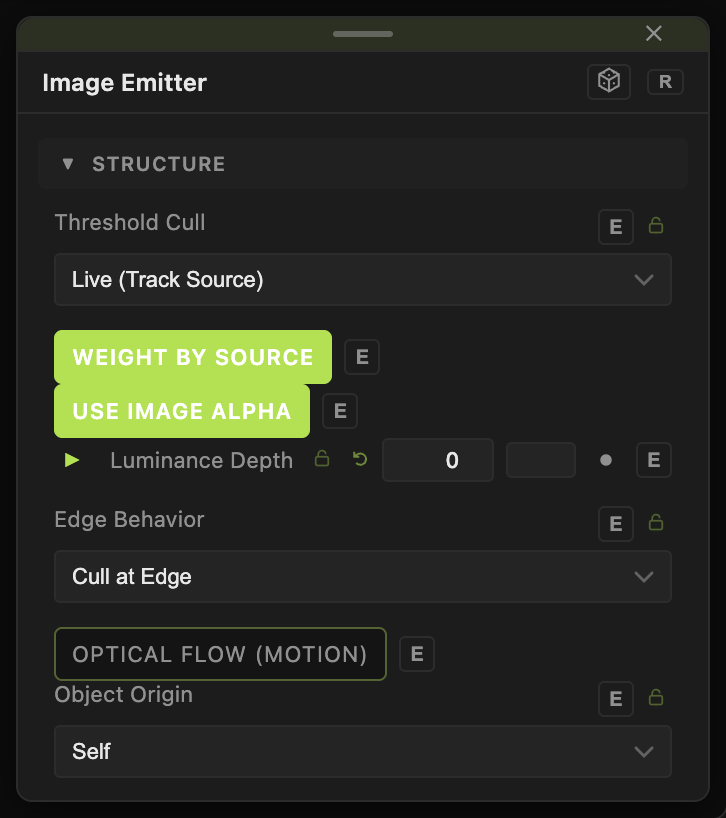
- Plane Size (0.5–60, default 16).
- Emit From — Luminance (default), Alpha, or Luminance × Alpha. Threshold (default 0.1) and Threshold Softness (default 0.25) set the cut.
- Threshold Cull — Live (Track Source) kills particles when their pixel goes dark; Emission Only (Persist) keeps them.
- Color Boost (0–4, default 1), Weight by Source (default on), Use Image Color (default on), Use Image Alpha (default on).
- Luminance Depth (0–20, default 0) — pushes bright pixels forward in Z.
- Flip Y, Edge Behavior (Cull at Edge or Keep (Splatter)).
- Optical Flow (Motion) (default off) with Flow Downsample (1/4 recommended), Motion Strength (default 1), Apply Mode (Velocity (Stick) or Force (Inertia)), Stickiness (default 18), Motion Smoothing (default 0.4).
- Position X / Y / Z.
Every slider has a per-parameter animation bar, so it can be animated, audio driven, or MIDI mapped.
Examples
Live video dust — a Webcam into Image, Optical Flow (Motion) on, Threshold Cull Emission Only.
Troubleshooting
Particles vanish where the picture is dark — that is Threshold Cull Live. Switch it to Emission Only.