Auragen docs
Auragen docs

Getting Started

OverviewInterfaceNode GraphParameters and Controls

Operators

Surfaces
Particles

System

Particle System

Emitters

EmitterMesh EmitterImage Emitter

Effectors

Curl Noise EffectorTurbulence EffectorQuantized Motion EffectorGravity / Wind EffectorWind EffectorDrag EffectorAttractor EffectorPoints EffectorVortex EffectorTwist EffectorSpring EffectorMesh Attract EffectorImage Form EffectorField Flow EffectorFluid EffectorExplode EffectorShockwave EffectorSoft Collision EffectorPrimitive Collision EffectorKill Box EffectorColorize Effector

Renderers

Point RendererSprite RendererMesh RendererPoint Geometry RendererConnection RendererTrail Renderer

Other

Hologram
3D PreviewperformMODE
3D & SimulationParticles

Connection Renderer

Draws distance-faded lines between neighbouring particles.

The Connection Renderer links each particle to its nearest neighbours with lines. Stack it beside a Point Renderer for a plexus look.

Connection Renderer

  • Links / Particle, Max Distance, Thickness, Color
  • Found in the node graph under Particles → Renderers
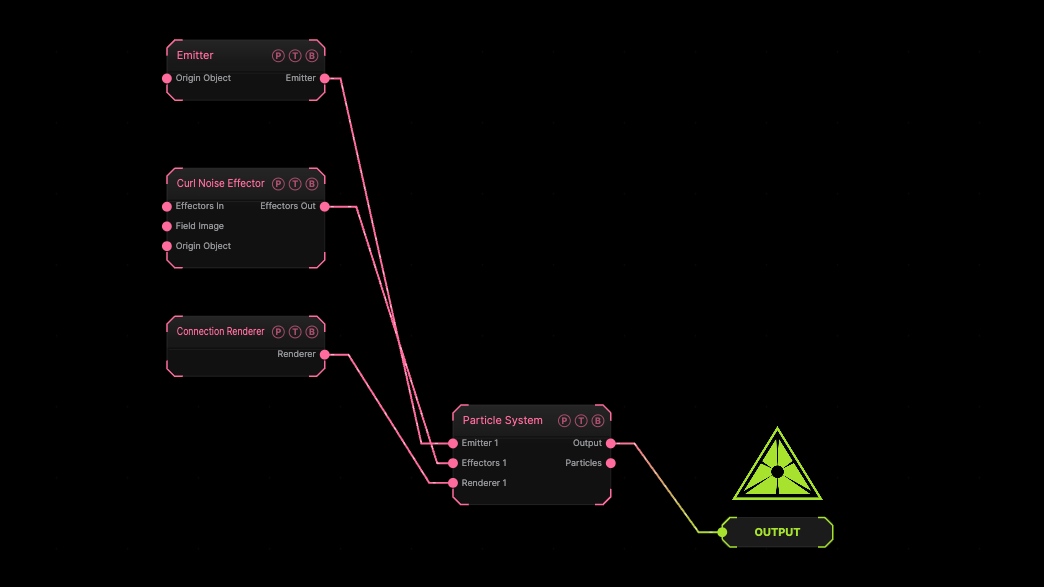
Example patch — drag onto the app to load

The image on the right is the example patch itself. Drag and drop it onto the app, or load it with File → Load, to open the full graph. A sphere emitter with a curl effector, drawn as connections only.

Inputs and outputs
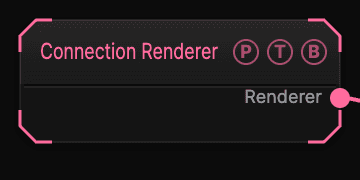
Connection Renderer node

PortTypePurpose
RendererRendererWire it into the Particle System's Renderer port.

Parameters

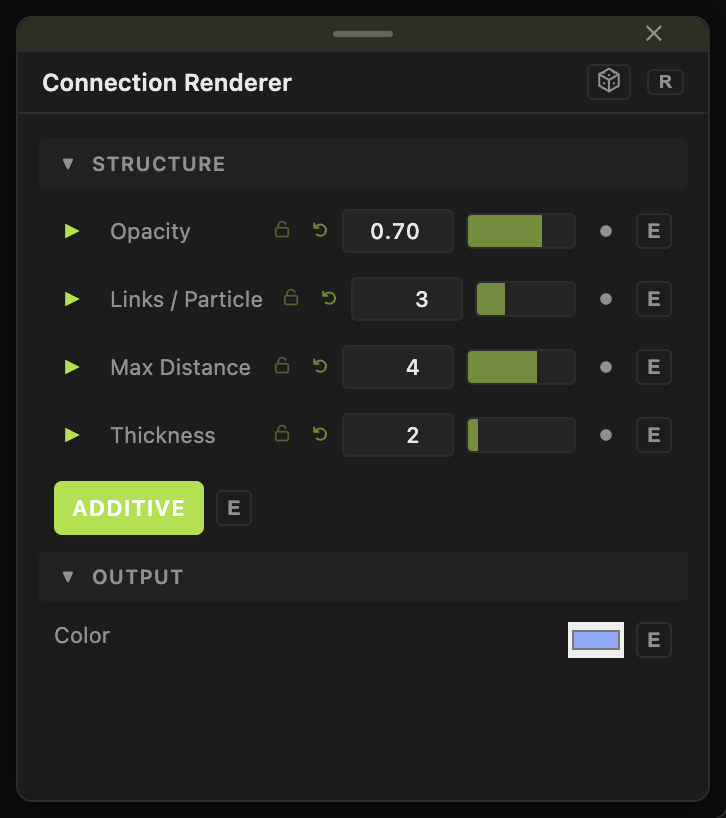
Connection Renderer parameters
  • Opacity (0–1, default 0.7).
  • Links / Particle (1–8, default 3).
  • Max Distance (0.05–40, default 4) — lines fade out toward this length.
  • Thickness (0.5–16, default 2).
  • Color (default #88aaff), Additive (default on).

Every slider has a per-parameter animation bar, so it can be animated, audio driven, or MIDI mapped.

Examples

Plexus — this plus a Point Renderer, a Points Effector, and a Drag Effector.

Troubleshooting

No lines — the particles are further apart than Max Distance.

Related

Point Renderer

The dots to go with the lines.

Point Geometry Renderer

The light sibling of the Mesh Renderer: sphere or box instances with a much higher budget.

Trail Renderer

Draws each particle's position history as a ribbon, flat or as a lit tube mesh.

On this page

Inputs and outputsParametersExamplesTroubleshootingRelated