3D & SimulationCloners
Ripple Effector
A radial travelling wave from the effector's origin, with a sharpness control.
The Ripple Effector sends rings outward from its position through the array.
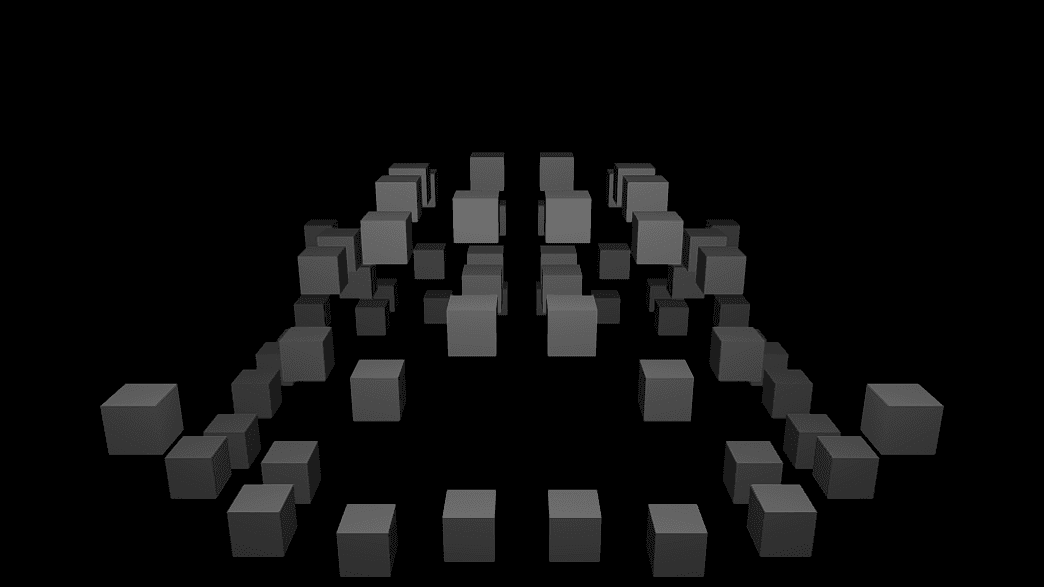
- Frequency, Speed, Peak Sharpness
- Found in the node graph under Cloners → Effectors
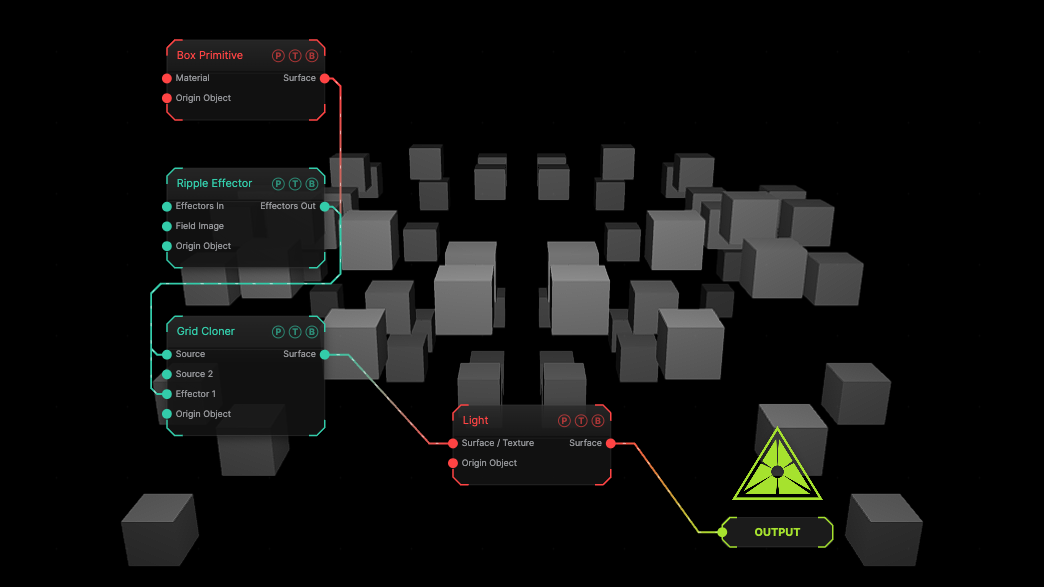
The image on the right is the example patch itself. Drag and drop it onto the app, or load it with File → Load, to open the full graph. The default ripple on a grid.
Inputs and outputs
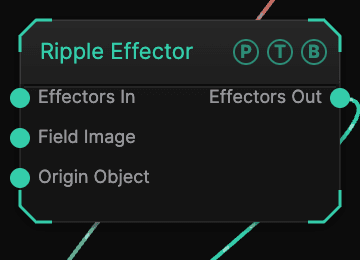
| Port | Type | Purpose |
|---|---|---|
| Effectors In | Effector | The previous effector in the chain. |
| Field Image | Texture | A texture read by the Image field shape. |
| Origin Object | Surface | A Null to parent to. |
| Effectors Out | Effector | Wire into the next effector or a cloner's Effector port. |
Parameters
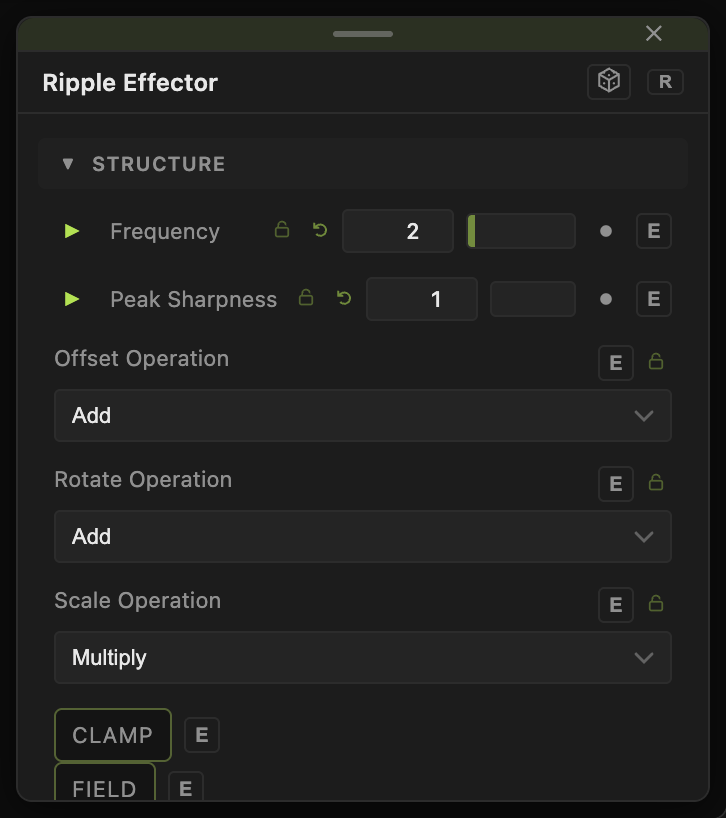
- Frequency (0–32, default 2), Speed (−20 to 20, default 3), Peak Sharpness (1–16, default 1).
- Offset X / Y / Z ± (default 0, 1, 0), Rotate Heading / Pitch / Roll ±, Scale X / Y / Z ± and Uniform Scale ± (−1 to 4, default 0) — the amplitude of each channel.
- Offset Operation, Rotate Operation, Scale Operation — how each channel folds into the clone transform: Add (default for offset and rotation), Multiply (default for scale), or the other operations in the list.
Field and clamp
- Field (default off), Field Shape, Field Size, Falloff, Inner Radius, Invert Field, Field Follows Mouse, Image Channel, and the Field Position / Heading / Pitch / Roll / Scale block limit where the effector acts.
- Clamp (default off) with Max Offset (default 5), Max Rotation (default 180), Min Scale (default 0), Max Scale (default 4).
- Highlight Field and Highlight Color draw the field in the viewport.
Every slider has a per-parameter animation bar, so it can be animated, audio driven, or MIDI mapped.
Examples
Drop — Peak Sharpness 6, Offset Y ± 0.5.
Troubleshooting
Nothing changes — the effector's Effectors Out must land on one of the cloner's Effector ports.