SDF Environment
Image-based lighting for SDF scenes from an HDRI file, a wired texture, or the built-in studio setup, with an optional skybox.
SDF Environment lights an SDF scene from all directions using an image. With nothing wired and no file chosen it uses a built-in studio setup, so it also works as a quick way to get soft fill light and reflections.
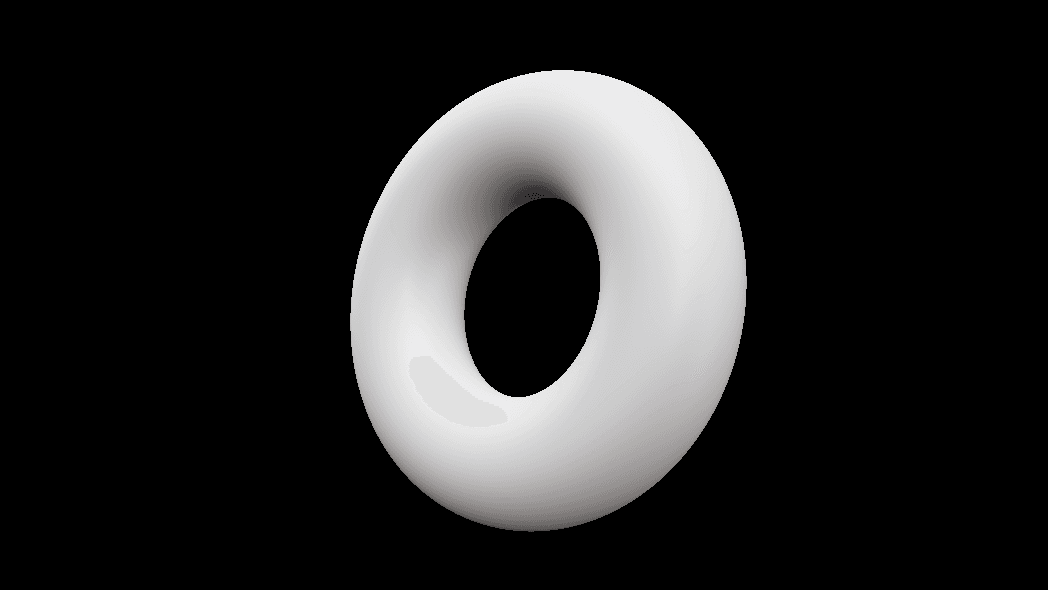
- Source priority: wired Image input, then the HDRI file, then the built-in studio
- Show Skybox draws the image behind the scene
- Found under SDF → Render in the operators panel
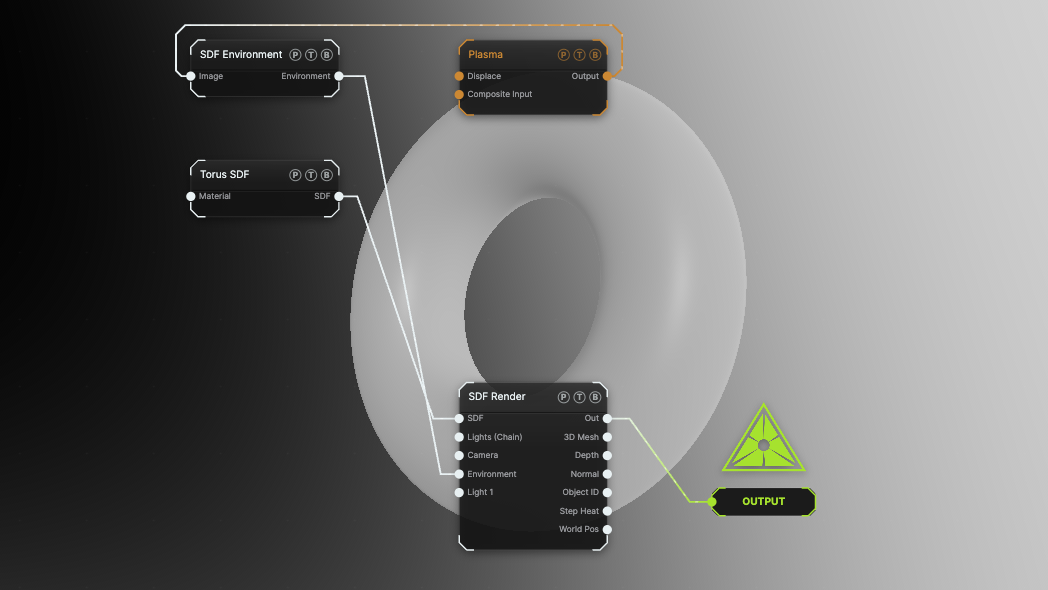
The image on the right is the example patch itself. Drag and drop it onto the app, or load it with File → Load, to open the full graph. A Plasma generator is the environment image, with the skybox on.
Inputs and outputs
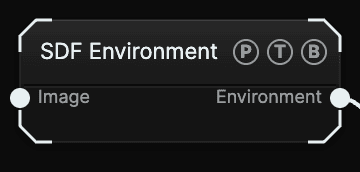
| Port | Type | Purpose |
|---|---|---|
| Image | Texture | Any texture, treated as an equirectangular environment. It wins over the HDRI file. |
| Environment | Surface | Wire it into SDF Render's Environment slot. |
The surface Environment node also fits that slot. The SDF version drops the sun-shadow block, because the march takes its shadows from lights.
Parameters
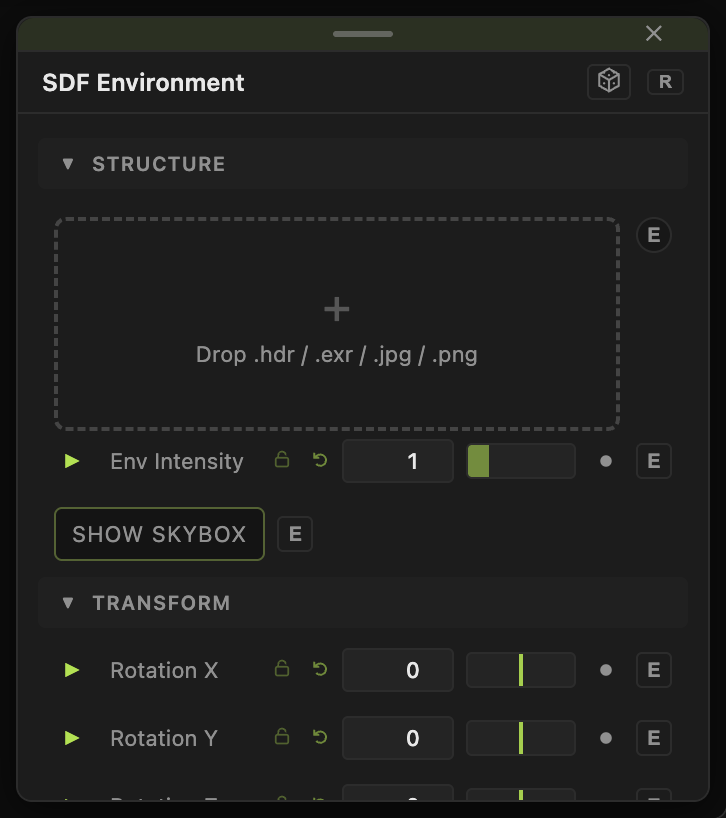
- HDRI (.hdr / .exr / image — empty = built-in GI) — a file picker. Leave it empty for the studio setup.
- Env Intensity (0–5, default 1) — brightness of the lighting.
- Rotation X / Y / Z (−180 to 180, default 0) — turns both the lighting and the drawn skybox.
- Show Skybox (default off) — draws the environment behind the scene.
- Background Brightness (0–2, default 1) — brightness of the drawn skybox only; shows when the skybox is on.
Env Intensity and the rotations carry a per-parameter animation bar.
Examples
Product shot — no image, no file. Env Intensity 1.2 and a material with Roughness 0.2, so the studio reflections show.
Animated sky — a Gradient Colorizer chain into Image, Show Skybox on, and Rotation Y driven by a slow LFO.
Troubleshooting
The skybox is visible but the shape is dark — raise Env Intensity; Background Brightness only changes the drawn backdrop.
Related
SDF Lighting FX
Four chainable nodes — SDF Soft Shadows, SDF Ambient Occlusion, SDF Fog, SDF Specular — that switch a lighting feature on at the SDF Render node they reach.
SDF Camera
The ray-generation rig for SDF Render — perspective, orthographic, or fisheye lens, fly or orbit navigation, aim ports, and depth of field.