SDF 2D Shape
13 flat distance shapes, including live text, meant to be extruded, revolved, or swept into 3D.
SDF 2D Shape draws a flat outline as a distance field. On its own it is a thin slab; through SDF Convert it becomes an extrusion, a lathe, or a coil.

- One Shape dropdown with 13 outlines, including Text
- A 2D transform: Position X / Y, Rotation°, Scale
- Found under SDF → Model in the operators panel
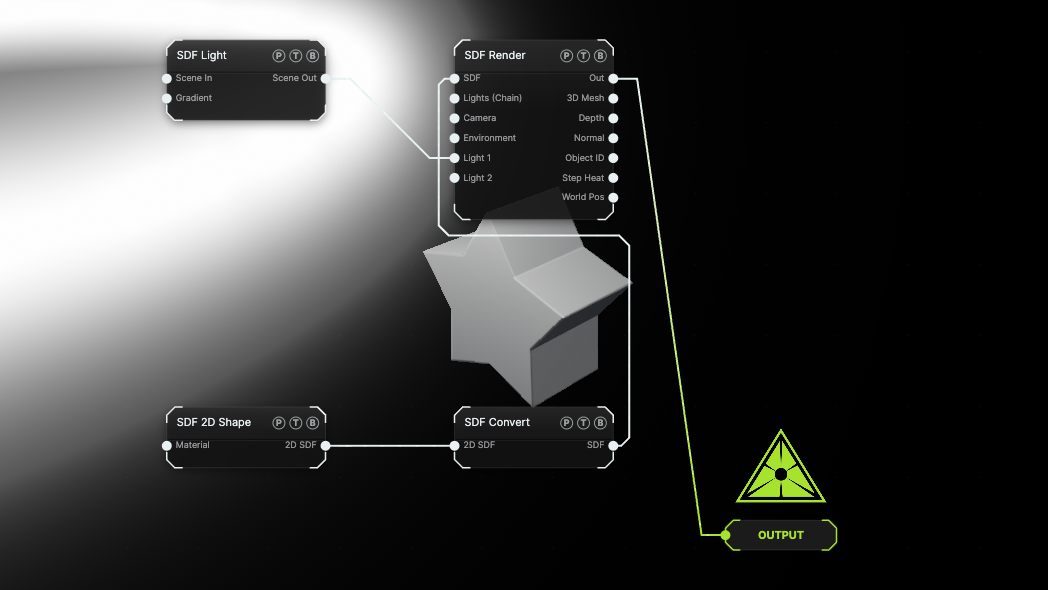
The image on the right is the example patch itself. Drag and drop it onto the app, or load it with File → Load, to open the full graph. It extrudes a five-point Star through SDF Convert and lights it with an SDF Light.
Inputs and outputs
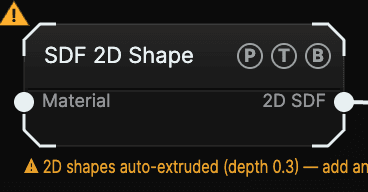
| Port | Type | Purpose |
|---|---|---|
| Material | SDF | An SDF Material for the solid this shape becomes. |
| 2D SDF | SDF | The flat field. Wire it into SDF Convert to choose how it becomes 3D. |
Parameters
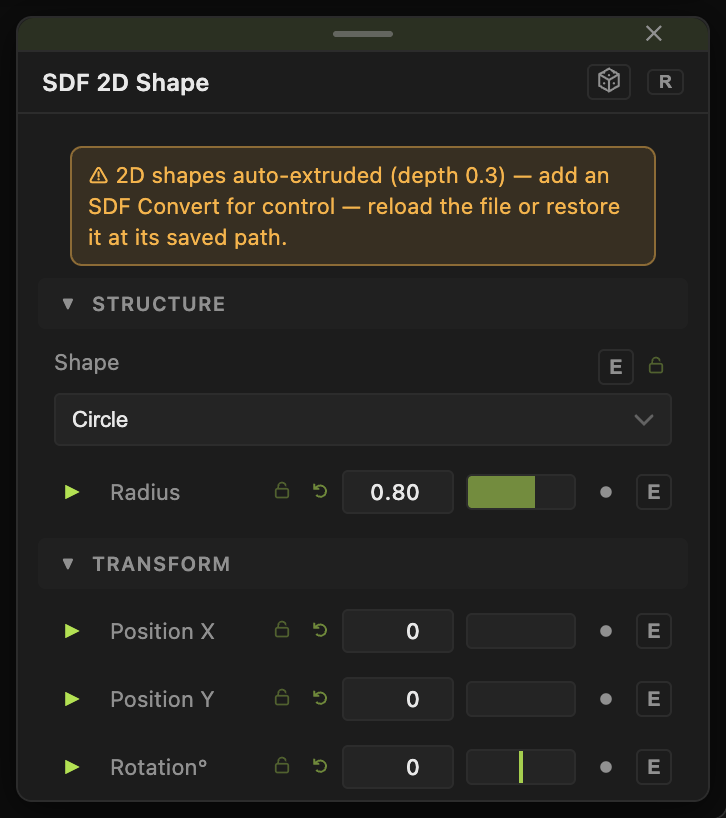
- Shape — the outline. Default Circle.
- Position X / Y (default 0) — moves the shape in its own plane.
- Rotation° (−180 to 180, default 0) — spins it in that plane.
- Scale (0.01–10, default 1) — uniform size.
Each shape adds its own dimensions:
| Shape | Controls |
|---|---|
| Circle, Hexagon | Radius |
| Rectangle | Width, Height |
| Rounded Rectangle | Width, Height, Round |
| Triangle, Heart | Size |
| Star | Radius, Points (3–16, default 5), Inset |
| Cross | Size, Thickness, Round |
| Ring (2D) | Radius, Thickness |
| Pie | Radius, Angle° |
| Vesica | Radius, Squeeze |
| Moon | Radius, Inner Radius, Offset |
| Text | Text (multi-line), Font (Sans, Serif, Mono), Bold |
Text rasterizes the string with a system font and converts it to a distance field on the CPU, so a long string takes a moment to update. Default text is AURA.
All floats carry a per-parameter animation bar. See Parameters and Controls.
Examples
Extruded logo — Shape Text, then SDF Convert set to Extrude with Depth 0.3.
Vase — Shape Moon rotated 90°, then SDF Convert set to Revolve with Axis Offset 0.8.
Spring — Shape Circle, Scale 0.2, then SDF Convert set to Helix Sweep.
Troubleshooting
Text is empty — the string is rasterized on the CPU; give it a moment after typing, and check the font name still renders (the three choices map to system fonts).