SDF Field
A scalar field — noise, waves, patterns, a texture, or a live particle system — that drives displacement and can be turned into a solid.
SDF Field emits values over space rather than a shape. Wire it into an SDF Effector set to Displace to push a surface around, or into SDF Convert in Field to Solid mode to march it as geometry.
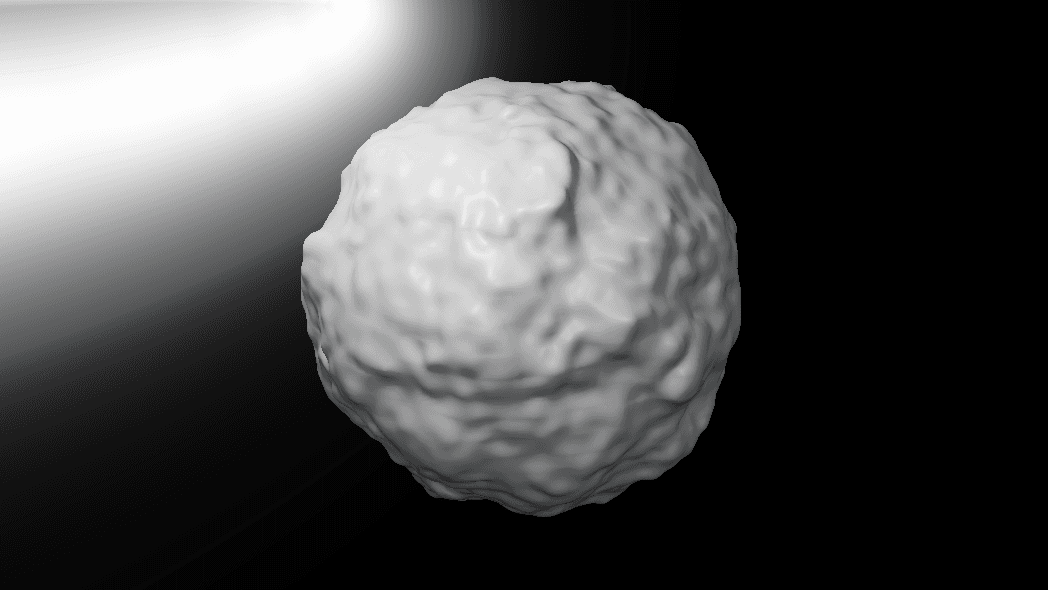
- Eleven Field types, from FBM noise to a Texture Field and a Particle Field
- A Shaping stage that folds, inverts, or sharpens every field
- Found under SDF → Modify in the operators panel
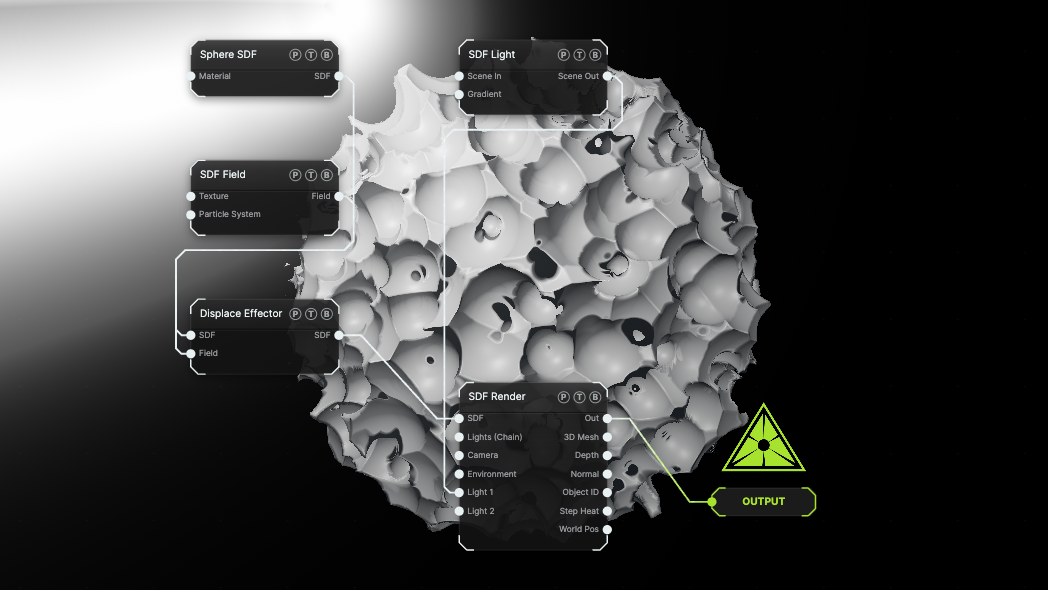
The image on the right is the example patch itself. Drag and drop it onto the app, or load it with File → Load, to open the full graph. A Worley Field displaces a Sphere through a Displace effector.
Inputs and outputs
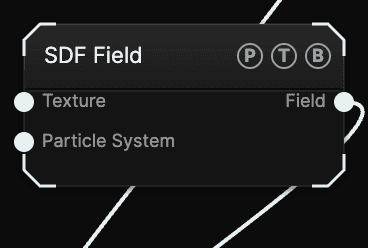
| Port | Type | Purpose |
|---|---|---|
| Texture | Texture | Any generator or texture output. Read by the Texture Field type, projected onto the shape. |
| Particle System | Texture | A Particle System. Read by the Particle Field type: every live particle becomes a blob. |
| Field | SDF | The scalar field. Only the Displace effector and Field to Solid accept it. |
Parameters
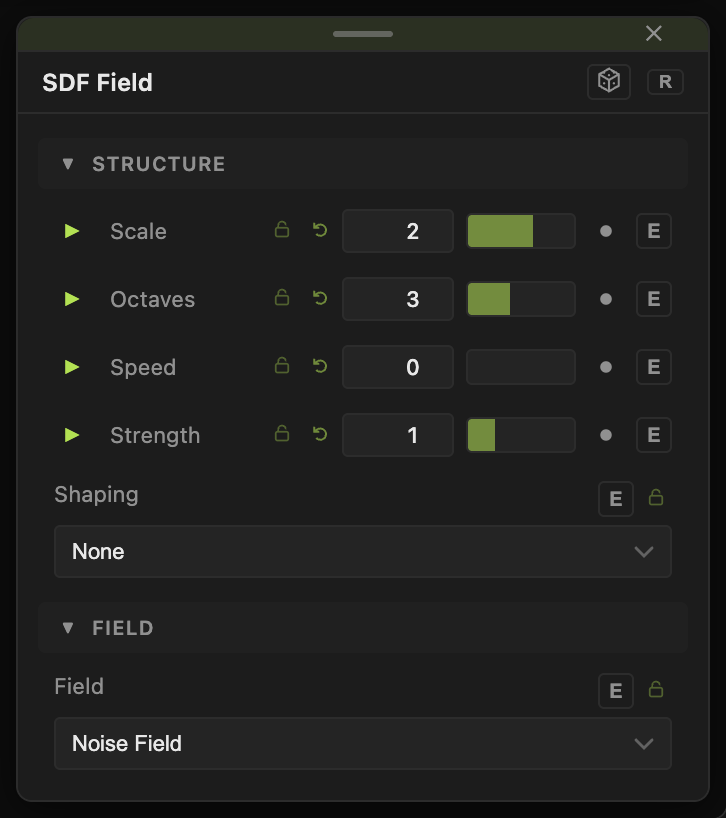
Field picks the source. Default Noise Field. Every type ends with Strength (−4 to 4, default 1), which scales the output; negative values flip the sign.
- Noise Field — FBM noise. Scale (default 2), Octaves (1–6, default 4), Speed (default 0).
- Ridged Field — ridged noise for terrain and veins. Scale, Octaves (default 3), Speed.
- Sine Field — a wave. Frequency (default 4), Speed.
- Radial Field — falls off from the origin. Radius (default 1), Falloff (default 1).
- Worley Field — cellular noise. Scale (default 3), Invert Cells.
- Stripes — bands. Frequency (default 6), Sharpness (0–0.49, default 0.2), Angle°.
- Checker — a 3D checkerboard. Scale (default 2).
- Ramp — a gradient along an axis. Axis, Waveform, Frequency (default 1), Phase.
- Cell Field — a random value per repeat cell, for use after a Repeat effector.
- Texture Field — the wired texture. Projection (default Triplanar) and Projection Scale (default 0.5).
- Particle Field — the wired particle system as metaballs. Blob Radius (default 0.35), Blob Blend (default 0.25).
Shaping (default None) post-processes the value: Fold (abs), Invert, Gain, or Ridge Pulse. Shape Amount (0.05–10, default 2) sets the gain for the last two.
All floats have a per-parameter animation bar, and the Speed controls animate on their own.
Examples
Rock — Ridged Field, Scale 3, into an Effector set to Displace with Amount 0.3 on a Sphere.
Textured relief — a Topographic generator into the Texture port, Field set to Texture Field, then Displace on a Ground Plane.
Metaballs — a Particle System into the Particle System port, Field set to Particle Field, then SDF Convert in Field to Solid mode.
Troubleshooting
Texture Field shows no detail — the Texture port has to be wired, and Projection Scale may be too small for the shape. Raise it.
Displacement tears the surface — lower the Effector's Amount, or lower March Damping on SDF Render.