Sketch
Freehand brush surface with six brush types, symmetry, and pen-pressure support — draw directly onto the canvas.
The Sketch node is a freehand drawing surface. Pick a brush, then draw on the viewport with the mouse or a pen. Six brush types range from a hard pen to animated rainbow and neon, and a symmetry mode mirrors every stroke for kaleidoscopic results.
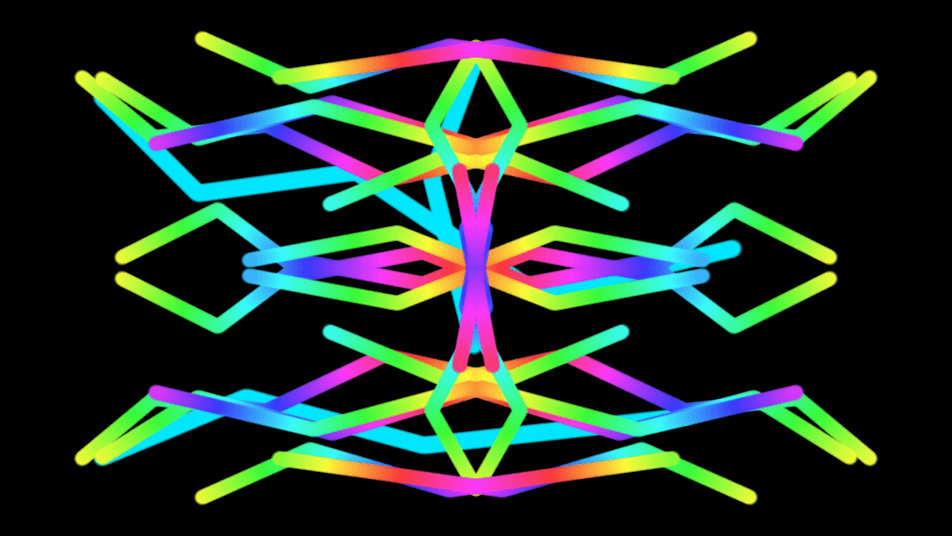
- One texture output; one optional composite input
- Six brush types, plus size, hardness, flow, smoothing, and pressure controls
- Symmetry mirrors strokes; keyboard shortcuts switch tools quickly
- Found in the node graph under Generators as Sketch
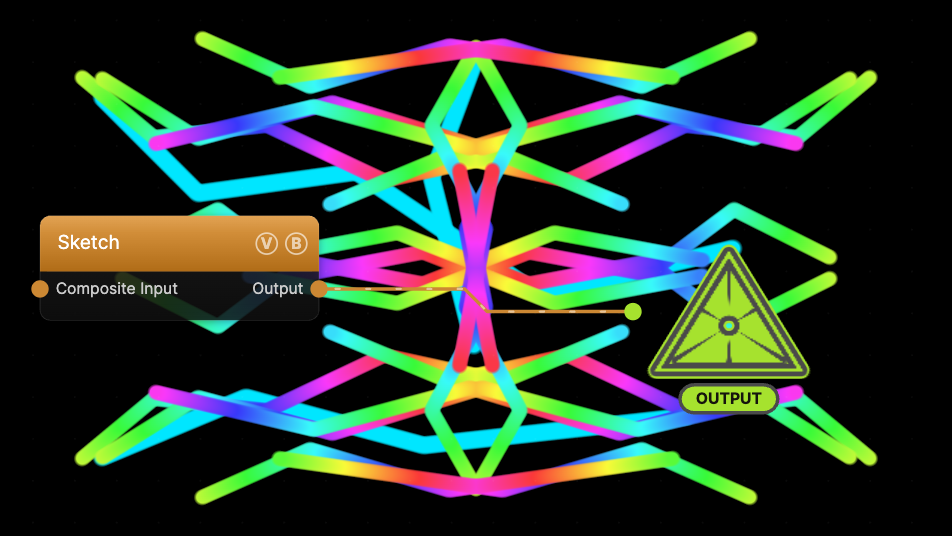
The image on the right is the example patch itself — drag and drop it onto the app (or load it with File → Load) to open the full graph.
Inputs and outputs
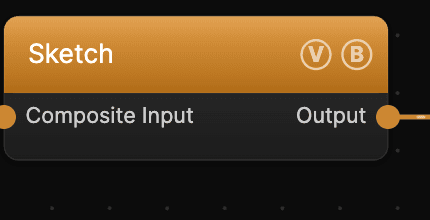
| Port | Type | Purpose |
|---|---|---|
| Composite Input | Texture | Composited over the drawing using Blend Mode and Opacity |
| Output | Texture | The drawn canvas |
Parameters
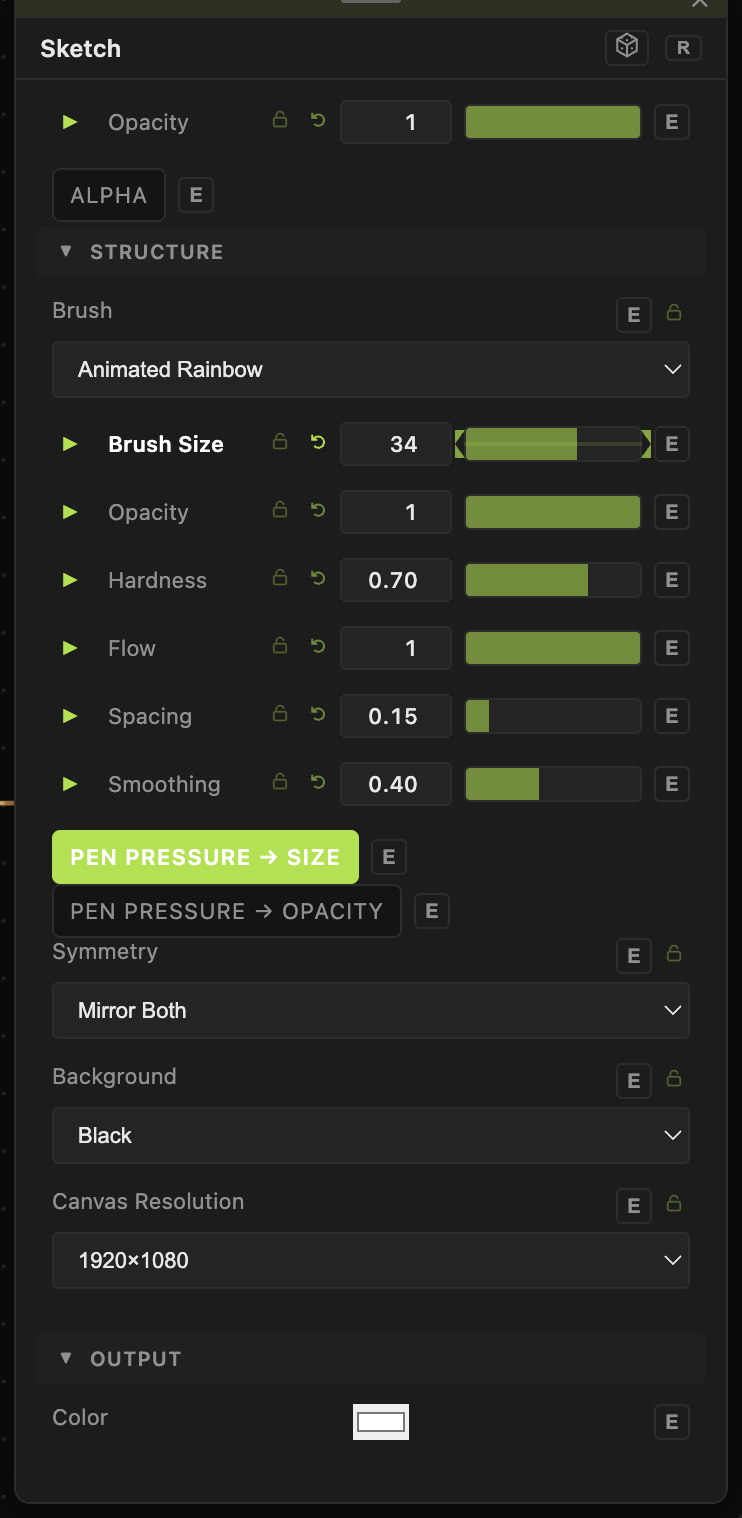
Opacity, Blend Mode — the standard operator header; see Perlin Noise.
Brush
- Brush — Pen, Paintbrush, Textured (Chalk), Electricity, Animated Rainbow, Neon, or Eraser.
- Brush Size (1–256, default 24), Color, Opacity, Hardness, Flow, Spacing, Smoothing — the stroke shape and feel.
- Pen Pressure → Size / Pen Pressure → Opacity — map a pen tablet's pressure to brush size or opacity.
Canvas
- Symmetry — None, Mirror X, Mirror Y, or Mirror Both (kaleidoscopic).
- Background — Transparent, Black, or White.
- Canvas Resolution — the drawing resolution, from 1024×576 up to 3840×2160.
Every slider has a per-parameter animation bar, so any of these can be animated, audio-driven, or MIDI-mapped — see Parameters and Controls.
Troubleshooting
Strokes don't appear — a Sketch node must be in the output chain and the pointer must be over the viewport. If the Eraser brush is selected, switch back to a paint brush (press B).
Drawing is one solid color — that is expected for most brushes; use Animated Rainbow or Neon for multi-color strokes.