Matrix
Matrix-style digital rain with multiple camera modes, selectable glyph sets, and color gradients.
The Matrix node renders Matrix-style digital rain — falling columns of glyphs with bright leading heads and fading trails. Several camera modes take it from the classic 2D fall to 3D flythroughs, and the glyphs can be built-in runes, a system font, or a sprite sheet.
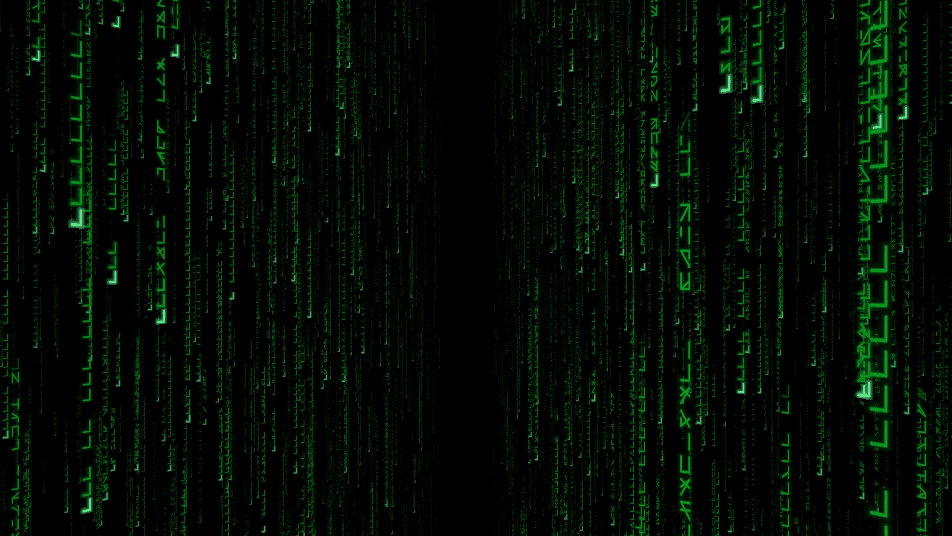
- One texture output; three optional texture inputs (warp, sprite atlas, composite)
- Mode switches between 2D and several 3D camera looks
- Selectable glyph source and character set, with head/trail colors
- Found in the node graph under Generators as Matrix
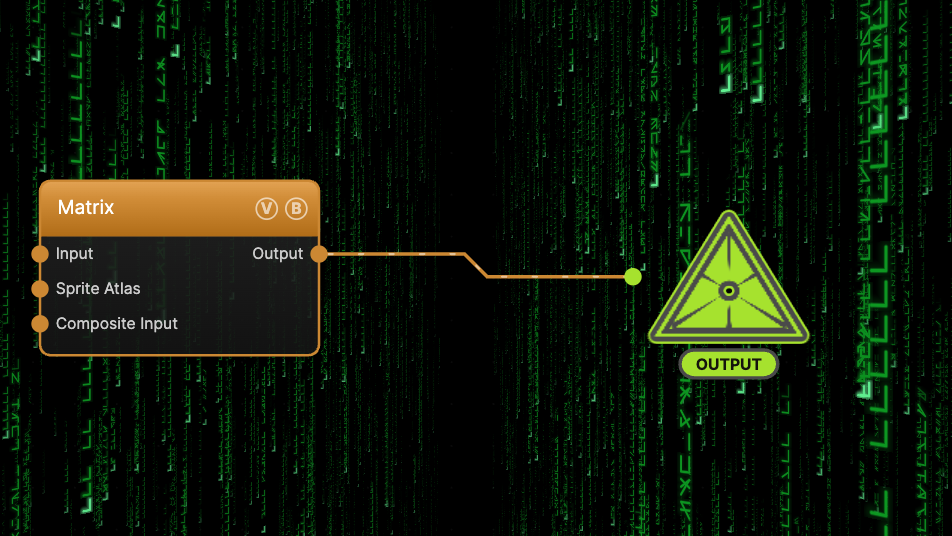
The image on the right is the example patch itself — drag and drop it onto the app (or load it with File → Load) to open the full graph.
Inputs and outputs
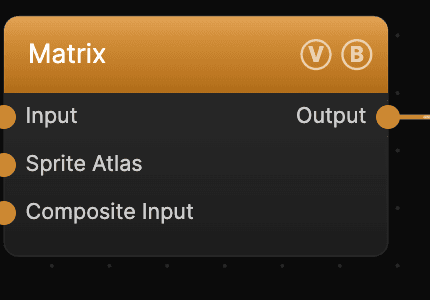
| Port | Type | Purpose |
|---|---|---|
| Displace | Texture | Domain warp: the red and green channels push the sample coordinates by Displace Amount |
| Sprite Atlas | Texture | Glyph atlas used when Glyphs is set to Sprite sheet |
| Composite Input | Texture | Composited over the output using Blend Mode and Opacity |
| Output | Texture | The digital rain on black |
Parameters
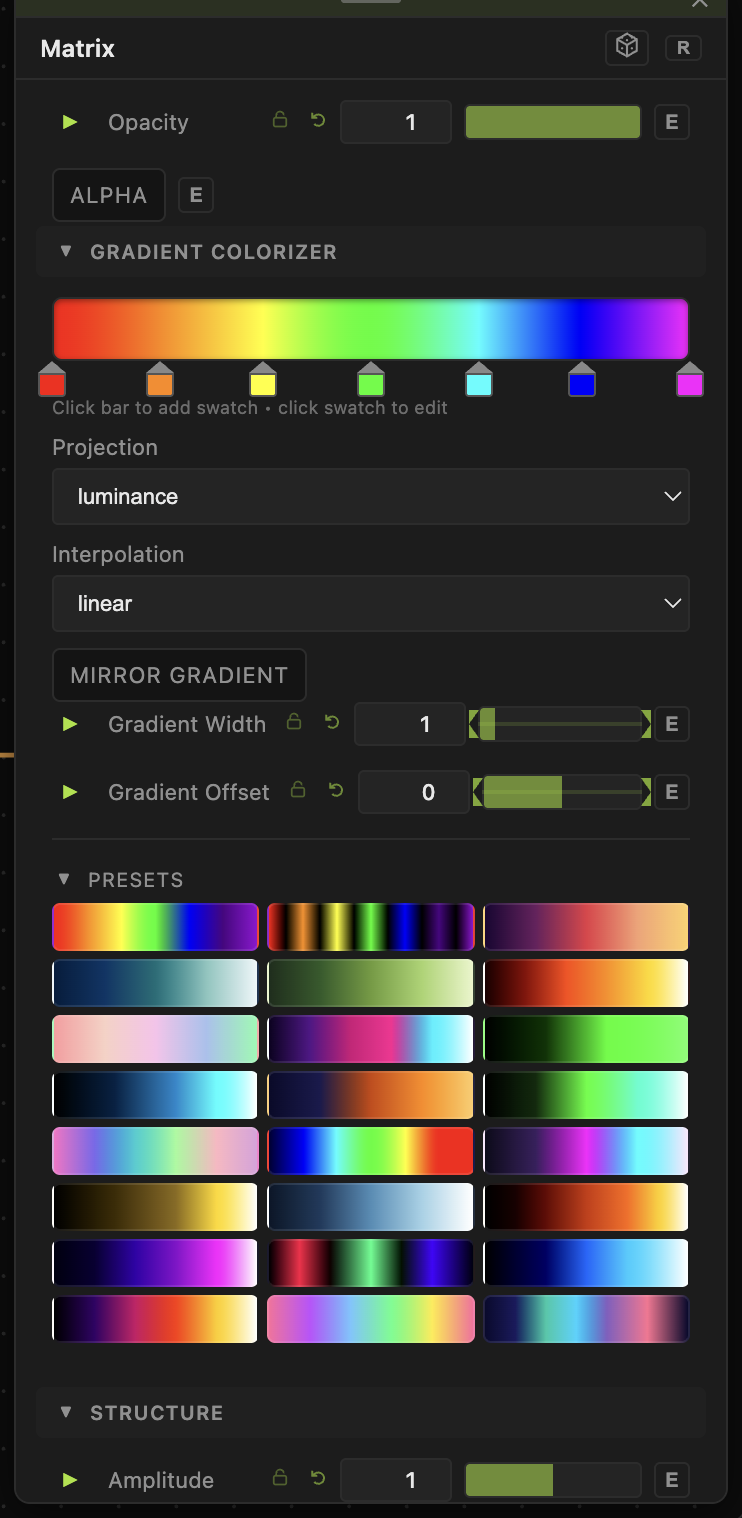
Opacity, Blend Mode — the standard operator header; see Perlin Noise.
Structure
- Speed (0–5, default 1) — fall rate, compounding with the global animation speed.
- Mode — Walk (auto-camera 3D maze), 2D (classic falling glyphs), Tunnel (fly forward through code), Twist (spiral), or Free (WASDQE + drag-to-look).
- Glyphs — Runes (built-in), Sprite sheet, or System font. Quality and Cell Density set the render detail and column spacing.
Color
- Head Color (bright leading glyph) and Trail Color (fading tail).
- Gradient Cycle — cycle head/trail through a gradient; Gradient Speed and Gradient Mode (Per letter / Per line) control it.
Mode extras
- Tunnel Speed / Tunnel Twist (Tunnel), Columns (2D) / Trail Fade (2D) (2D), Fly Speed / Mouse Sensitivity (Free).
- Character Set (Matrix, Letters, Binary, Hex, ASCII, Symbols, Cyrillic, Greek) applies to the built-in and font glyph sources; the sprite source uses Sprite Cols / Rows / Anim Speed.
Every slider has a per-parameter animation bar, so any of these can be animated, audio-driven, or MIDI-mapped — see Parameters and Controls.
Troubleshooting
Rain doesn't fall — Speed is 0, or global animation is paused in the transport bar.
Sprite glyphs show nothing — set Glyphs to Sprite sheet, wire an atlas into the Sprite Atlas port (or set a sprite sheet), and match Sprite Cols / Rows.
Free mode won't move — Free mode is driven by WASDQE + drag-to-look on the viewport; click into the view first.