FluidSIM
Interactive real-time fluid simulation — drag to inject swirling colored dye, with vorticity, bloom, and sunray options.
The FluidSIM node runs a real-time Navier-Stokes fluid simulation. Drag on the viewport to inject dye and velocity, and the fluid carries it into swirling, dissipating smoke. Vorticity, bloom, and sunrays shape the look, and the output can drive lighting as a normal or height map.
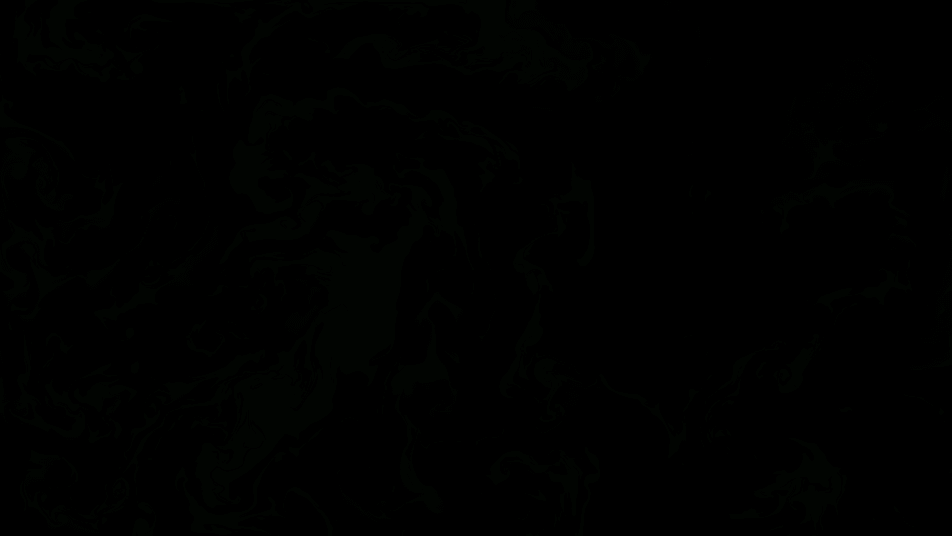
- One texture output; two optional texture inputs (domain warp and composite)
- Simulation, dissipation, vorticity, and post (bloom / sunrays) controls
- Interactive — drag on the viewport to splat dye; the sim starts black until you do
- Found in the node graph under Generators as FluidSIM
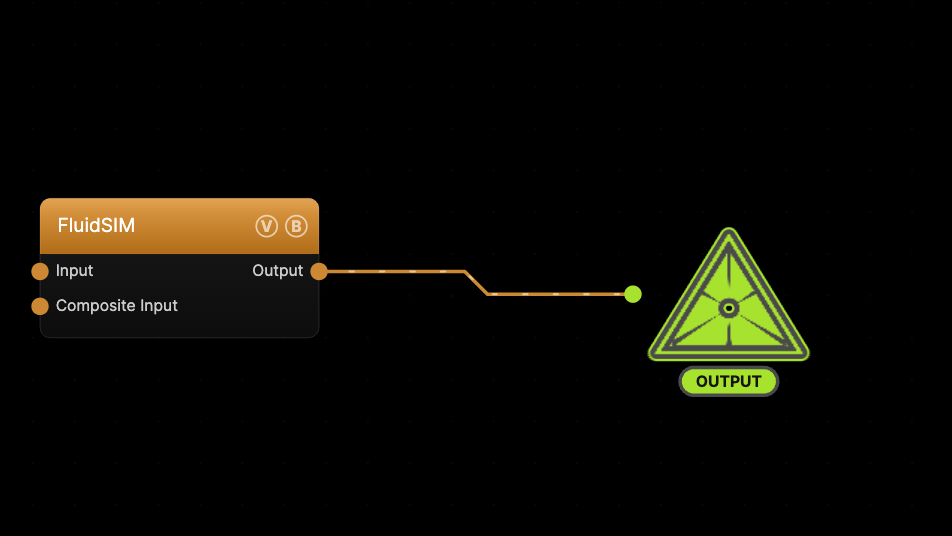
The image on the right is the example patch itself — drag and drop it onto the app (or load it with File → Load) to open the full graph. The simulation loads empty, so drag across the viewport to paint dye in.
Inputs and outputs
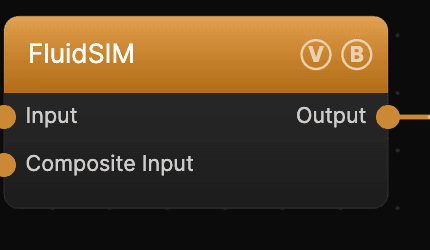
| Port | Type | Purpose |
|---|---|---|
| Displace | Texture | Domain warp: the red and green channels push the sample coordinates by Displace Amount |
| Composite Input | Texture | Composited over the output using Blend Mode and Opacity |
| Output | Texture | The rendered dye field |
Parameters
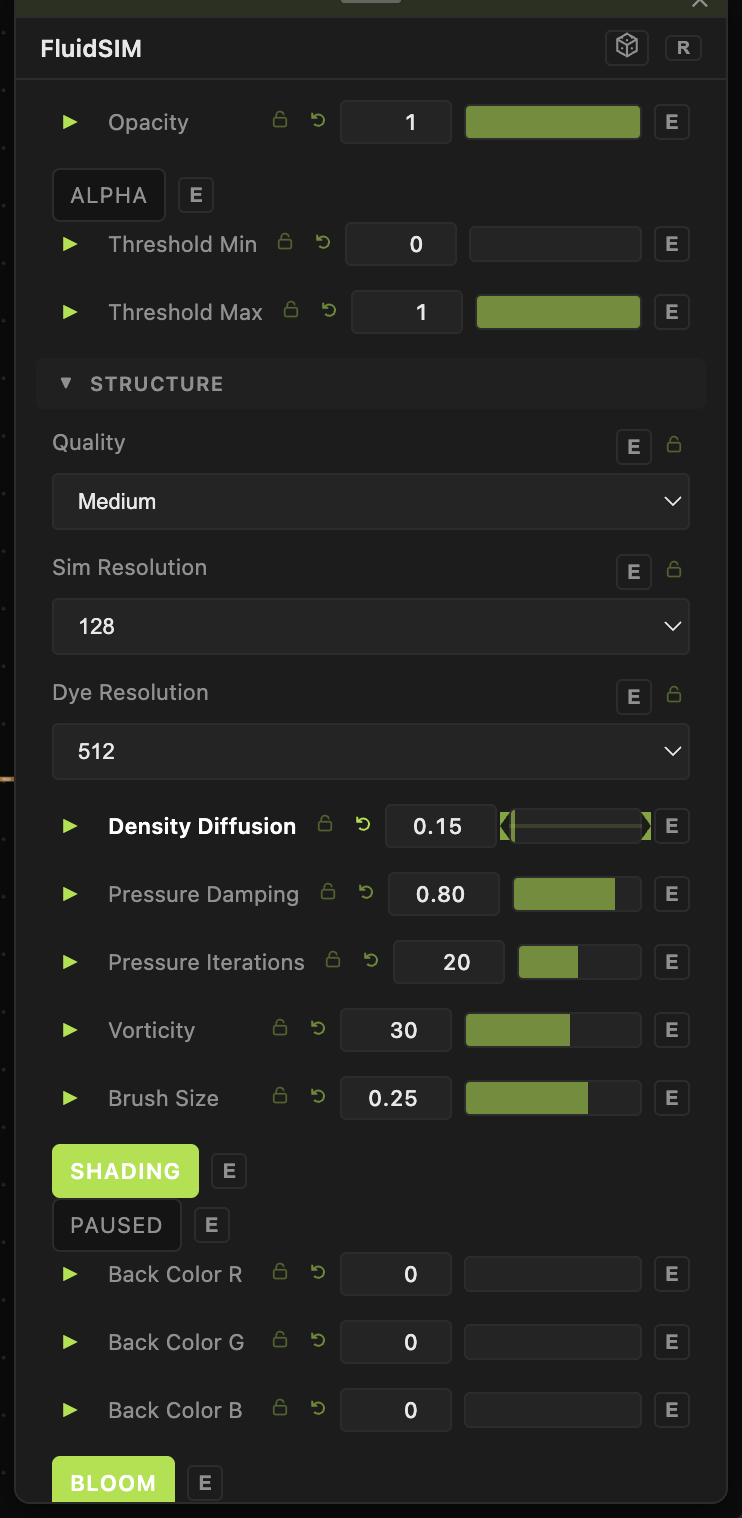
Opacity, Blend Mode — the standard operator header; see Perlin Noise.
Simulation
- Quality, Sim Resolution, Dye Resolution — the simulation and dye grid sizes. Higher looks crisper but costs more GPU.
- Density Diffusion (0–4, default 1) — how fast the dye fades. Lower values keep dye on screen longer.
- Velocity Diffusion (0–4, default 0.2) — how fast motion settles.
- Pressure Damping / Pressure Iterations — the incompressibility solve; more iterations is more accurate.
- Vorticity (0–50, default 30) — swirl strength; higher curls the fluid into tighter eddies.
Brush
- Brush Size (default 0.25) and Splat Force (default 6000) — the radius and push of each dye injection.
- Colorful (default on) and Color Cycle Speed — cycle the injected dye through hues. Paused freezes the sim.
Post
- Bloom (+ Intensity, Threshold, Soft Knee, Iterations) — glow on the bright dye.
- Sunrays (+ Weight) — volumetric light shafts from the dye.
- Threshold Min / Threshold Max, Mirror X / Y, Invert, Rotation — final image adjustments.
- Output Mode — Normal, Heightmap, or Normal Map (with Normal Depth).
Every slider has a per-parameter animation bar, so any of these can be animated, audio-driven, or MIDI-mapped — see Parameters and Controls.
Troubleshooting
Dye vanishes instantly — lower Density Diffusion so the dye persists.
Motion looks stiff — raise Vorticity for more swirl, and lower Velocity Diffusion.
Nothing glows — turn on Bloom and raise Bloom Intensity.