Texture
Mirror
Folds one half of a picture onto the other across a line you can move.
The Mirror node reflects one half of the picture onto the other. The fold point can sit anywhere and the line can be tilted, so you choose how much of the original survives.

- One picture in, one out
- Fold across the width, the height, or both
- POI X / POI Y set the fold point and Angle tilts the fold line
- Found under Texture in the add-operator list
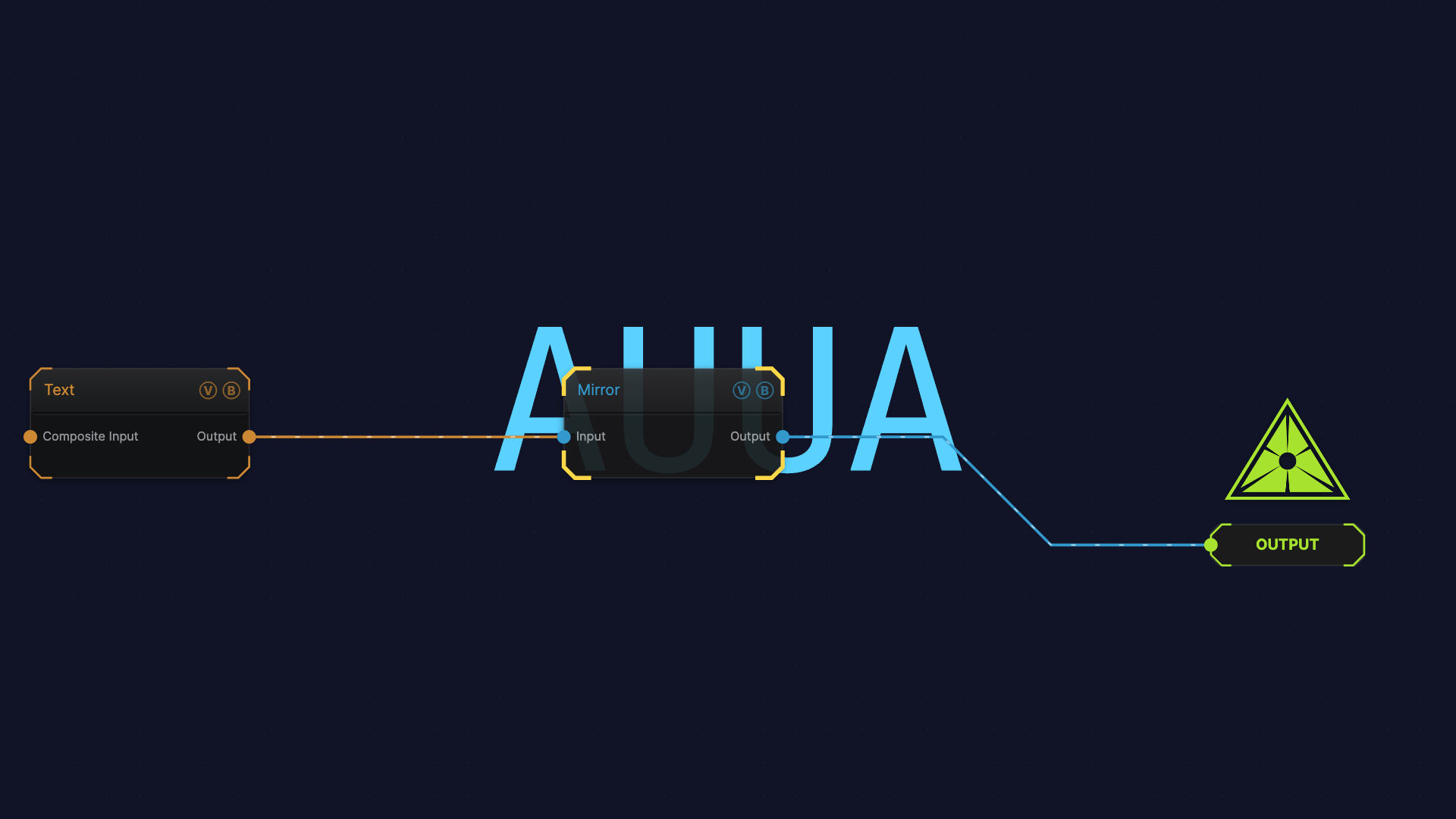
The image on the right is the example patch itself — drag and drop it onto the app (or load it with File → Load) to open the full graph.
Inputs and outputs
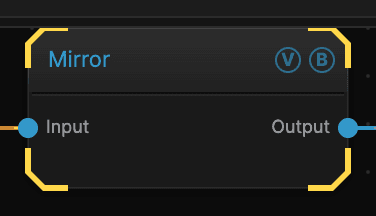
| Port | Type | Purpose |
|---|---|---|
| Input | Texture | The picture to work on |
| Output | Texture | The result |
Parameters
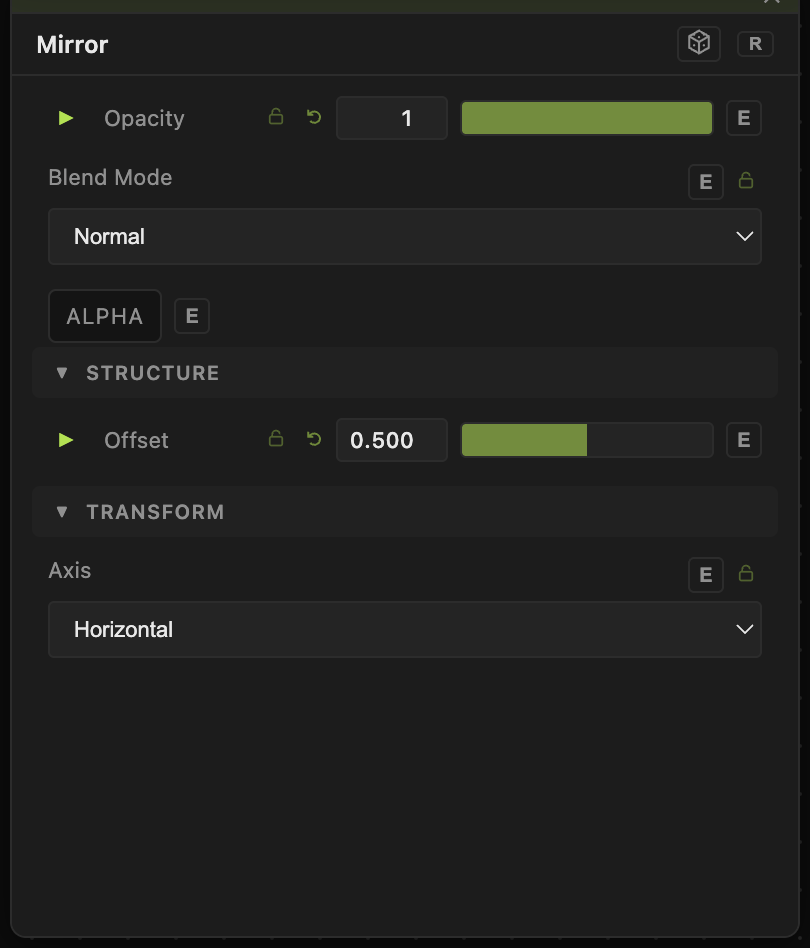
Opacity, Blend Mode, ALPHA — the standard operator header, on every operator. See Parameters and Controls.
- Axis — Horizontal folds left onto right, Vertical folds top onto bottom, Both does both for four-way symmetry.
- Flip (default off) — reflects the other half instead, so the right side is kept and copied onto the left.
- POI X / POI Y (default 0.5) — the point the fold passes through. At 0.5 / 0.5 the fold is dead centre, which gives a symmetrical result.
- Angle (default 0) — tilts the fold line around the point.
Troubleshooting
Half the picture vanished — that is the point: one half is replaced by a reflection of the other. Turn on Flip to keep the other half, or move POI X / POI Y to change where the fold sits.
You wanted the whole picture turned around — use Flip instead.